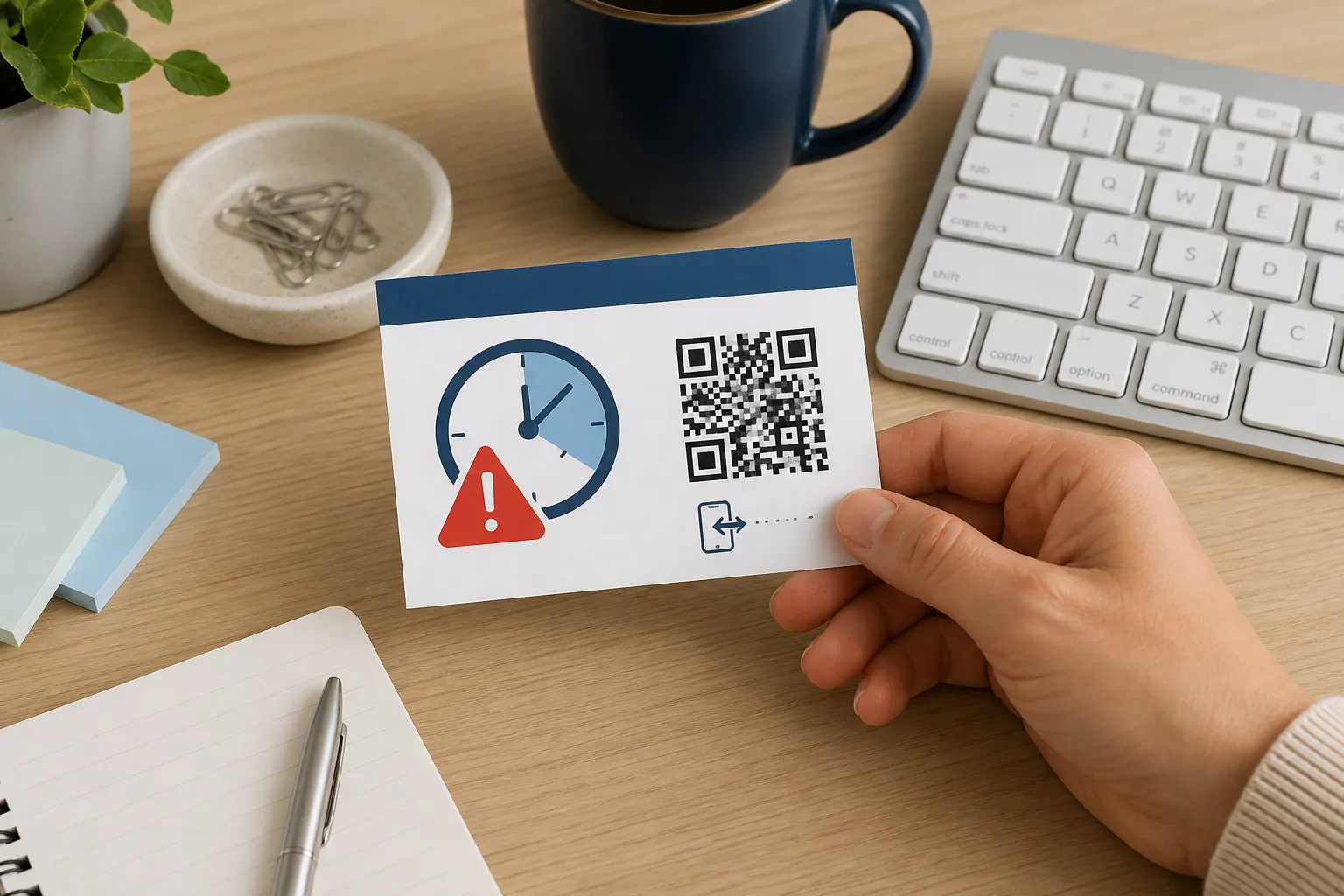
Choose the right format
Enter a website, Wi-Fi network, contact, event, message, location, or other supported payload.
Private QR creation, made practical
Create, customize, and download QR codes entirely in your browser. Make codes for URLs, Wi-Fi, text, email, contacts, and more - free, with no registration or payload uploads.
Private by design
Your QR content stays in this browser. No account, email, payload upload, or tracking link is required. Generate your code and download PNG or SVG straight away.
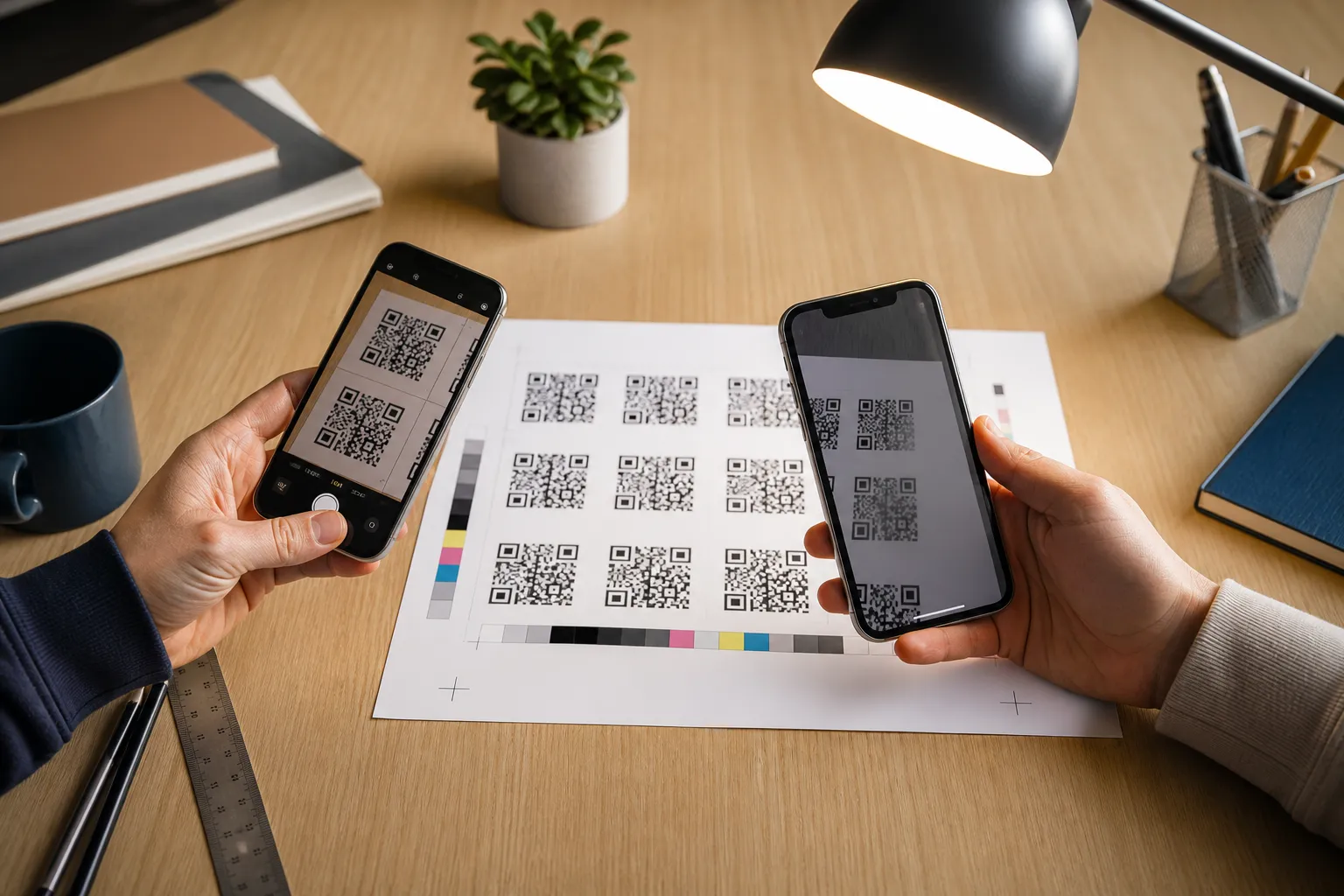
Test the finished code with more than one device before publishing or printing it.
How it works
Enter a website, Wi-Fi network, contact, event, message, location, or other supported payload.
Your browser creates the QR image. HighEndDIY does not receive the information or uploaded logo.
Download the finished PNG or SVG straight away, with no email or sign-up, then scan-test it at its real size.
Knowledge hub
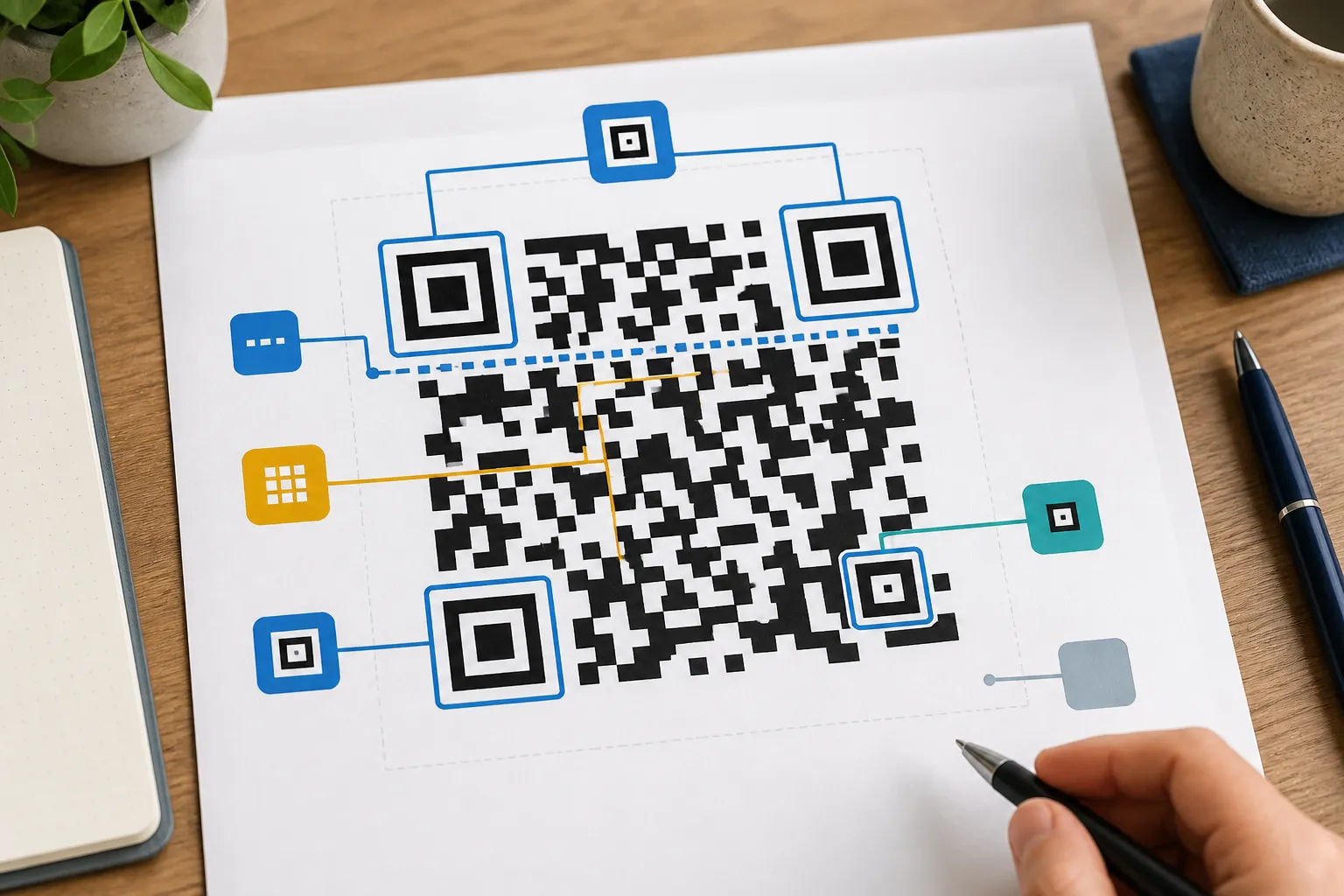
Learn what a QR code actually stores, and how static and dynamic codes differ.
Explore how qr codes work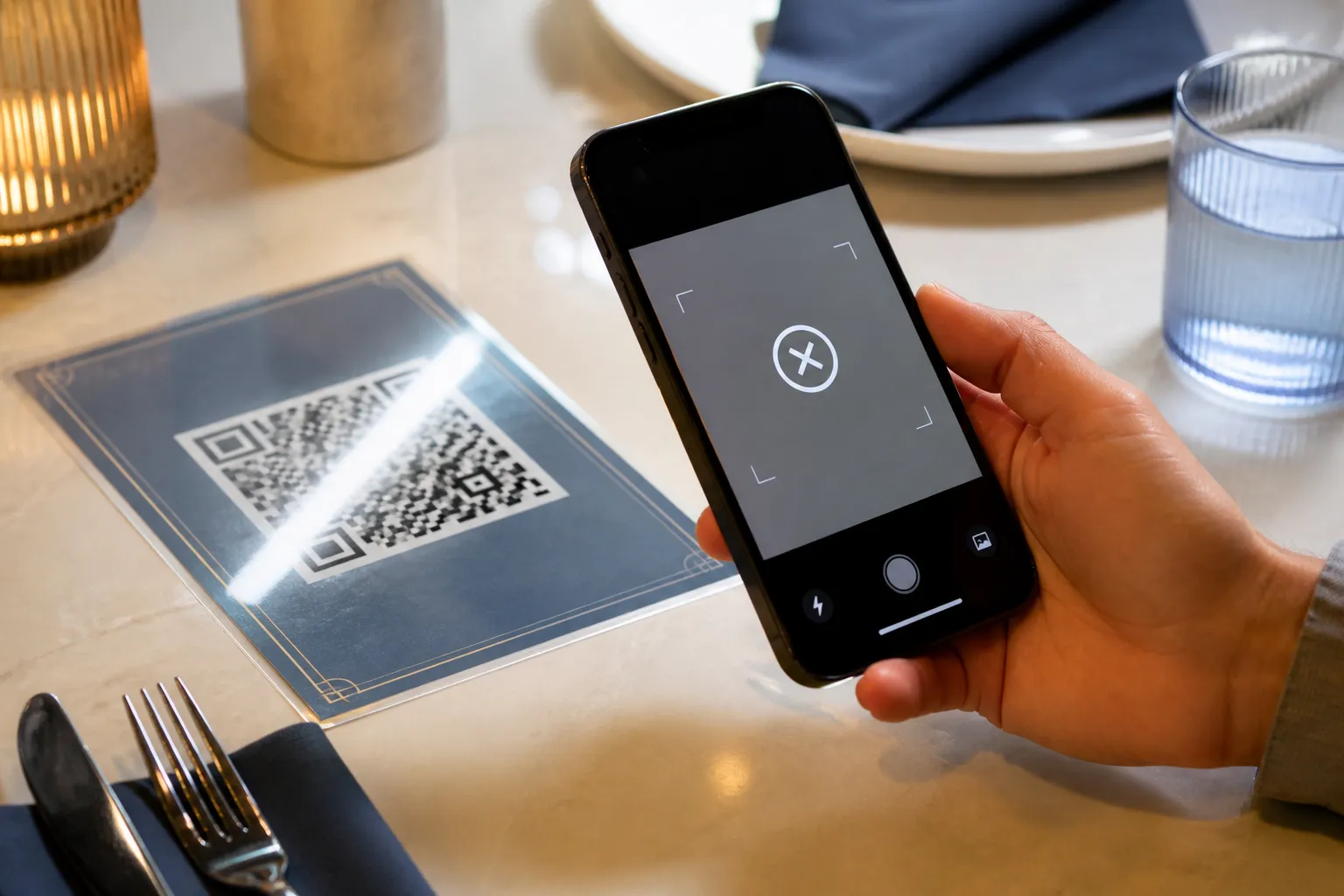
Pick the right file format and size, and fix the usual reasons a code fails.
Explore formats and scan reliability
Step-by-step guides for building a QR code for a site, Wi-Fi network, or contact.
Explore creating qr codes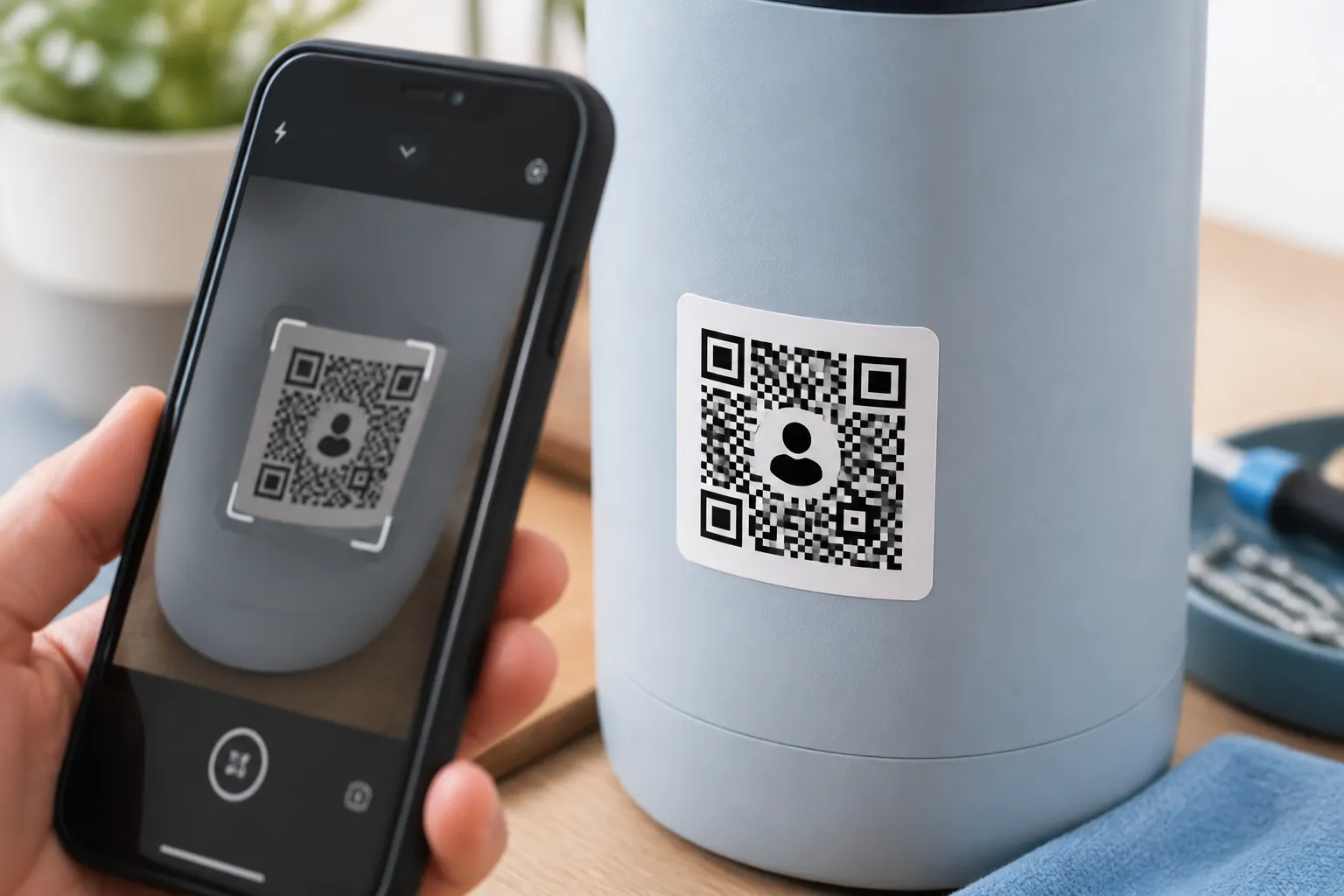
Add a logo, choose colors with enough contrast, and test a code before printing.
Explore design and testing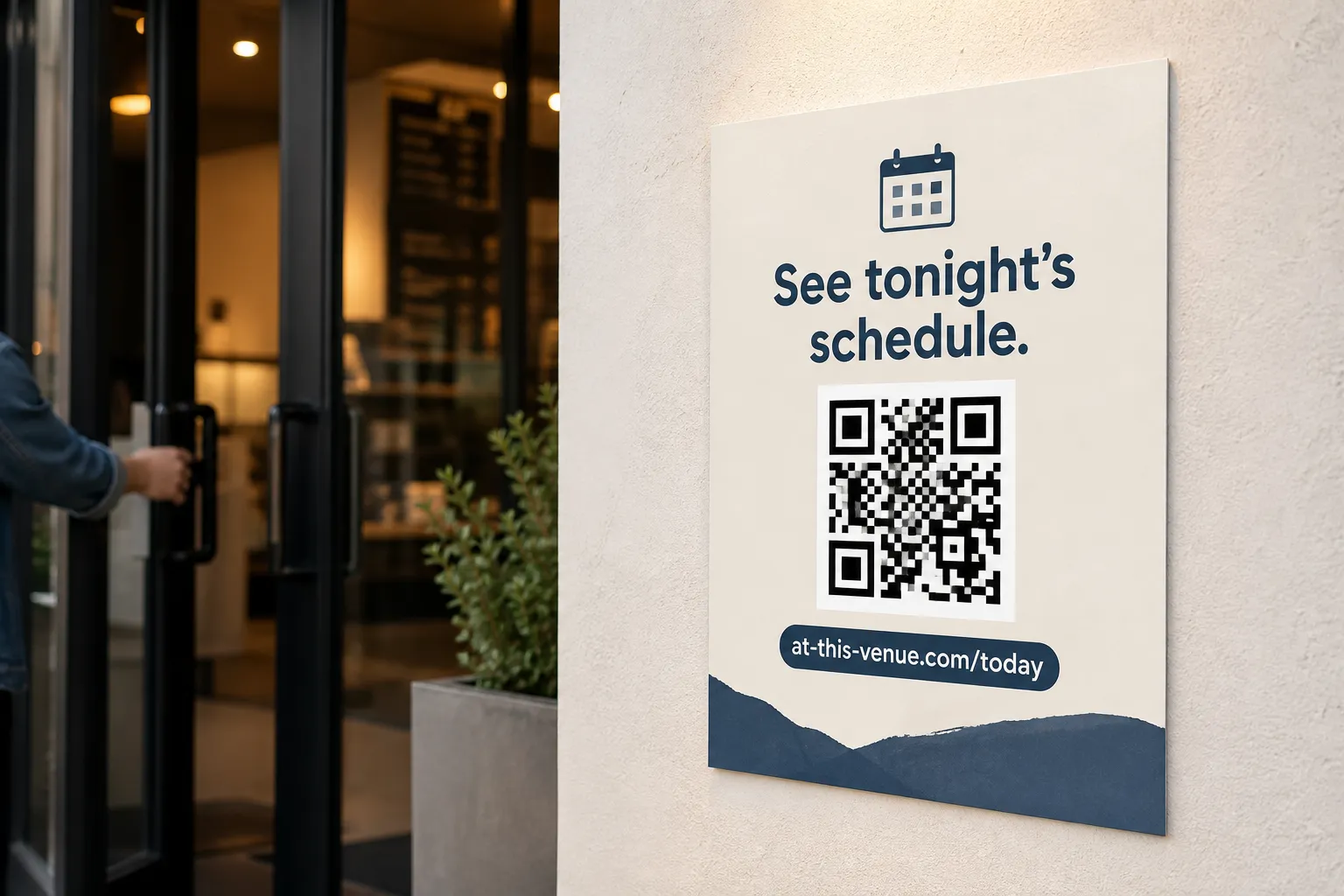
Use QR codes in print and customer journeys without creating friction or confusion.
Explore marketing and business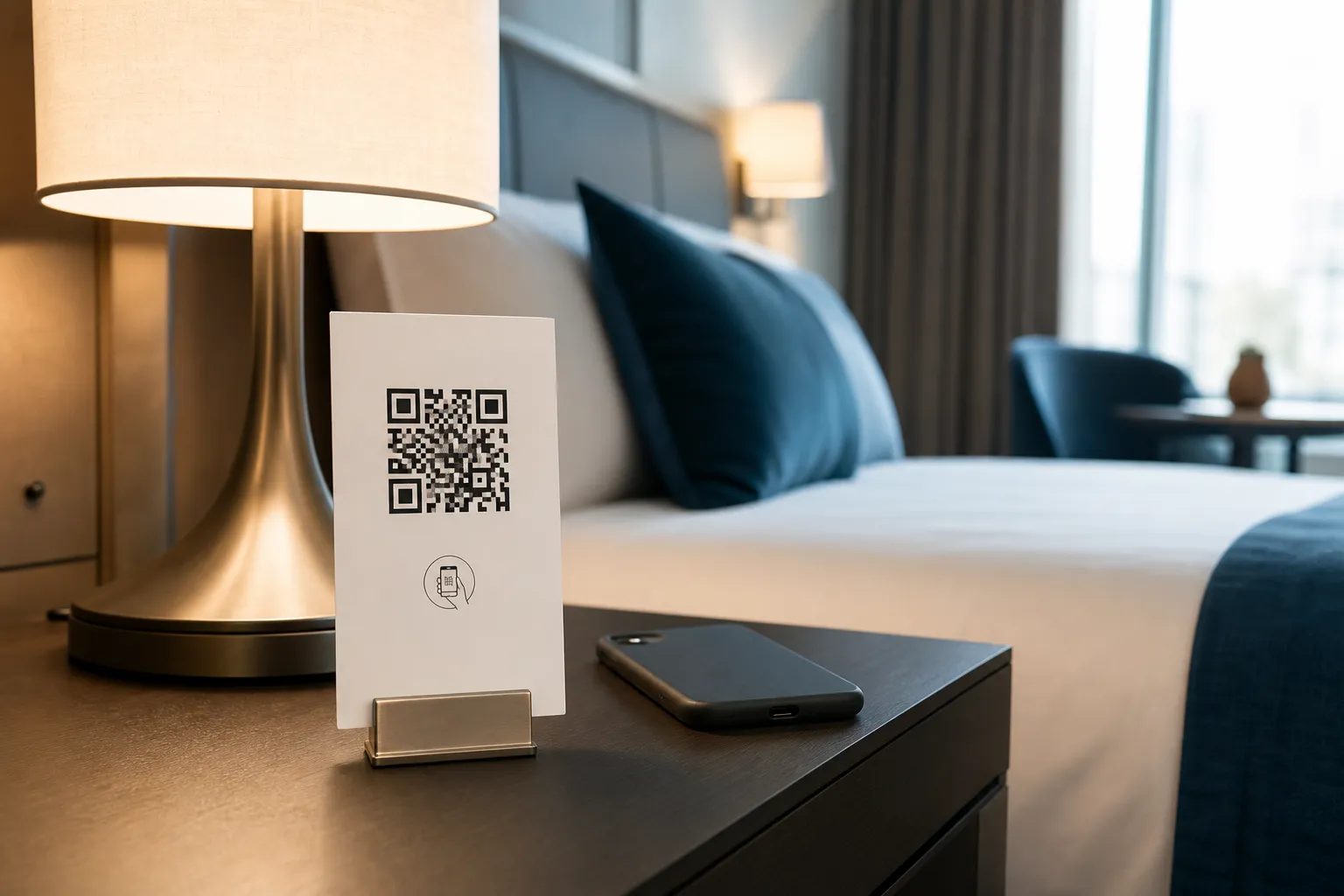
Guide guests and buyers with QR codes in hotels, museums, and property listings.
Explore hospitality and real estate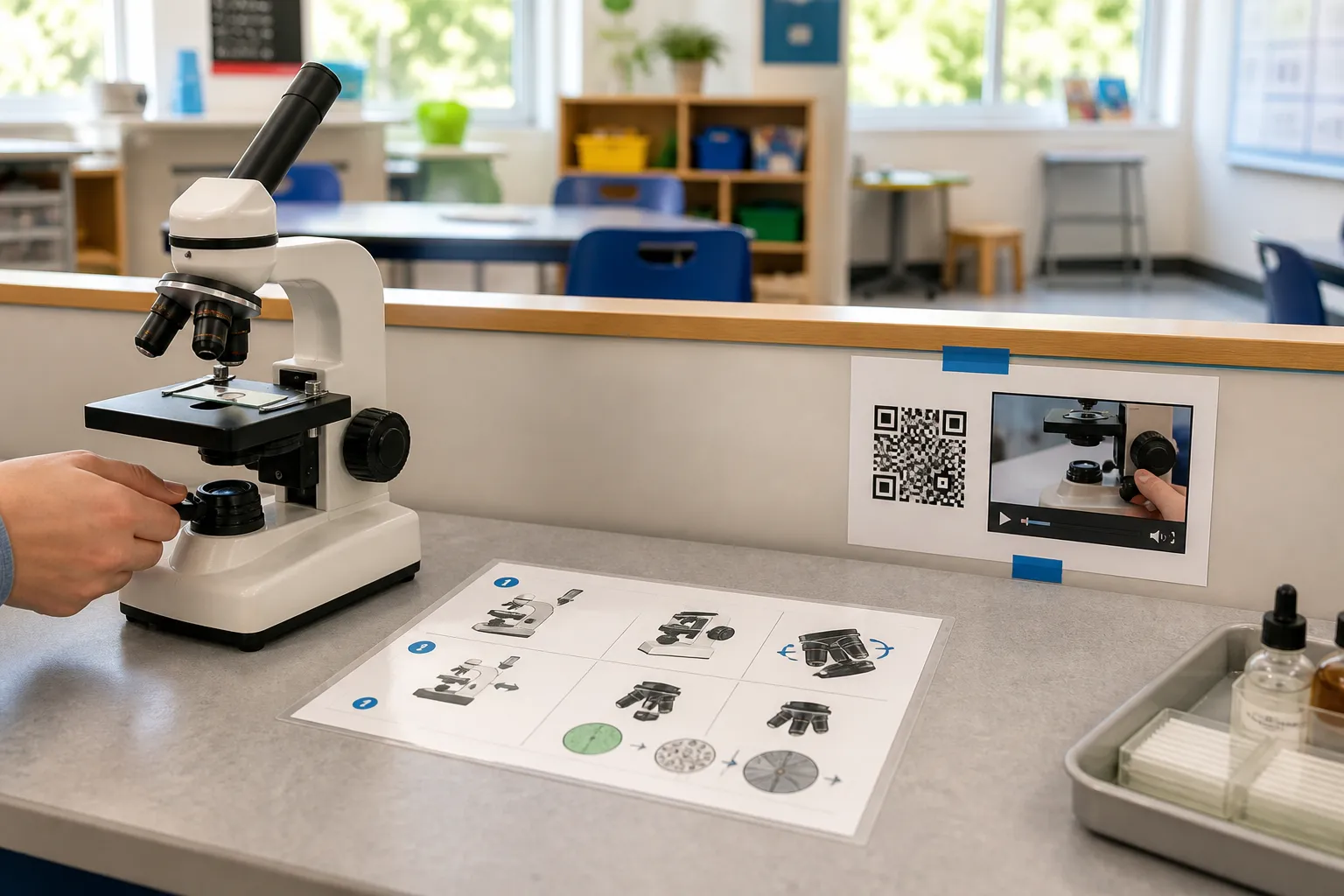
Apply QR codes carefully in classrooms, clinics, and community and fundraising campaigns.
Explore education, healthcare and nonprofits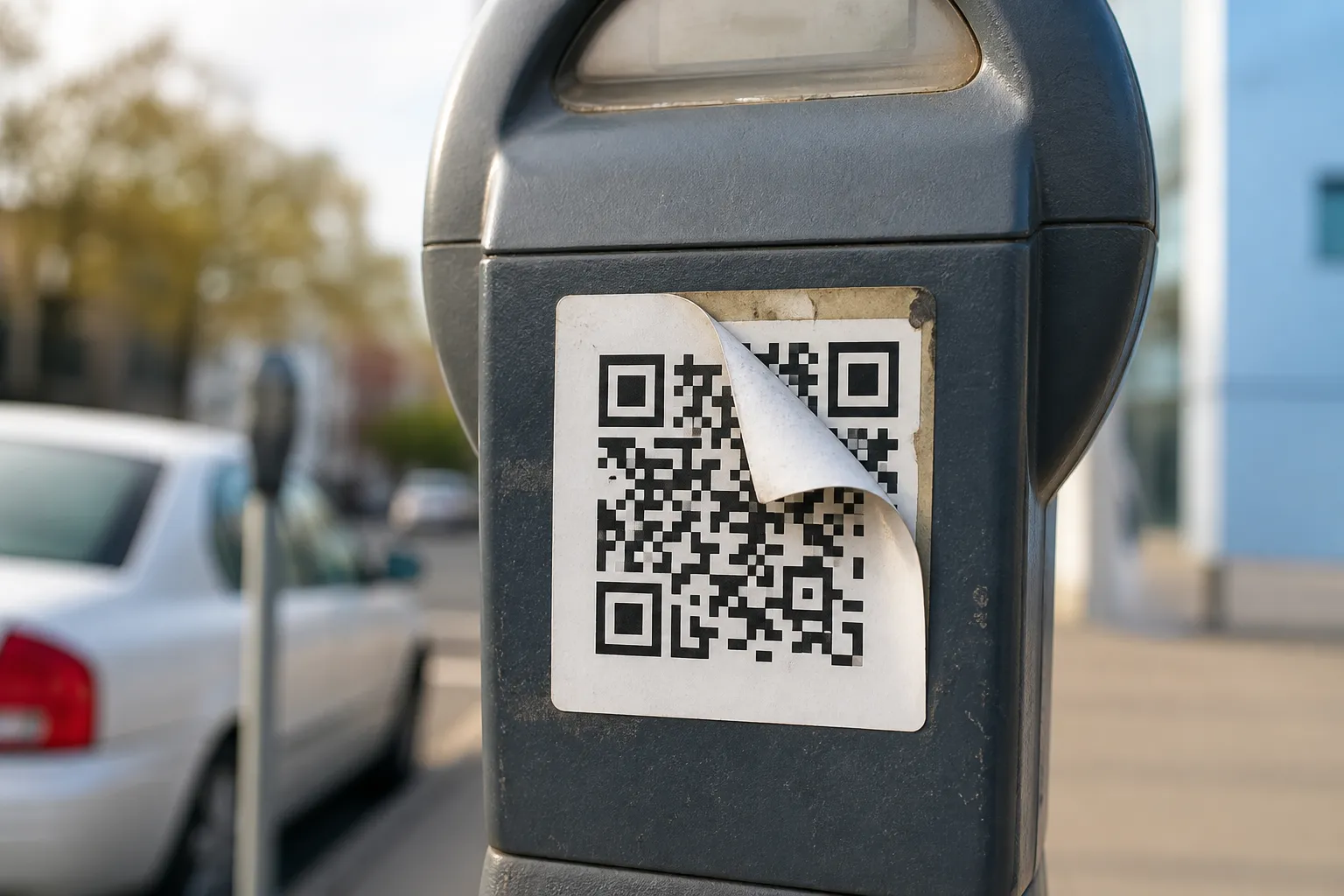
Reduce phishing, privacy, usability, and access barriers around QR-code experiences.
Explore safety, trust and accessibilityReal-world use
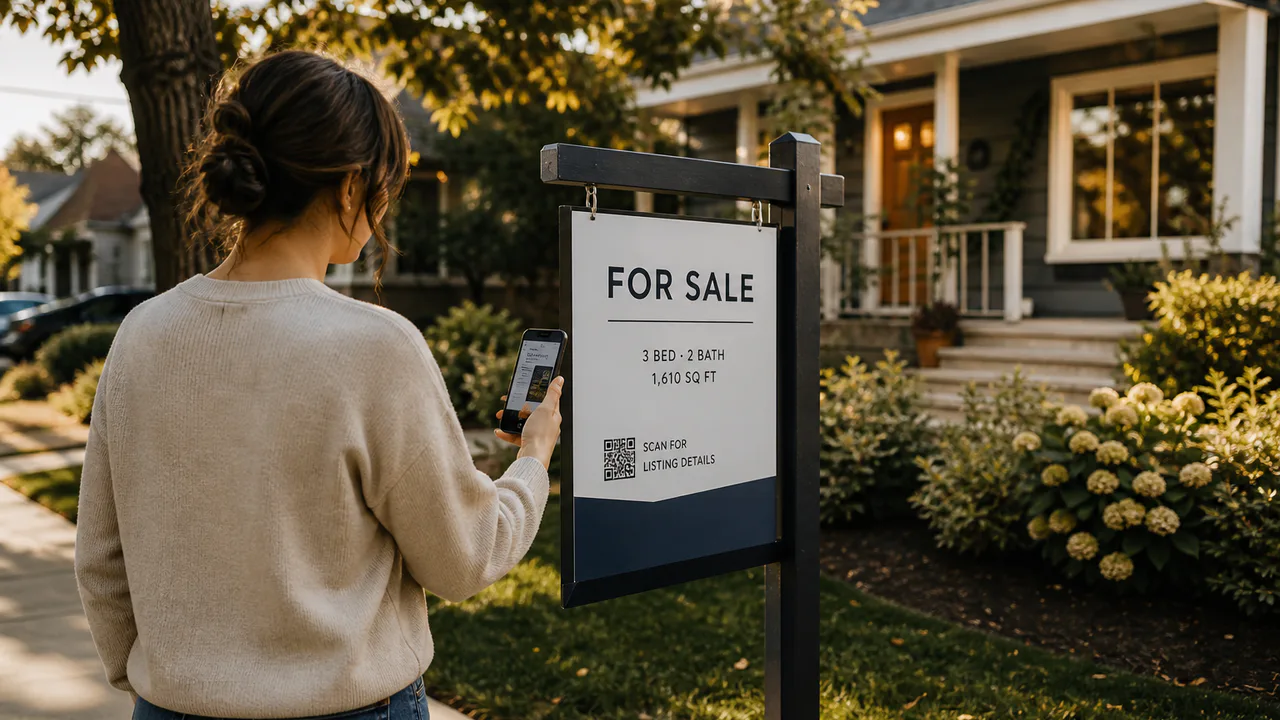
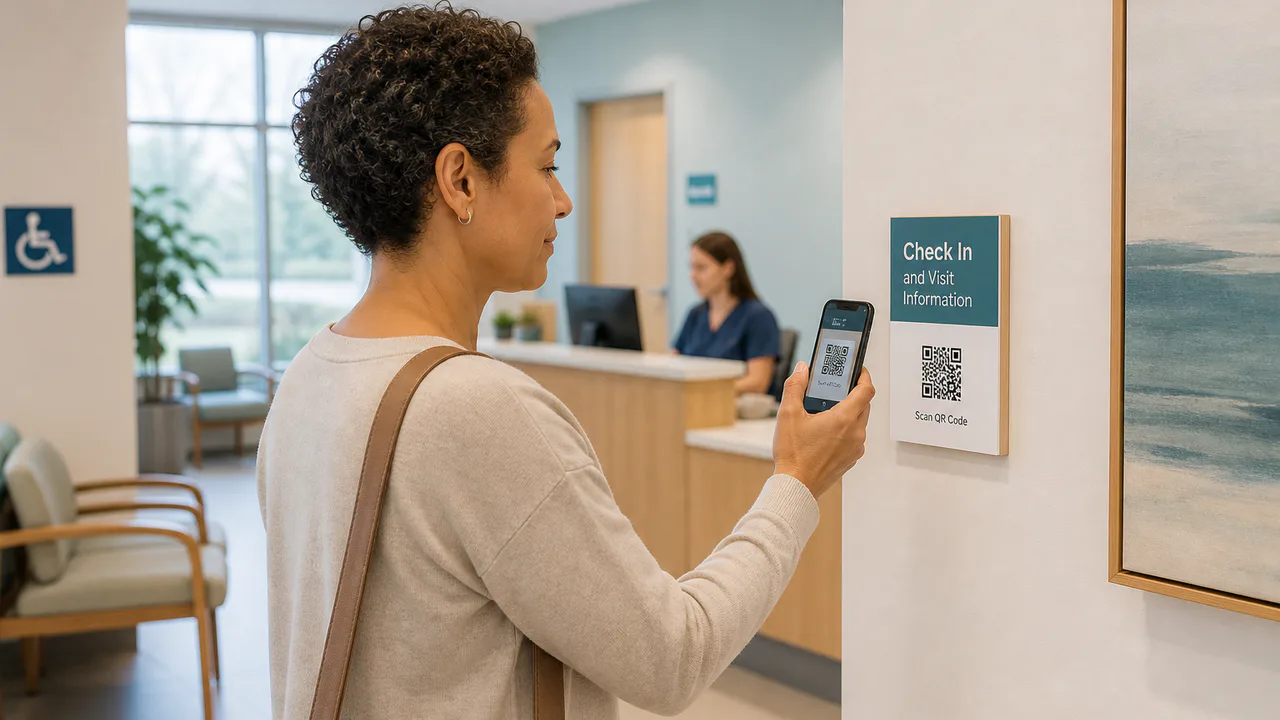
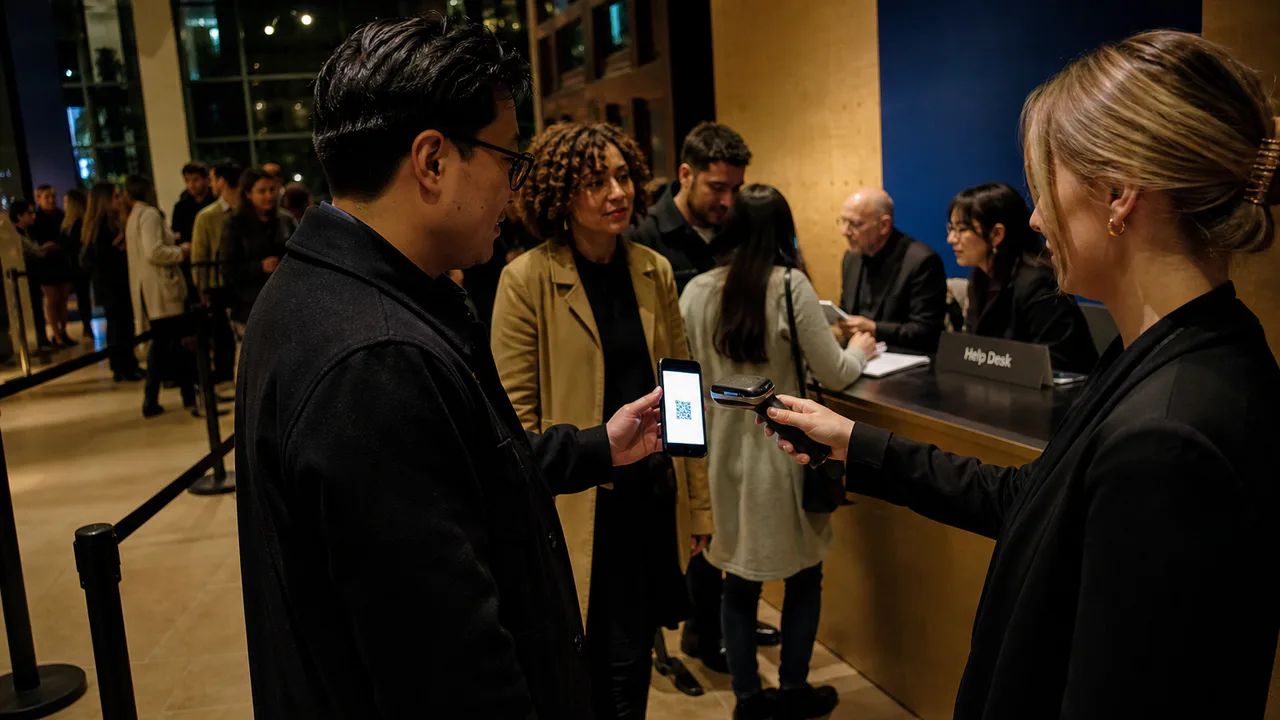
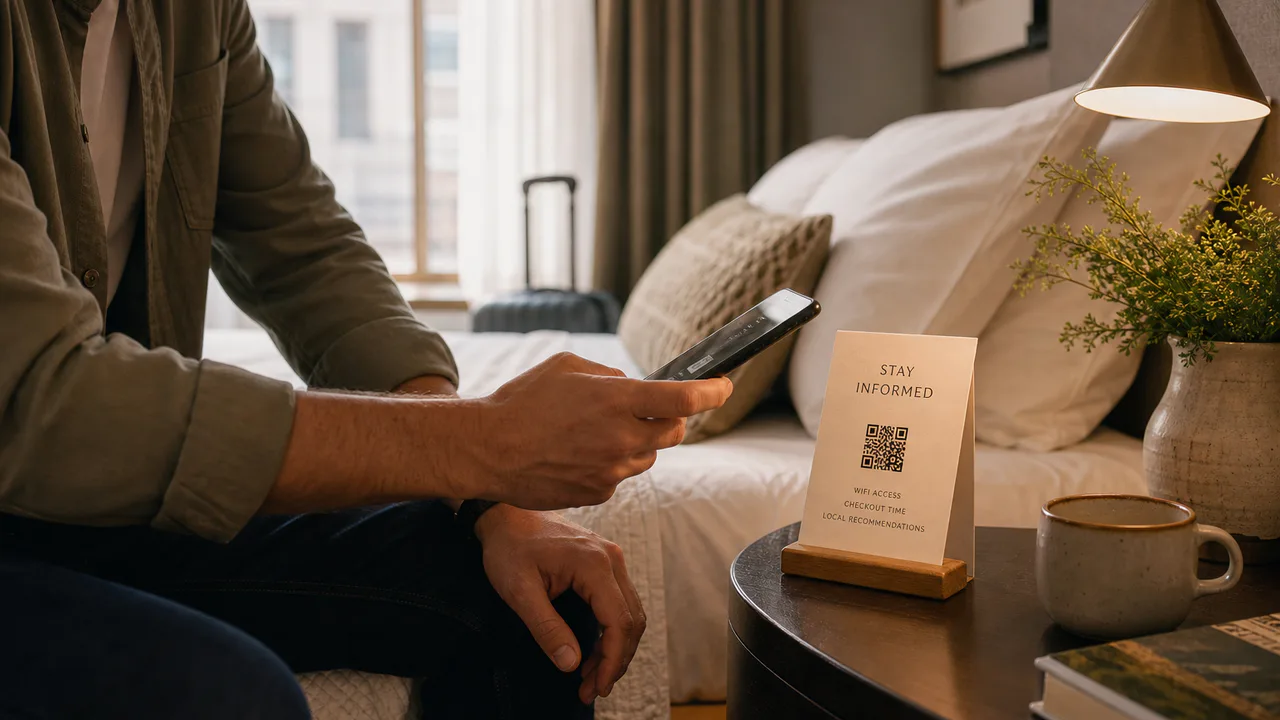
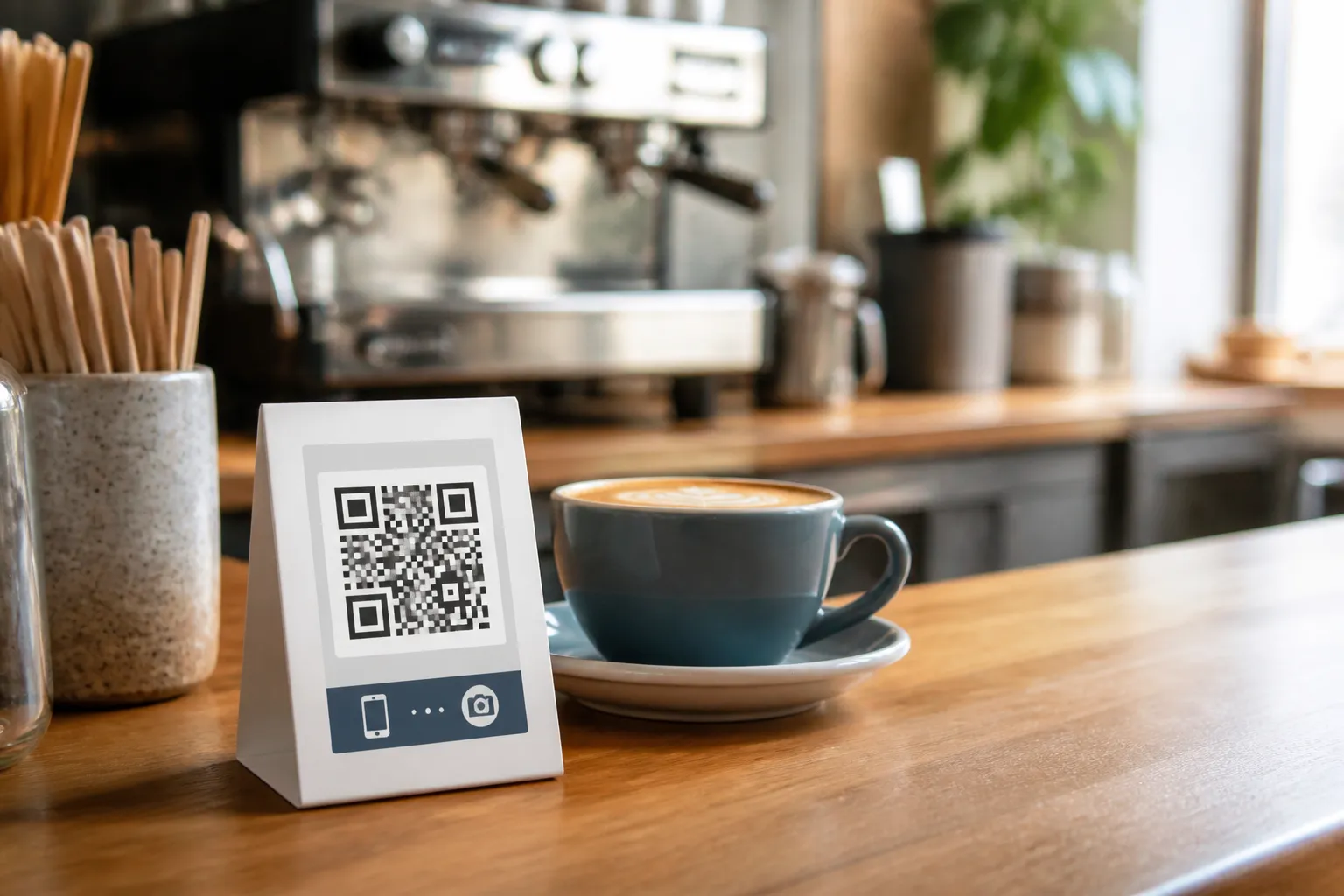
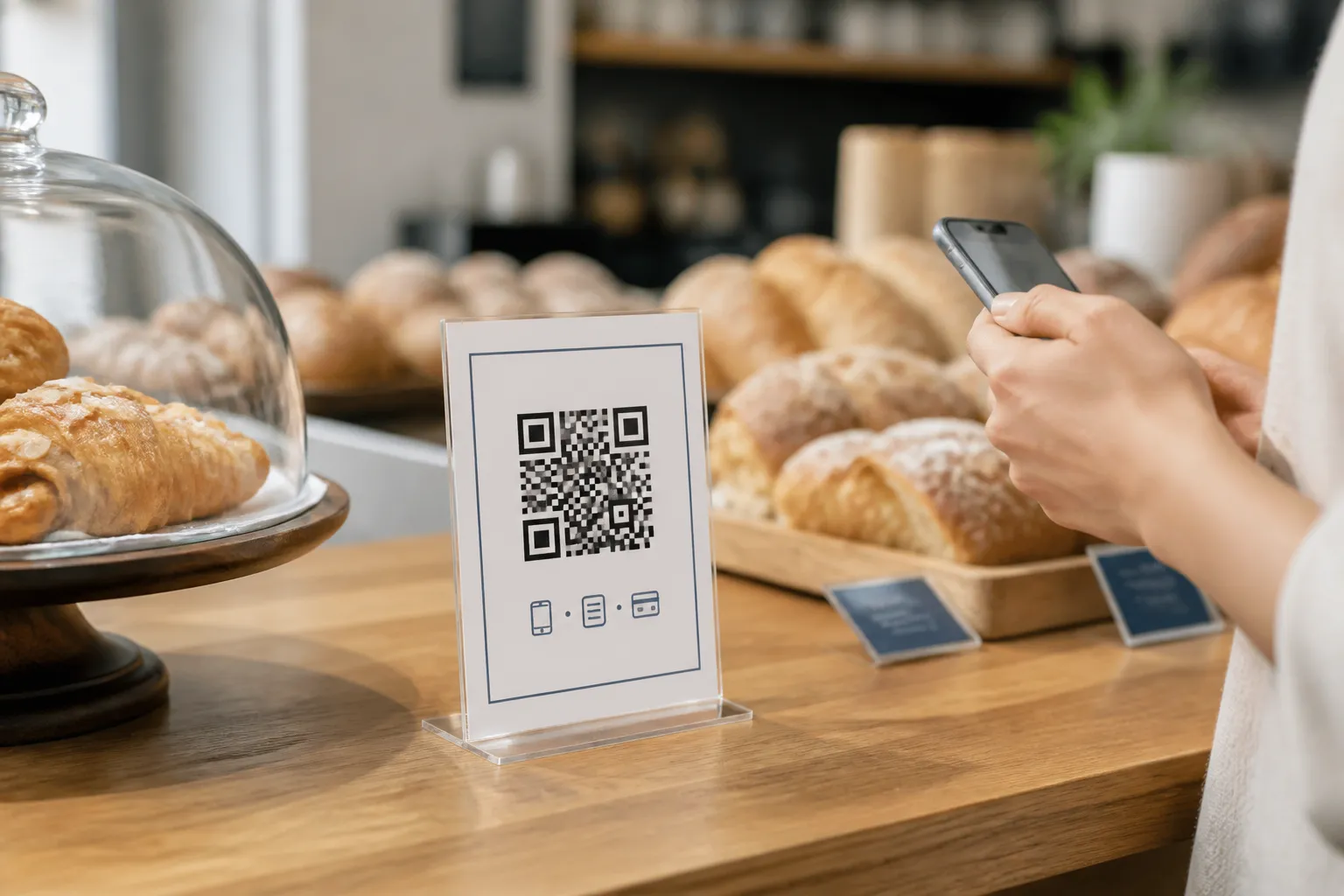
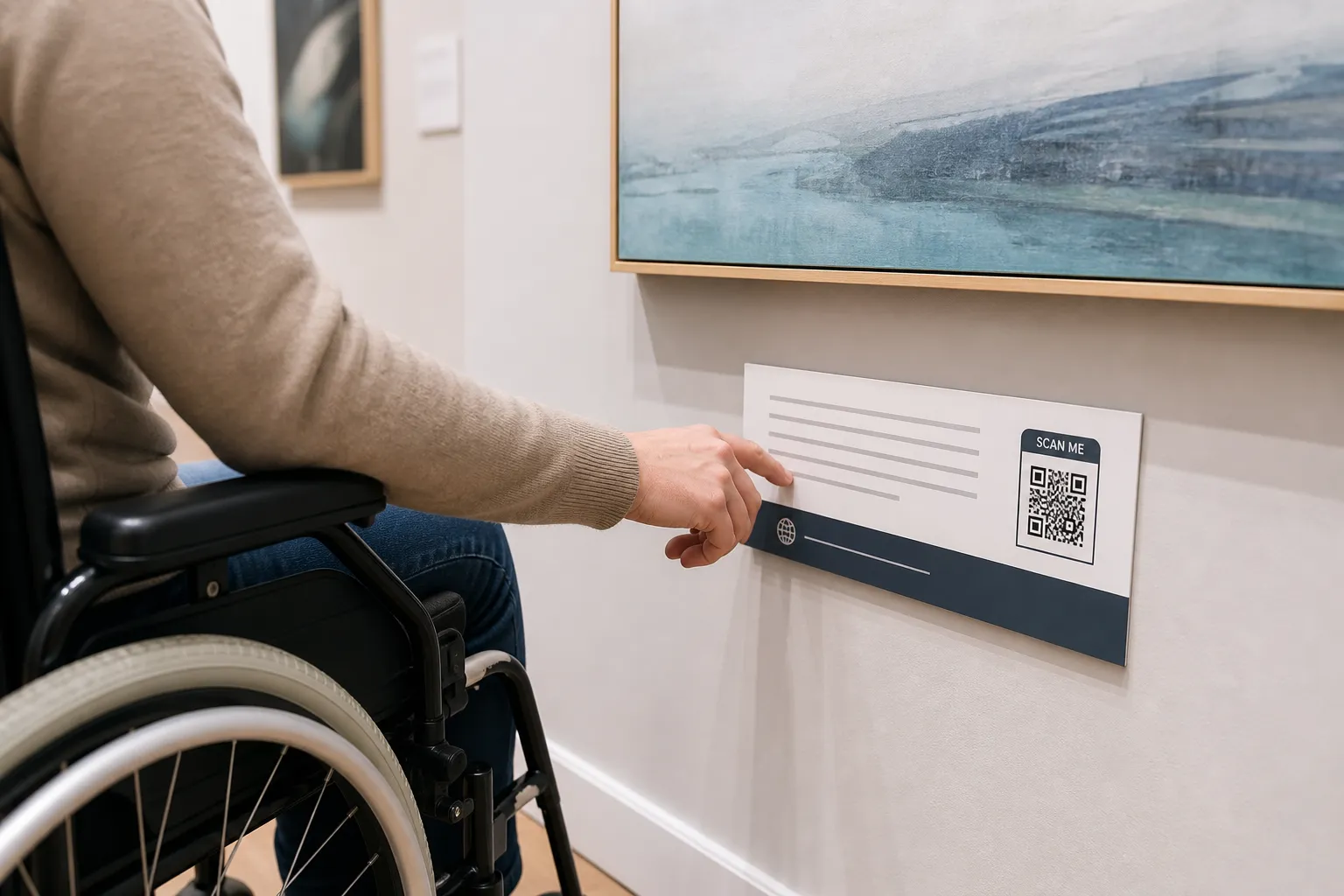
Illustrative AI-generated scenes show typical use cases; they do not document actual people, organizations, or events.
A shelf-edge code can point to sizing charts, care instructions, or stock at another location, without hiding the price tag or asking anyone to make an account first.
A yard sign can carry the full listing, photos, and the agent's number for anyone who walks by outside open-house hours.
A waiting-room poster can link patients straight to visit information or intake steps, as long as anything sensitive still goes through a properly secured system.
A classroom station can send students to the right worksheet or video without anyone retyping a long web address by hand.
A ticket or wristband code can move a check-in line along fast, with a staffed desk nearby for anyone whose phone battery gives out.
A bedside card can replace the paper compendium with current Wi-Fi details, checkout times, and local recommendations.
Featured guides
Safety, trust and accessibility
Understand what QR codes really contain, how malicious destinations exploit trust, and which scanning and publishing habits reduce your risk.
Read guideDesign and testing
Place a small center logo while protecting QR finder patterns, contrast, error correction, quiet zones, and real-world scanning reliability.
Read guideCreating QR codes
Create a direct website QR code, validate its URL, choose dependable design settings, and test the full mobile journey before you publish.
Read guideCreating QR codes
Build and test a Wi-Fi QR code while protecting credentials, choosing the correct security type, and controlling where the code is displayed.
Read guideDesign and testing
Use a repeatable preflight process to verify payload, size, contrast, device compatibility, placement, material, and the final destination.
Read guideMarketing and business
Choose small-business QR uses that solve a clear customer problem, preserve trust, offer fallbacks, and remain maintainable after printing.
Read guideSafety, trust and accessibility
Review purpose, payload, ownership, privacy, accessibility, print production, security, testing, and retirement before a public QR campaign goes live.
Read guideSafety, trust and accessibility
Make QR experiences inclusive with visible alternatives, descriptive instructions, reachable placement, accessible destinations, and real user testing.
Read guideSafety, trust and accessibility
How QR phishing hides destinations and abuses trusted contexts, and how domain clarity, inspection, training, and safer response reduce the risk.
Read guideFree, no catch
Point people straight at a page you control, a menu, a listing, a landing page. One scan and they land exactly where you want them, no typing required.
Store a short message or instructions directly in the pattern itself. It reads back on any camera, even with no signal.
Prefill an address, subject, and message so a scan opens a ready-to-send email. Useful on business cards, support desks, or contact pages.
Let someone call you with one scan instead of retyping a number. Works well on flyers, signage, or a service counter.
Prefill a text message to a specific number, ready to send after one scan. Handy for quick sign-ups, RSVPs, or support requests.
Share a guest network's name and password without spelling anything out loud. Great for cafes, waiting rooms, or a guest bedroom.
Open a prefilled WhatsApp chat with your number and a starter message. A fast route from a poster or a package straight into a conversation.
Hand over a full contact card, name, phone, email, organization, in one scan. Ideal for a badge, a desk sign, or the back of a business card.
Point to an exact spot on the map, a venue, an entrance, a pickup point. It removes the guesswork of a written address.
Drop a date, time, and location straight onto someone's calendar. Useful for tickets, invitations, and appointment reminders.
Generator FAQ
Practical guidance on formats, logos, print sizing, and scan reliability so your codes work the first time, on any device.
Yes. There is no account, no scan limit, no paid tier, and no tracking redirect. You create and download codes without signing up for anything.
No. The generator works the moment you land on the page. There is no signup form, no email gate on downloads, and nothing to verify.
Fill in your details, generate the code, and download it in the same visit.
No. Generation and logo processing happen locally in your browser, so whatever you type, a URL, a Wi-Fi password, a phone number, never reaches our servers.
Be cautious with any third-party browser extension you have installed, since those run in the page too and are outside our control.
The generator covers the formats people actually need for print and screen:
Each type is encoded directly into the QR pattern, so the result works with any standard camera or scanner app, no app of ours required.
PNG suits everyday digital use: slides, social posts, quick sharing. SVG is a vector format, so it stays sharp at any size and is the better starting point for print layouts.
When in doubt for print, download the SVG and scale it inside your design tool to keep clean edges.
A static code stores its data directly in the pattern, so it never expires and does not depend on any third-party service staying online. A dynamic code stores a short redirect link that a platform can later re-point, which is convenient, but only for as long as that platform keeps running.
HighEndDIY generates static codes. If the destination is a URL you own, you can still update that page later while the printed code stays exactly the same.
Static QR codes do not expire. The data lives in the pattern itself, not on a server, so a code linking to a URL keeps working for as long as that address stays valid.
If you might need to change the destination later, point the code at a page you control rather than a one-off link, so you can edit the page instead of reprinting the code.
Yes. You can place a logo in the center of the code. Keep it small relative to the overall pattern and preserve strong contrast, so scanners can still read the modules around it.
A higher error correction level helps a logo-carrying code stay scannable. Test the result on more than one device before you print it.
Yes, the generator lets you set both the foreground (pattern) color and the background color. Keep them at strong contrast, dark on light or light on dark, since low-contrast combinations are one of the most common reasons a code fails to scan.
If you are not sure, test a colored version next to the default black-on-white before committing to a print run.
Error correction adds redundancy to the pattern so a scanner can still read it even if part of the code is scratched, dirty, or covered by a logo. Higher levels add more redundancy, at the cost of a denser, more detailed pattern.
Use a higher level whenever you add a logo or expect the code to get some wear (packaging, outdoor signage). A plain code with no logo can generally use a lower level.
The quiet zone is the blank margin surrounding the QR pattern. Scanners use that empty border to find the edges of the code, so trimming it too tight, or placing other design elements right up against it, is a common cause of failed scans.
Leave the default margin in place unless you have tested a tighter one and confirmed it still scans reliably.
Most scan failures trace back to a handful of avoidable issues. Check these before publishing a code:
Test the final size and material with several phones before committing to a print run.
A practical rule is roughly one tenth of the expected scan distance: a code read from about 3 feet (1 meter) away should be around 4 inches (10 cm) wide. Always keep the quiet zone intact around it.
When space allows, size up rather than down. Larger codes scan faster and tolerate lower-quality cameras.
Print or display it at the actual size and material you plan to use, then scan it with more than one phone, ideally an iPhone and an Android device, from the distance people will actually stand.
If it scans slowly or not at all in that test, increase the size, raise the contrast, or simplify the surrounding design before you commit to a full print run.
The code itself is just a pattern that stores data, so the risk sits with where it points, not with the code as an object. Treat an unfamiliar QR code the way you would treat an unfamiliar link: check the URL preview your phone shows before you tap through, and be wary of a sticker that looks pasted over an existing code.
Our guides on QR code phishing and recognizing a suspicious code go into more of the specific warning signs.
The HighEndDIY guides cover practical use cases and common pitfalls in more depth: how QR codes work, static versus dynamic codes, why codes fail to scan, and using them in print marketing, menus, packaging, and more.
Browse the guides section for step-by-step help before your next campaign or print job.