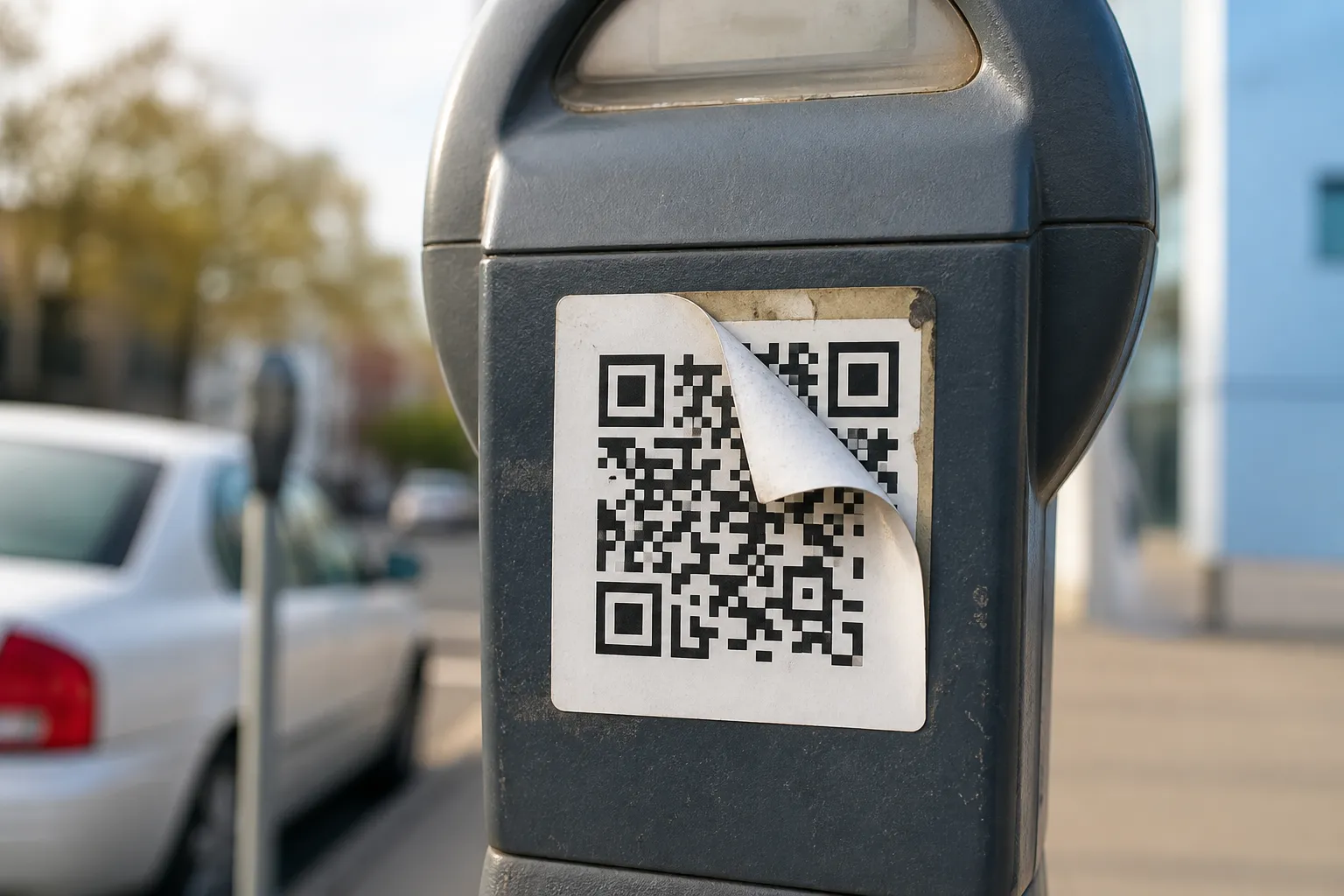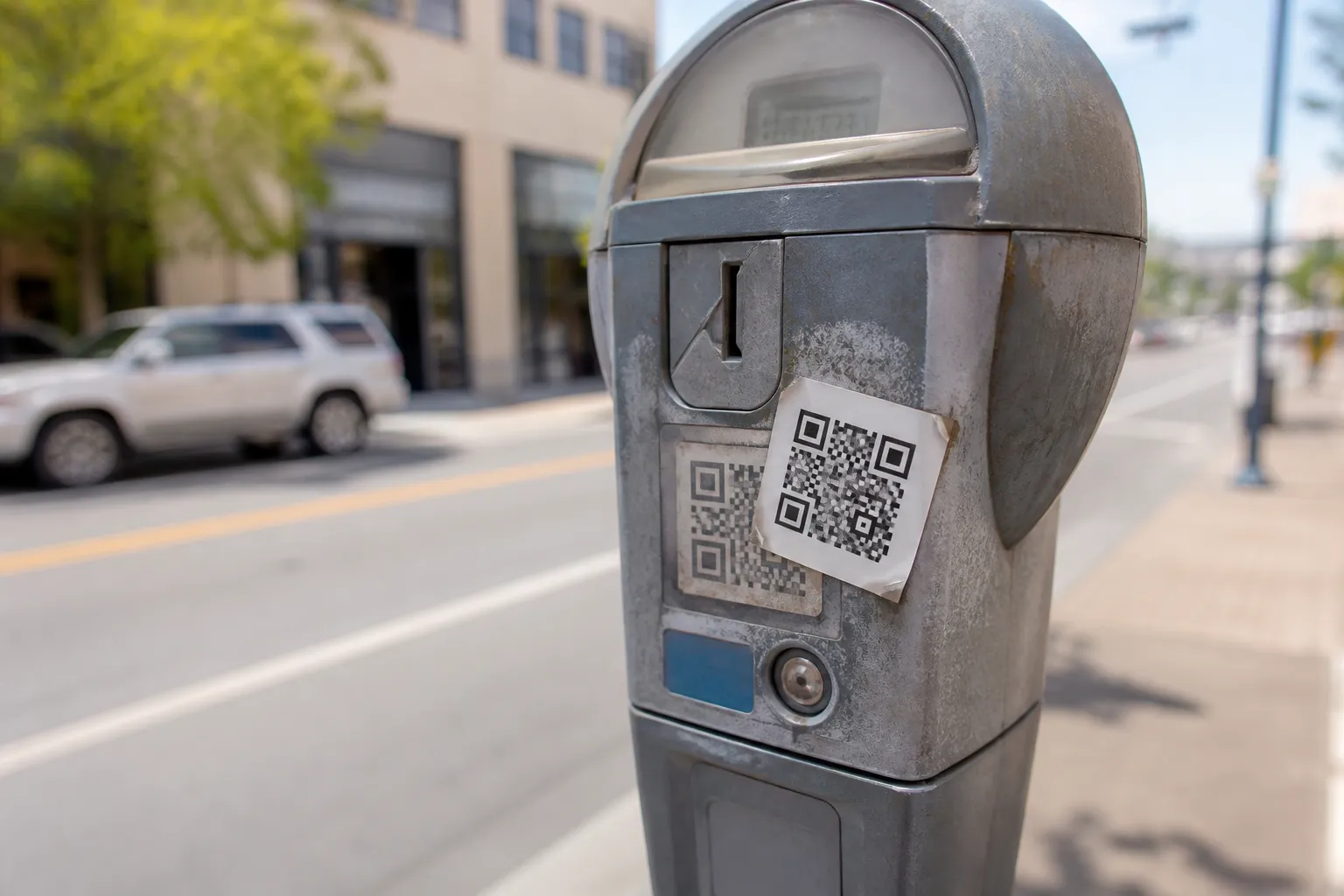
The clever thing about QR phishing is not the code. It is the moment of trust the code borrows from wherever it sits. A square printed on official letterhead, taped to a parking machine, or dropped into an email that already cleared the spam filter arrives wrapped in the credibility of its surroundings. By the time you have decoded it, you have already half-decided it is legitimate, because everything around it looked legitimate.
Security people sometimes call this “quishing,” and the name makes it sound like a new species of attack. It is not. Behind the code is the same old phishing playbook: impersonate someone trusted, manufacture urgency, serve up a lookalike page, and harvest a password, a payment, or a malicious download. The code does two useful things for the attacker. It hides the destination until the last second, and it quietly moves you off a locked-down work computer, with its filters and warnings, onto your personal phone, which has almost none of them. For the broader safety picture beyond phishing specifically, see are QR codes safe.
Where these codes actually reach you
The delivery channels are wider than people expect, and that breadth is the point. A malicious code can arrive in an email, embedded in a PDF invoice, printed in physical postal mail, stuck on a parking sign, an EV charger, or a fake guest Wi-Fi card left on a café table, slipped inside a delivered package, or - the classic - pasted as a sticker directly over a real code the business put there.
Each context lends its own borrowed trust. A code inside a package feels vouched for by the courier. A code on a poster in a lobby feels vouched for by the building. A logo and a clean, professional layout feel like proof of identity, and they are nothing of the sort. Anyone can copy a logo. What matters is who controls the destination, and the design of the artefact tells you nothing about that.
What users should do
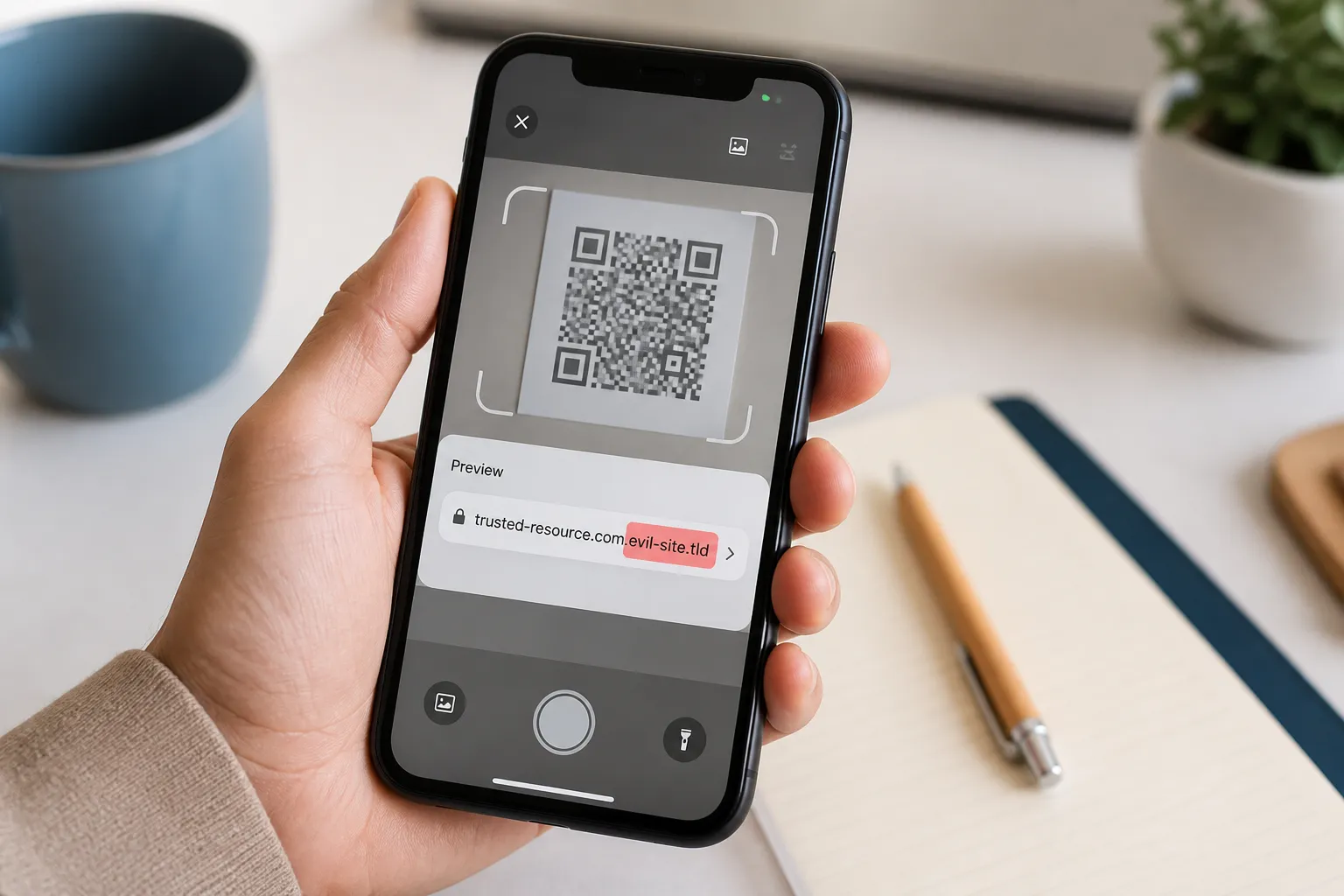
The user-side defence is short and it does not require you to become a security expert. Preview the destination before you open it, and read the registered domain rather than the reassuring words at the front of the link. For a closer look at exactly how to read that preview, see how to recognize a suspicious QR code. Compare that domain against one you have verified independently, from a real bill, an official app, or a bookmark you saved yourself.
Then apply one firm rule that stops a large share of attacks on its own: never use a QR code inside a message to authenticate that same message. If an email claims to be from your bank and offers a code to “verify your account,” do not scan it. Open your banking app the way you always do. The whole trick depends on you staying inside the attacker’s channel; the cure is to step outside it.
Treat unexpected requests for logins or payments as suspicious by default, whatever the surrounding polish. And when you spot a bad code, report it through your organisation’s proper channel rather than forwarding the live link around as a warning - a well-meant warning email full of a working malicious link just does the attacker’s distribution for them.
What publishers should do
If you print codes, you are also part of everyone else’s threat model, and you have real power to make impersonation harder. Print the expected domain and the specific action in plain text right beside every code. When a customer can see “goes to shop.yourbrand.example to view your bill” next to the square, a sticker pointing somewhere else becomes obvious.
Use controlled URLs on domains you own, and guard the accounts that manage any redirects behind them as carefully as you would guard a payment system, because a hijacked redirect turns your legitimate code into a weapon overnight. Keep an inventory of the public codes you have deployed, much like the data-flow inventory recommended in privacy considerations for QR codes, and physically inspect the exposed ones - the meter, the poster, the table tent - on a schedule, looking for stickers layered on top. Finally, build a fast way to disable or repoint a compromised destination, and a plan to warn people through independent channels when you have to use it. Running a public rollout through a pre-launch checklist first catches most of this before it ever reaches print.
One thing to hold back on: do not publish the fine detail of how your internal verification process works. If you explain exactly what a genuine payroll or IT request looks like, you have written the attacker’s script for imitating it.
Train the decision, not the fear
The worst security awareness message you can send is “QR codes are dangerous, avoid them.” It is wrong, it is unhelpful, and it quietly damages accessible, useful applications that depend on codes. People stop scanning the legitimate museum tour and keep scanning the fake payroll card, because blanket fear does not teach anyone to tell the two apart.
Teach the decision instead. Show people how to read a domain right to left, why urgency is a manipulation tactic, and how to reach a service through a trusted channel. The goal is a person who can look at any code, from any source, and reason about it - not a person who has memorised a list of scary contexts that next month’s attack will simply sidestep.
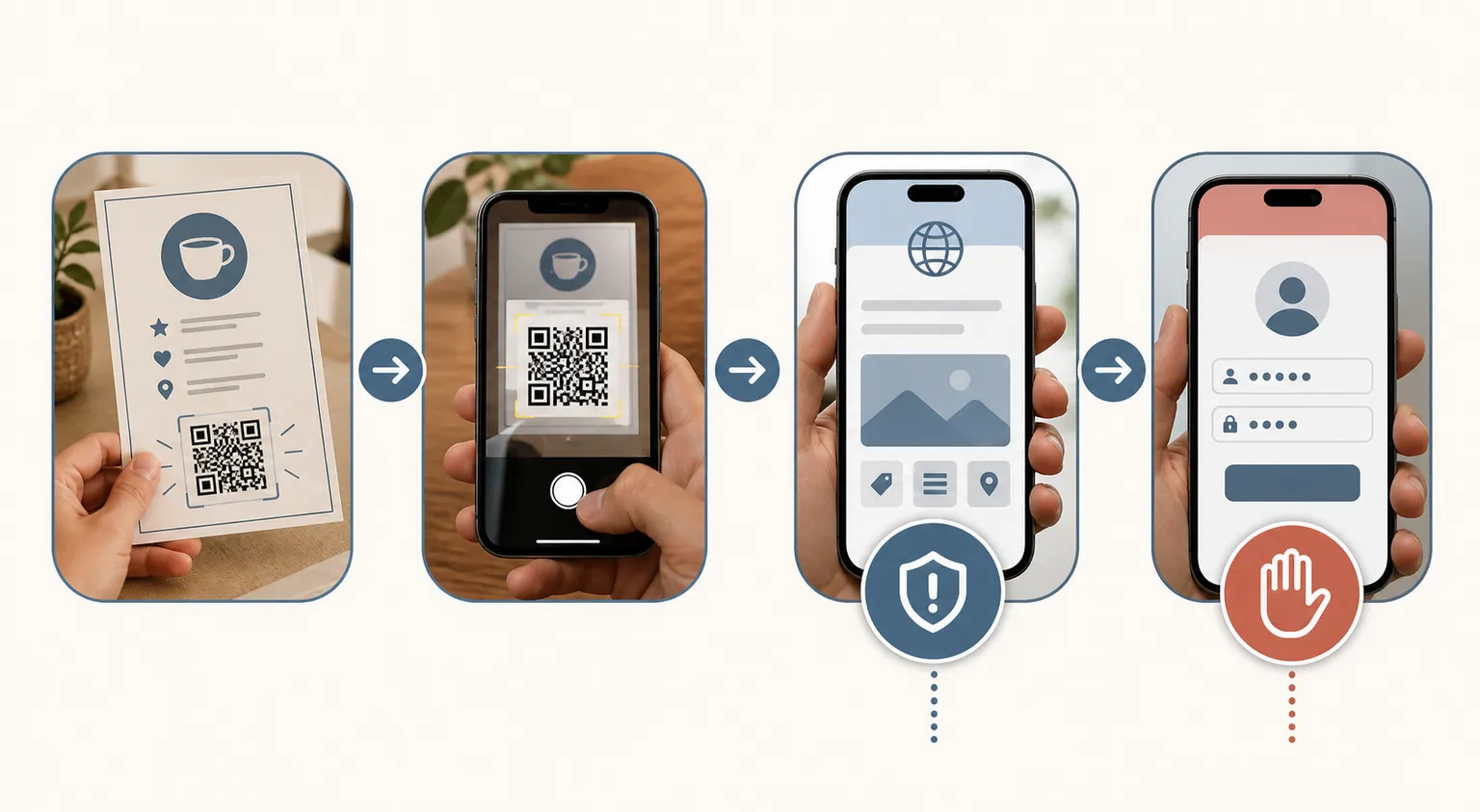
A response that works under pressure
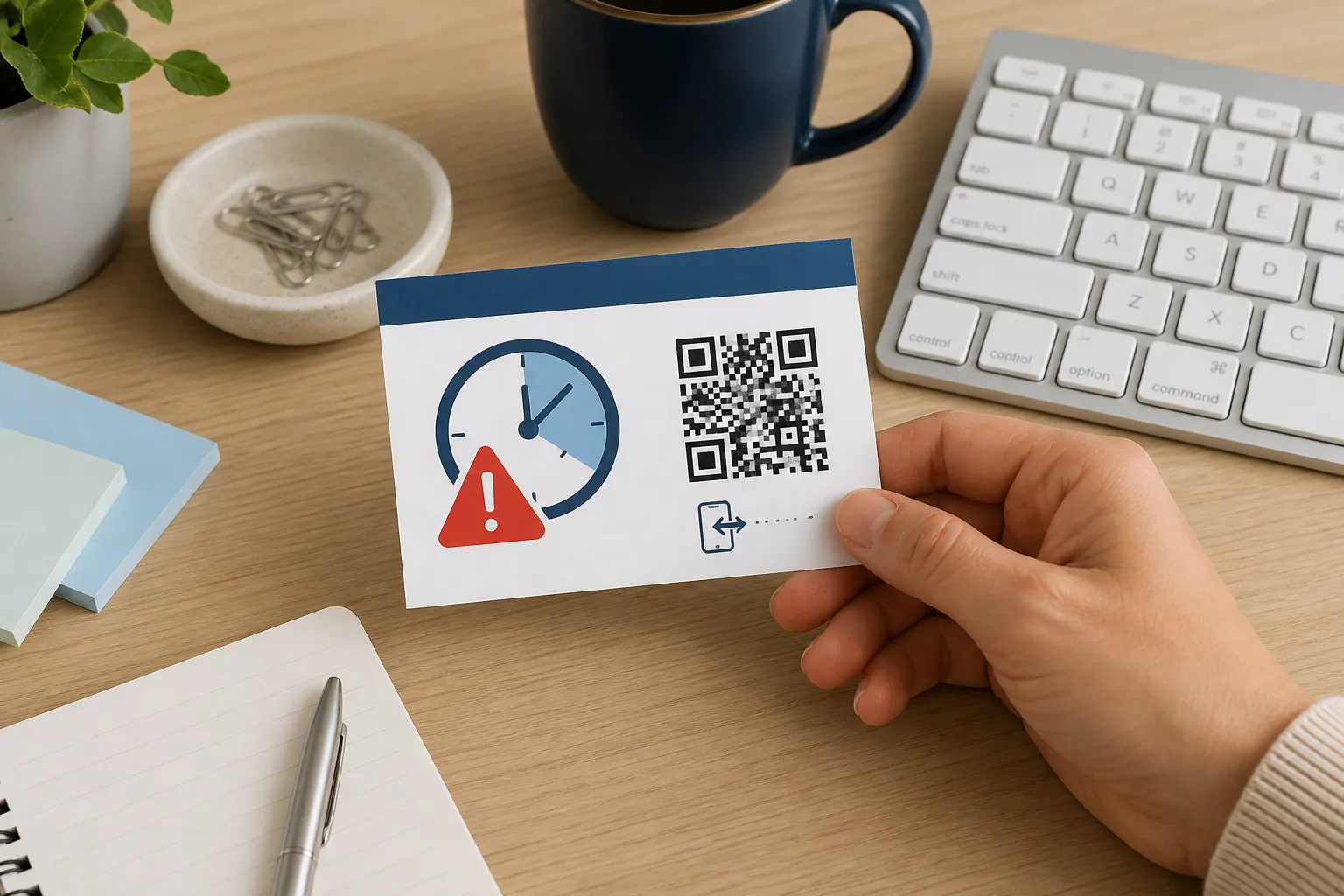
Employees across a company receive a printed card claiming payroll requires a scan within one hour or their pay will be delayed. The card looks official. The pressure is deliberate. But the organisation’s real payroll process never uses QR cards at all, and that single fact settles it.
Here is the clean response. A recipient does not scan; they open the official payroll portal through a saved bookmark and see nothing wrong. They report the card through the established security channel. Security preserves one physical sample for investigation and disables the destination if they can. Communications then warn all staff plainly, describing the card without reproducing a working code, so the warning cannot become the next wave of the attack. Calm, verified through an independent channel, and no live malicious link forwarded to a thousand inboxes. That is what good looks like.
Sources and further reading
Create the code you need
Use HighEndDIY’s private browser tool, then test the result in the setting where people will scan it.
Create a QR CodeFound something that should be corrected? Email help@HighEndDIY.com.