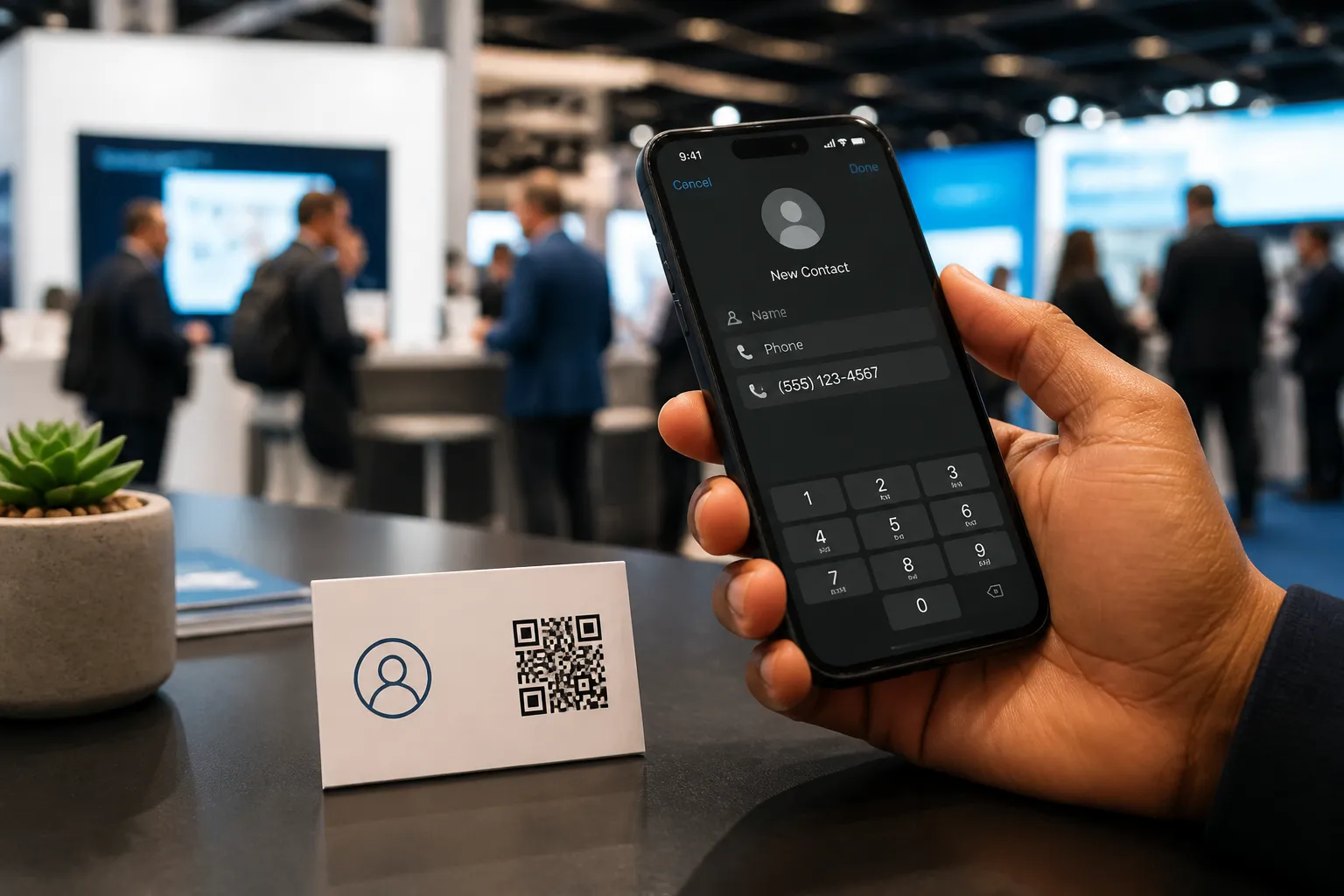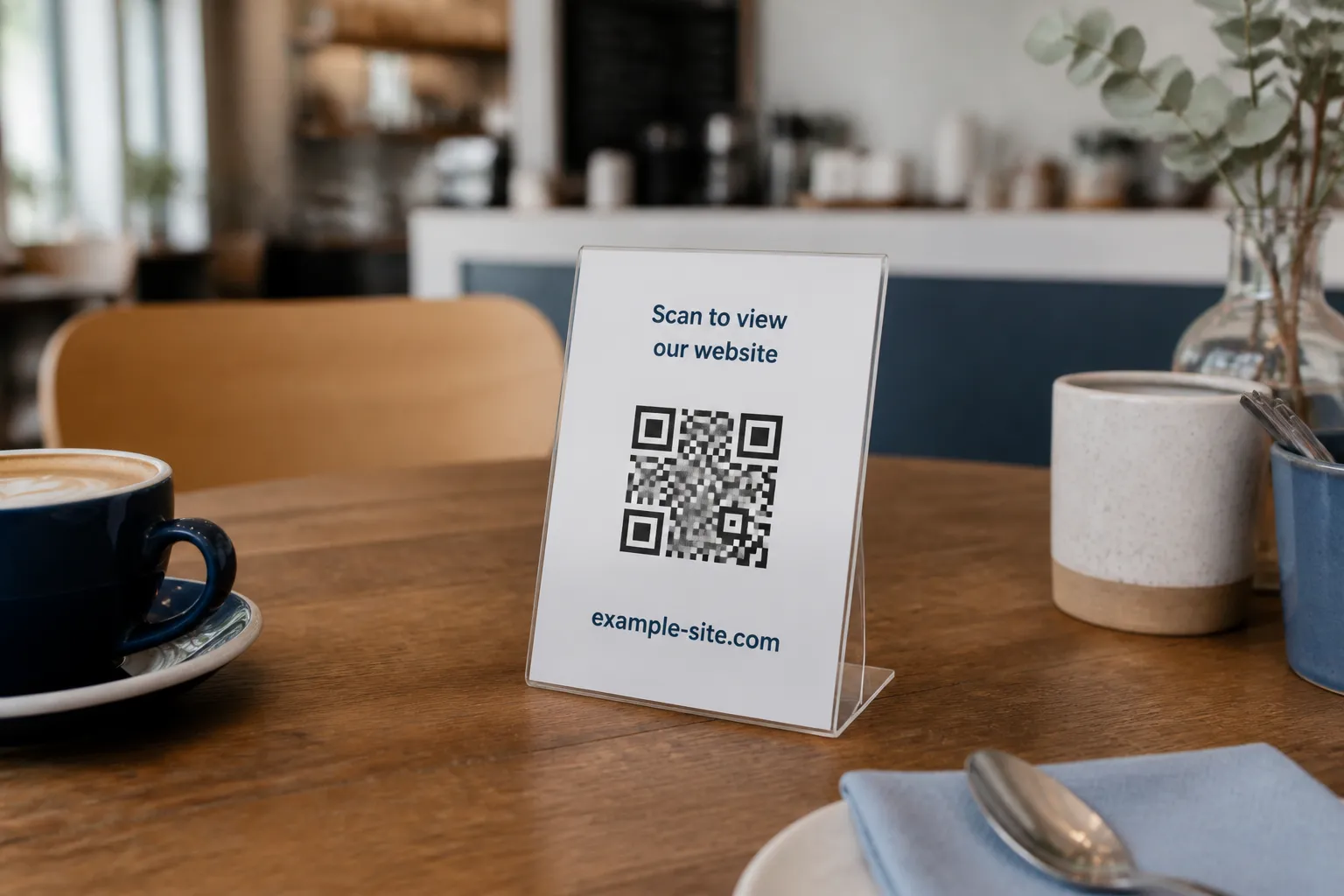
I once watched a café tape a Wi-Fi QR code to its front window, facing the street. It looked tidy. It was also a printed key to their network, readable by anyone walking past with a phone camera, no coffee purchase required. Within a week their bandwidth was crawling and a neighbouring office was quietly freeloading. Nobody hacked anything. They just photographed a square that was hanging in a public window.
That is the thing people miss about a Wi-Fi QR code. It is not a clever shortcut that generates security. It is a container that holds your network name, the security type, and, unless the network is open, the password itself. Whoever can see or photograph the code can recover those credentials in seconds. So the real work is not making the code. It is deciding which network it points to and where the printed image is allowed to live, the same kind of judgment call covered in privacy considerations for QR codes.
Point it at a guest network, never your real one
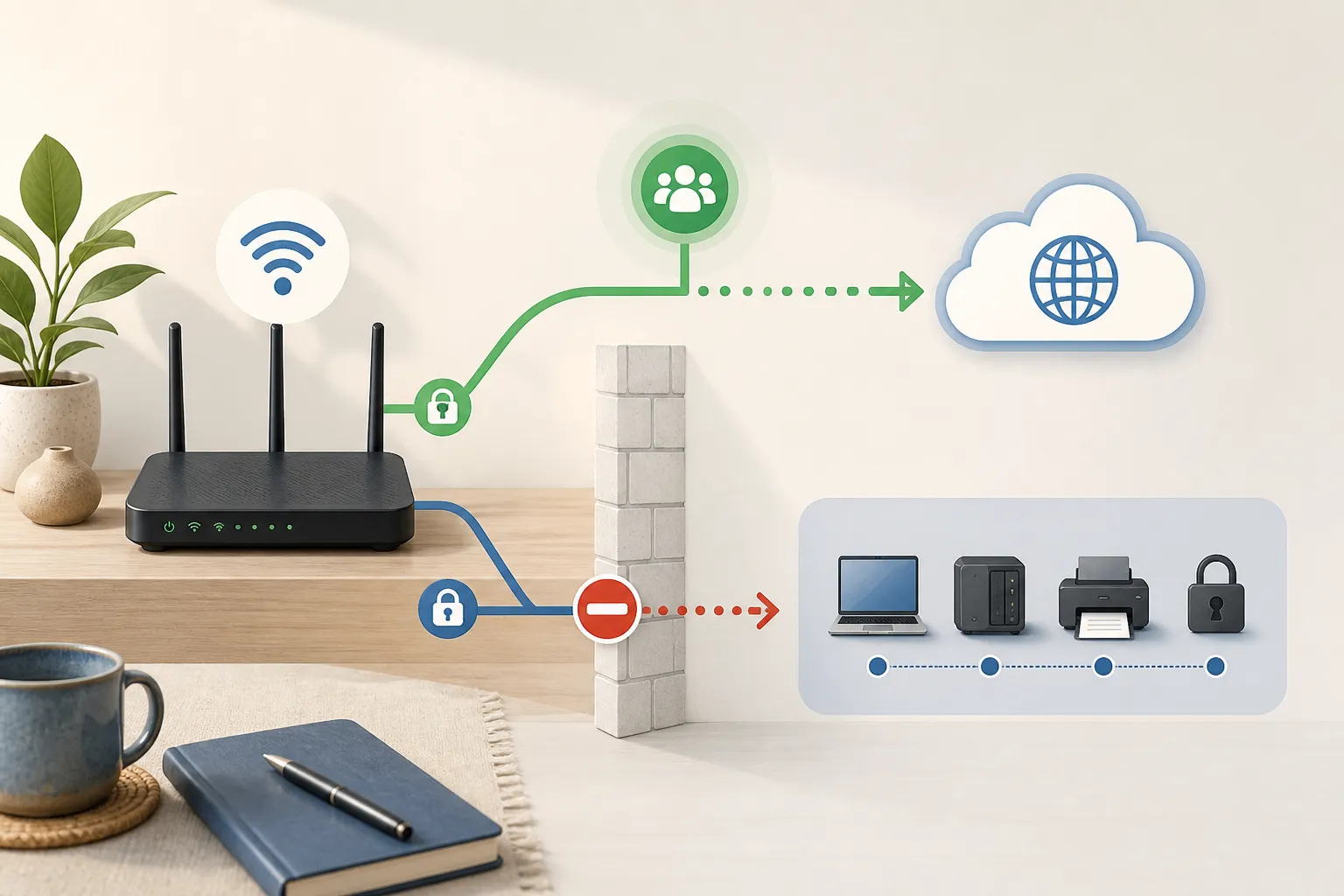
Before you generate anything, ask what the code will connect people to. The answer should almost always be a separate guest network, isolated from everything that matters. A guest network that cannot reach your admin panel, your network storage, the office printer, the security cameras, or a single private workstation is a network you can share without losing sleep.
If your router supports client isolation, turn it on so guests cannot see each other’s devices either. If it supports scheduled password rotation or a guest expiry, use that too. What you must not do is print a code for the internal network that runs your business, then leave it lying on a counter. The convenience is identical. The exposure is not.
Enter the values exactly, and mind the punctuation
Open the generator, choose Wi-Fi, and type the SSID exactly as the router broadcasts it. Capitalisation and spaces count. “Studio Guest” and “studio-guest” are two different networks to a phone, and a mismatch means the scan simply fails with no useful error.
Pick the right security type. For any current network you almost certainly want WPA, which covers the WPA2 and WPA3 family most routers use today. Choose WEP only if you are stuck with genuinely ancient hardware that still uses it, and choose “no password” only when the network is deliberately open. Then watch your password for reserved characters. Semicolons, commas, colons, quotation marks, and backslashes all have special meaning inside the Wi-Fi payload and have to be escaped correctly. This is exactly why you use the dedicated Wi-Fi form rather than hand-typing the raw string. Let the tool handle the escaping so a stray semicolon does not silently break every scan.
Keep the password in your browser, not on someone’s server
This matters more than most general QR safety advice, because unlike most QR code risks, a Wi-Fi code puts a real, working credential inside the pattern itself, not just a link. Here is a step people skip because it is invisible. When you paste a real password into an online generator, you are trusting that site, and every third-party script loaded on it, not to transmit what you typed. Many do behave. Some run analytics, session replay, or error reporting that quietly captures form field values, and a captured value is a leaked credential.
The safer pattern is a generator that formats everything locally in the browser, so the password never leaves your device. HighEndDIY works this way on purpose. If you are using any tool for a production password, confirm it processes input client-side and is not shipping your form contents off to an analytics endpoint. When in doubt, generate on a network you do not actually care about, then rotate.
How a small studio does it well
A repair studio I worked with runs this cleanly. They created a network called Studio-Guest on an isolated segment that reaches the internet and nothing else. The password rotates on the first of every month, and one named person owns that rotation, so it never becomes “someone should have done it.”
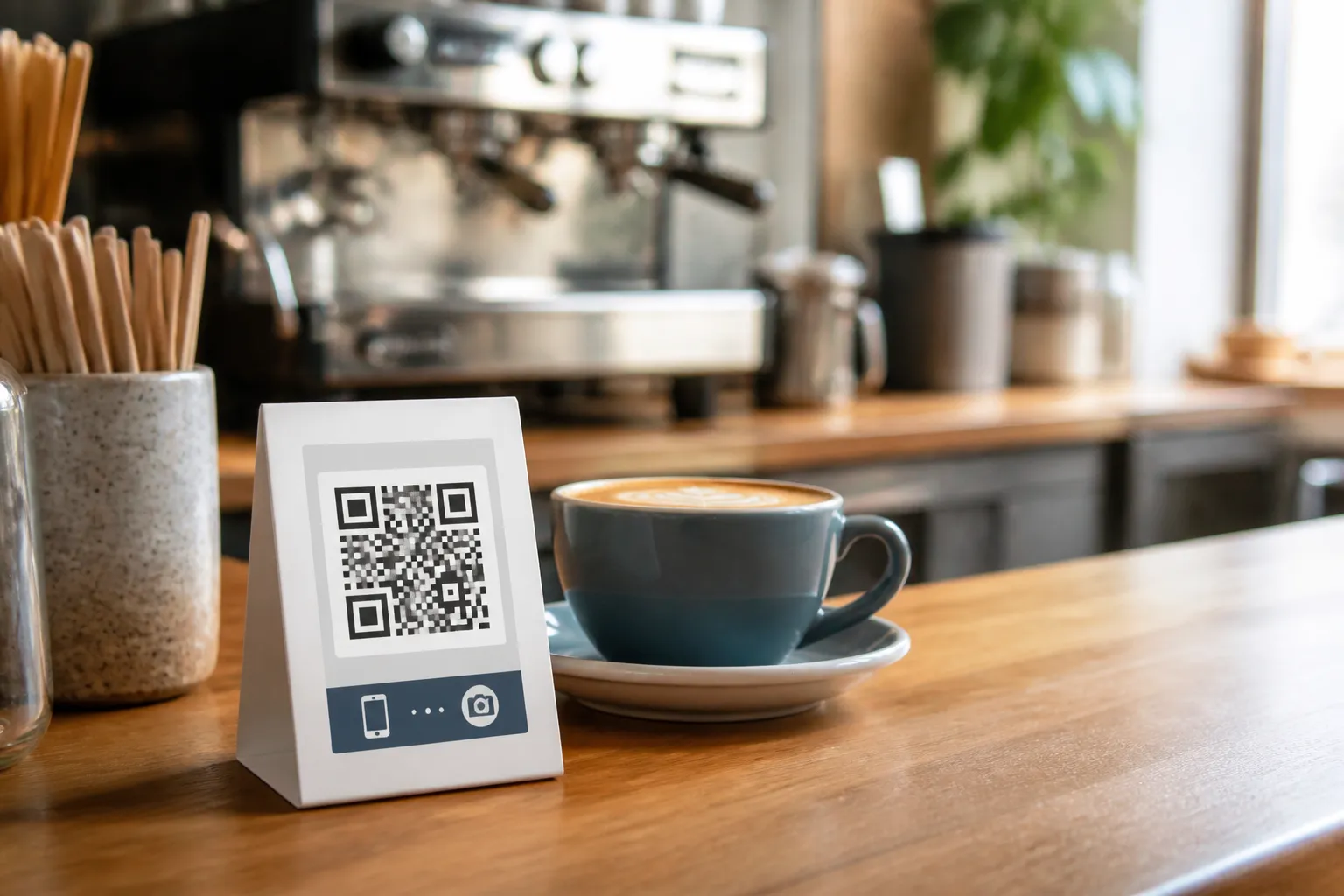
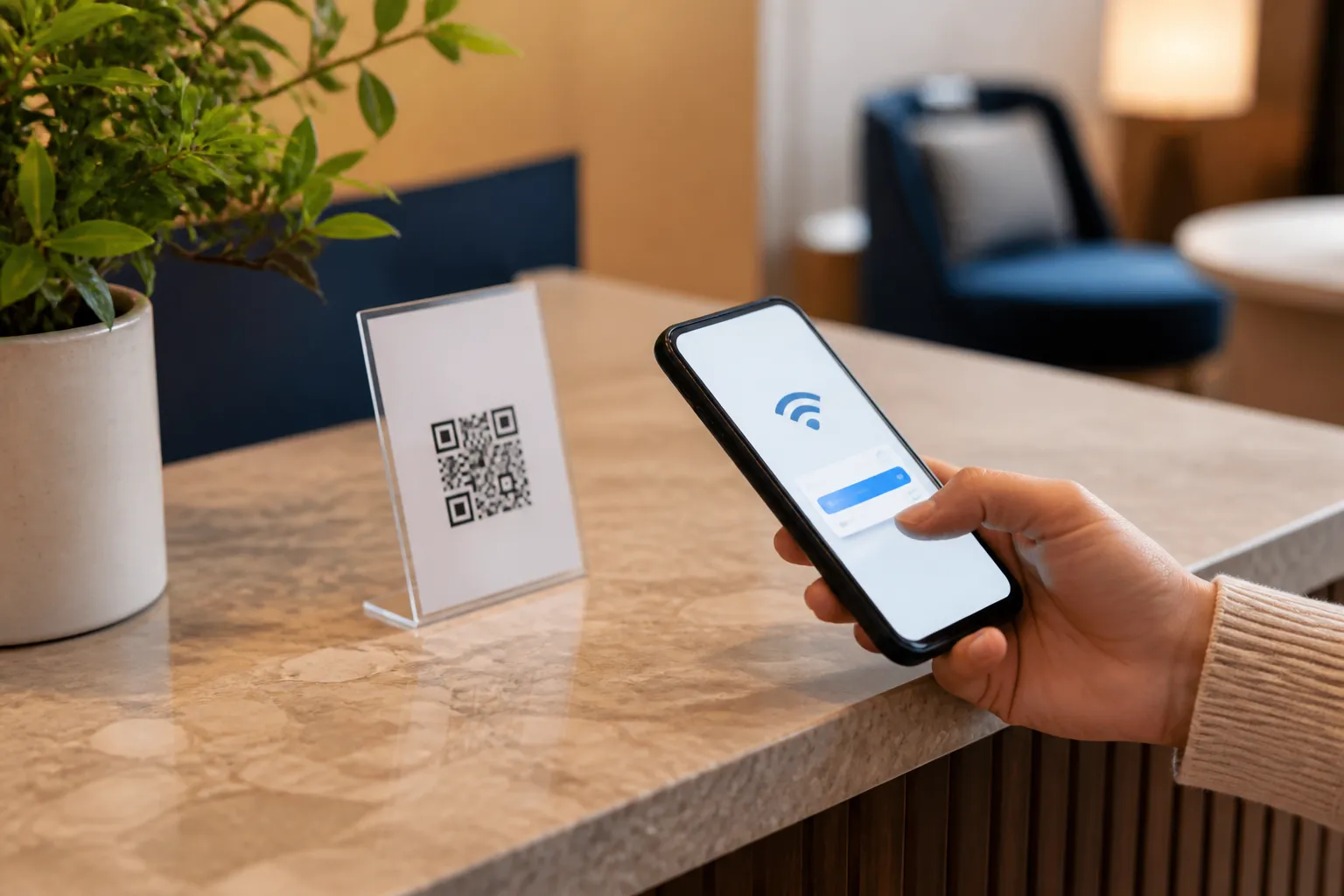
The printed QR card sits at the staffed reception desk, not taped to the outside glass, the same placement instinct that matters for hotel and guest-information codes. A single line of plain text under the code reads “Guest Wi-Fi - ask us if it will not connect,” which gives a human fallback for the customer whose camera app is being difficult. When the password rotates, the old card goes through the shredder rather than into a recycling bin where a photo could still be lifted. None of this is expensive. It is just a set of small habits that treat the code as a key.
Test it like a stranger would
This is a narrower version of the discipline covered in how to test a QR code before printing it: test with a device that has never seen the code before. Do not test with your own phone that already remembers the network, because it will connect no matter what and tell you nothing. Borrow a device that has never touched this Wi-Fi. Scan the code, read the SSID it offers before you accept, and confirm it actually joins. Then do the part most people forget: from that guest device, try to open the router’s admin page or reach a shared drive. If you can, your isolation is not working and the code is now a liability, not a convenience.
Repeat this every time you rotate the password. A freshly printed card should succeed and, crucially, the previous card should fail. If an old code still connects, the old password is still live somewhere it should not be.
Placement and lifecycle are the whole ballgame
A Wi-Fi code is only as safe as the least private place it appears. Keep it where the people you actually want on the network can see it and where random passersby cannot casually photograph it. That usually means indoors, at a desk or table, not in a street-facing window and never in the marketing photos or the virtual tour you post online. A code visible in a listing photo has been shared with the entire internet whether you meant to or not.
Write down the day you created each card and who owns rotating it. If a card goes missing, or you spot the code in a customer’s Instagram story, treat the credential as compromised and rotate it that day. The image on the counter is a promise about who gets on your network. Placement and a rotation habit are how you keep that promise honest.
Sources and further reading
Create the code you need
Use HighEndDIY’s private browser tool, then test the result in the setting where people will scan it.
Create a QR CodeFound something that should be corrected? Email help@HighEndDIY.com.