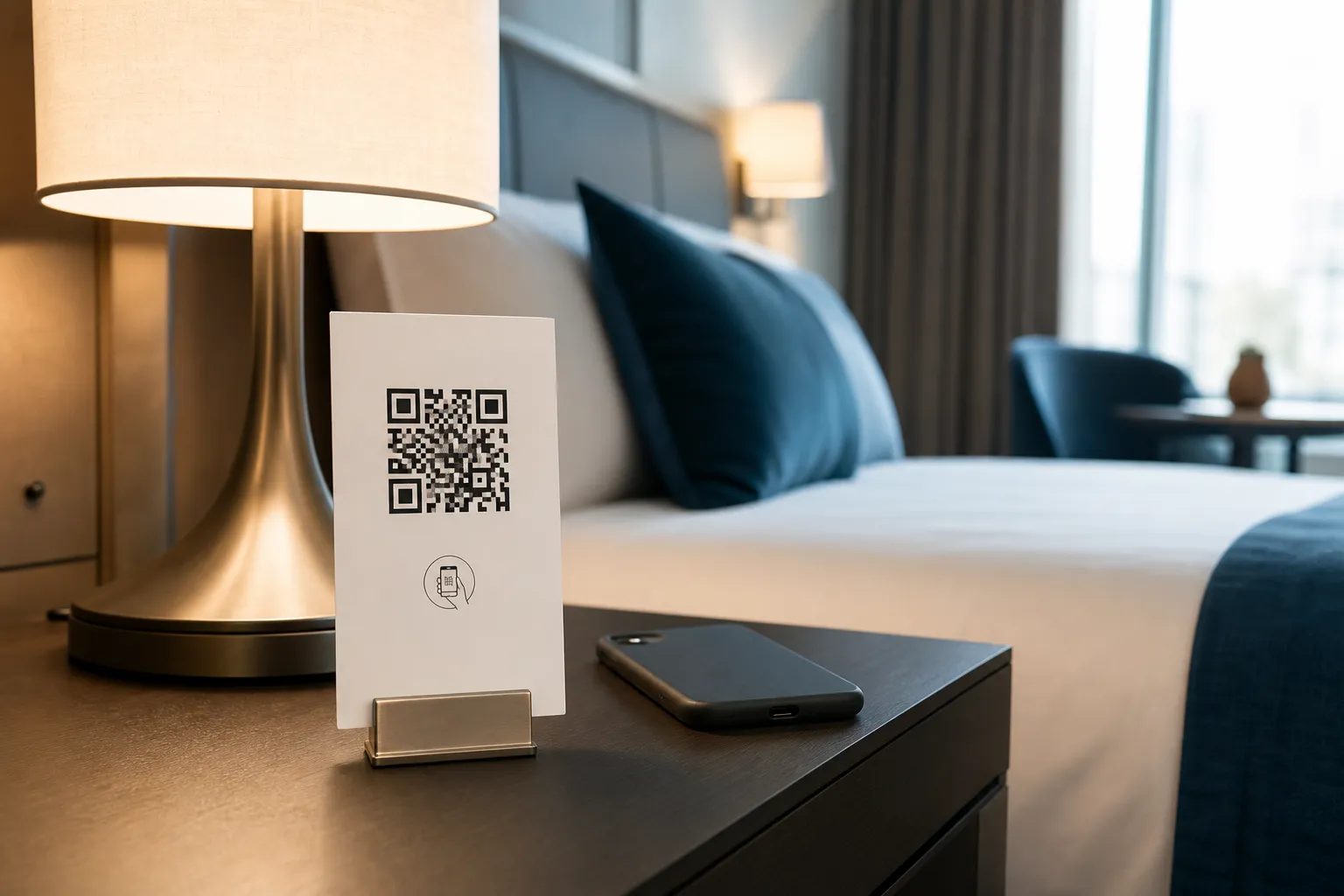
The best hotel QR code I ever scanned was clipped to a bedside lamp on a small card. One tap and I had the breakfast hours, a late-checkout number, and a walking map to the tram, in my own language, at six in the morning, without waking anyone at reception. The worst one had swallowed the entire guest directory. When the lobby Wi-Fi captive portal refused to finish loading, I had no idea how to reach the front desk from my room.
That gap is the whole subject here. A code can quietly modernise a room, or it can hide the things a guest needs most at the worst possible moment. Getting it right is less about the code itself and far more about what you deliberately keep off it.
Decide what the code is allowed to replace
Hotel information changes constantly. Breakfast shifts for a bank holiday, the pool closes for maintenance, a new tram line opens two streets away. Reprinting a laminated directory for every one of those changes is wasteful, and that is the honest case for a QR code: a single link you can update without touching the room.
But a link is only useful when the phone works, the network cooperates, and the guest can actually read the screen. None of that is guaranteed. So the first decision is not “what should the code contain” - it is “what must never depend on it.”
Keep the essentials where a dead battery cannot hide them
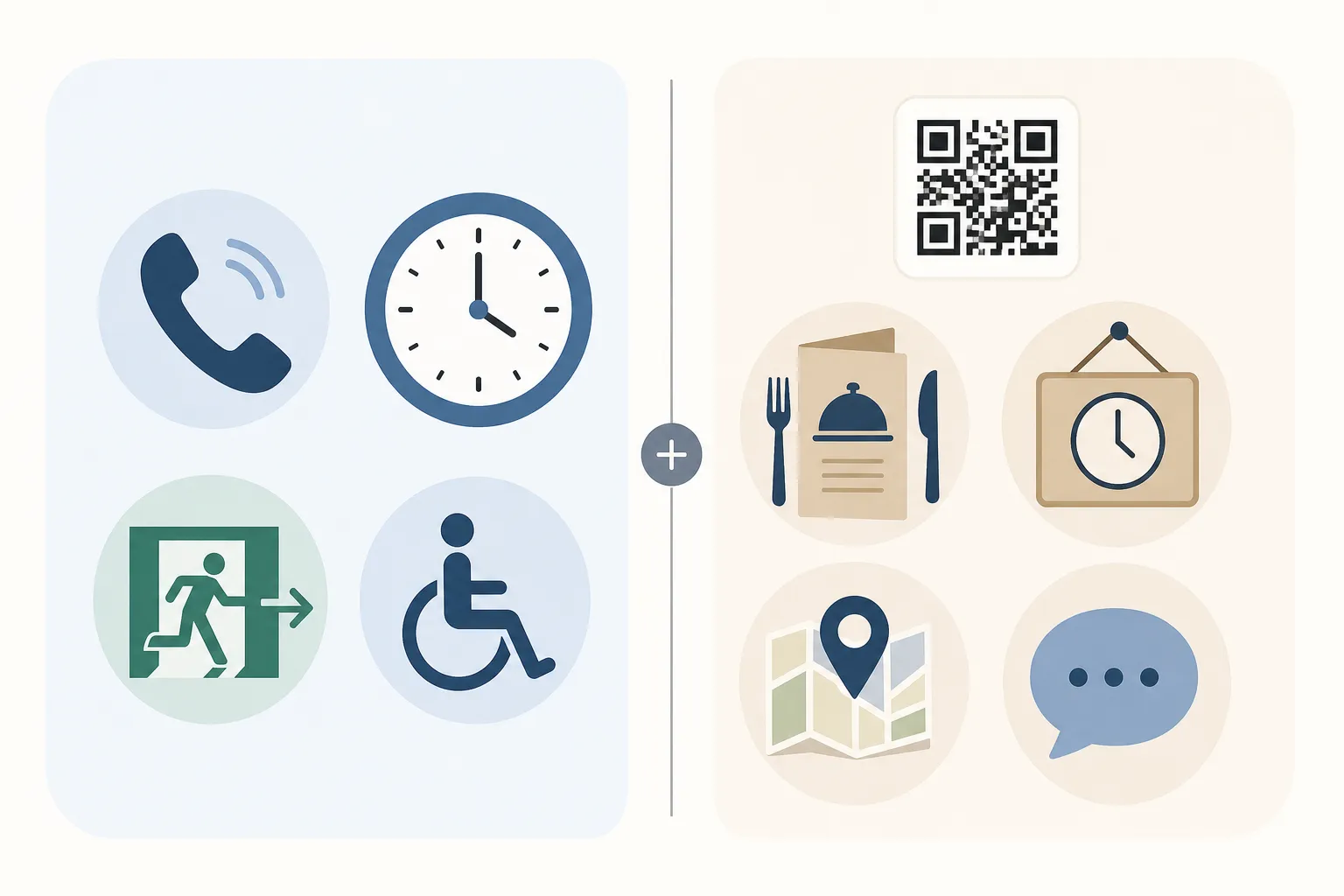
Some information has to survive a flat phone, a foreign SIM with no data, and a language you never printed. Put the following in the room, visible, and independent of any scan:
- Emergency and evacuation instructions
- The direct reception number
- Checkout time
- How to get accessibility assistance
A guest at 2am with a dead phone is still your responsibility, and “it was behind the QR code” is not an answer anyone accepts. Print these plainly, and offer a full printed guide on request for anyone who wants one. The scan is a convenience layered on top, never the only door.
Label every code so nobody has to guess
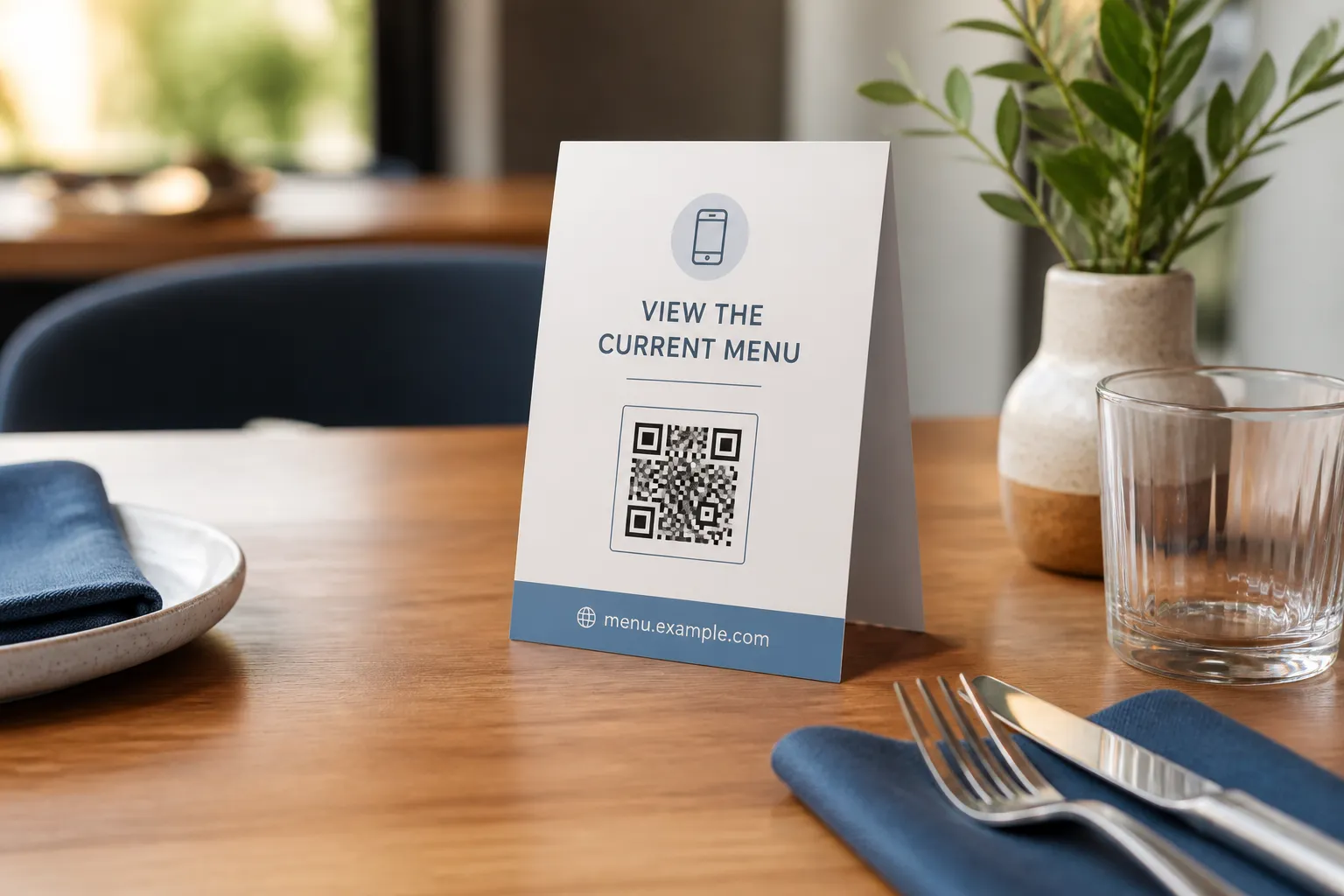
A bare black square on a card is a small act of hostility. The guest has no idea whether it opens the room controls, the dining hours, or a feedback form they do not want to fill in. Tell them. “Scan for tonight’s restaurant hours” earns a tap in a way that “Scan here” never will, and it discourages the habit of scanning blindly, which matters since not every QR code someone encounters is safe to scan without knowing where it leads.
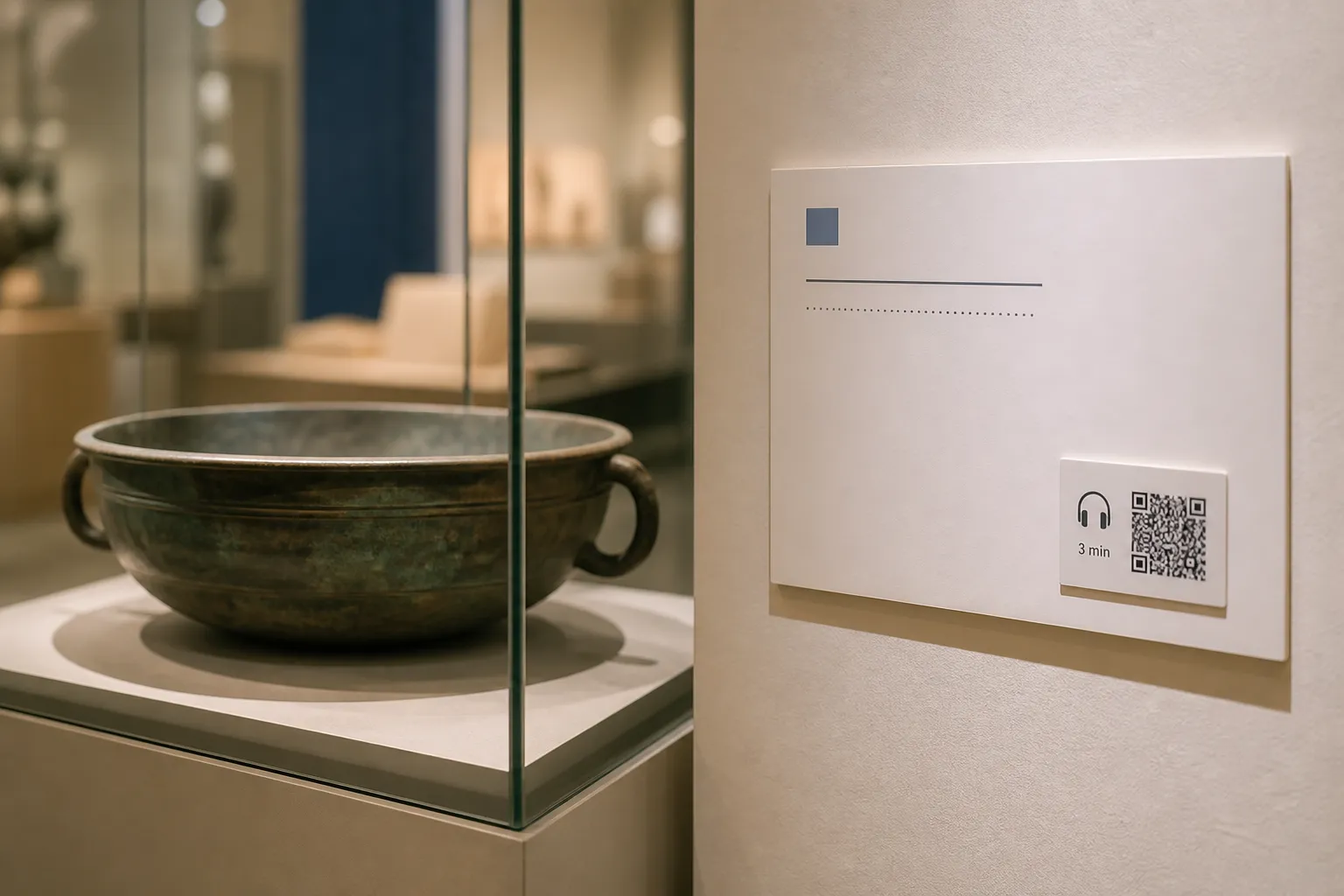
When a room carries more than one code, give each a plain label and, where you can, a different physical spot. The dining code on the desk, the room-controls code by the panel it controls, the feedback code near the door on the way out. Proximity does half the explaining for you. Museums and galleries solve the same problem with item-specific codes next to each exhibit instead of one generic sign for the whole room.
The Wi-Fi problem almost nobody tests
Here is the failure I run into most. Someone designs a genuinely lovely guest page, tests it once on the office Wi-Fi, and ships it. Then a real guest joins the guest network, hits a captive portal that never quite completes, and the page simply dies on arrival.
Test the way a guest actually connects. Scan from inside a real room, on the guest network, on both a recent phone and an older one. Walk to the corner room where the signal drops a bar. If your page insists on an app install or a login to a social platform before it shows anything, assume a meaningful share of tired travellers will give up and call reception instead - which defeats the point.
Protect guest privacy by default
A code stuck to the wall of a public room is, by definition, public. It must not carry anything personal: no guest name, no booking reference, no room-access token, and no predictable “room 214” identifier that a stranger could guess by counting doors. Anything tied to a specific stay - viewing a bill, changing a booking, unlocking a door - belongs behind real authentication in a system your security team has signed off on, not behind a sticker. The broader privacy considerations for QR codes apply just as much to a hotel room as to any other public placement.
Be just as careful with measurement. It is tempting to track which codes get scanned and when, but room-level analytics can quietly assemble a behavioural profile of a paying guest. If you measure anything at all, write down what you collect, how consent works, how long you keep it, and which vendor can see it.
A room setup that actually works
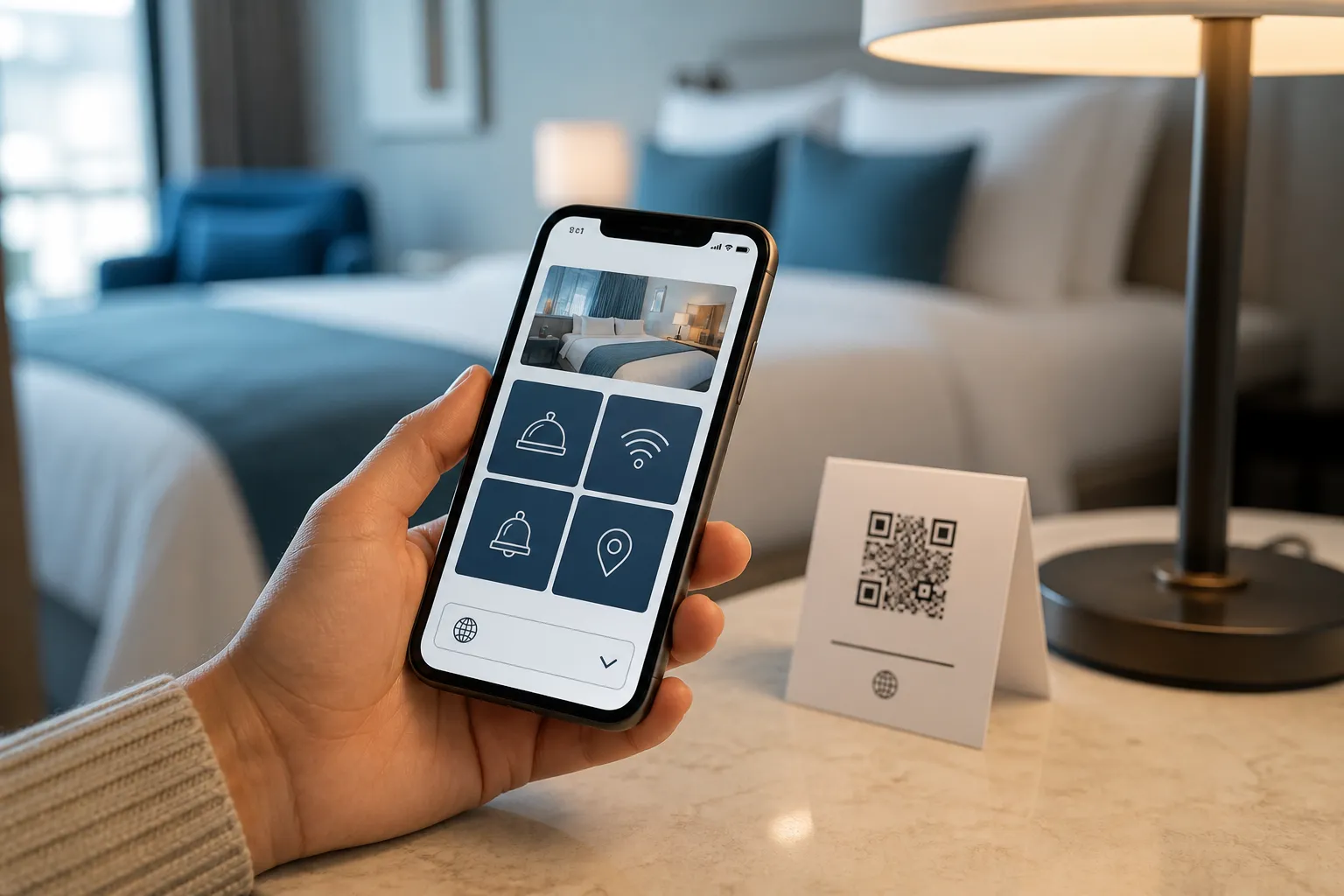
Picture a single bedside card. On the printed face: reception and emergency numbers, checkout time, and the Wi-Fi name and password in large, readable type. On the same card, one clearly labelled code - “Guest guide: menus, hours, local tips” - opening an accessible page with a language selector, captioned instructions for the in-room appliances, and today’s real restaurant hours.
The page loads without an app, works on the guest network, and never asks anyone to log in to anything. If the code fails, nothing critical is lost, because the critical details were printed six inches away. That redundancy is not clutter. It is the design.
Keep it alive after launch
A QR code is a promise that the page behind it is current. A broken promise - last season’s menu, a number that rings out, a spa that closed in spring - does more damage than no code at all, because the guest trusted it. Assign real owners: reception for contact details, food service for menus and hours, facilities for maintenance notices, and someone genuinely accountable for accessibility. Give every page a review date and a fast lane for urgent changes, then test again from a guest room before you consider it done.
Do that, and the code stops being a gimmick on the nightstand. It becomes the quietly reliable thing a guest reaches for at six in the morning, and finds exactly what it promised.
Create the code you need
Use HighEndDIY’s private browser tool, then test the result in the setting where people will scan it.
Create a QR CodeFound something that should be corrected? Email help@HighEndDIY.com.