A friend once texted me a photo of a conference badge she was proud of, lanyard and all, and posted the same shot to three social networks. The badge had a QR code on it. I scanned it off her Instagram in about four seconds and it decoded to a URL with her full name, her employer, and a numeric attendee ID in the query string. Nothing was hacked. The code did exactly what codes do: it handed its contents to anyone who pointed a camera at it, including a stranger looking at a public photo months later. That is a different problem from someone deliberately swapping in a malicious destination, which is what QR-code phishing covers.
That is the thing people forget. A QR code feels a little like a secret because you cannot read it with your eyes, but it is the opposite of a secret. It is plain text wearing a costume. Every privacy question about QR codes starts from that one fact and then follows the data outward: what is encoded, who can photograph it, who generates it, what redirects sit in the middle, and what the destination quietly writes down. This sits alongside the broader question of whether QR codes are safe generally; here the focus stays on privacy specifically.
The payload is not encrypted, it is just unreadable to you
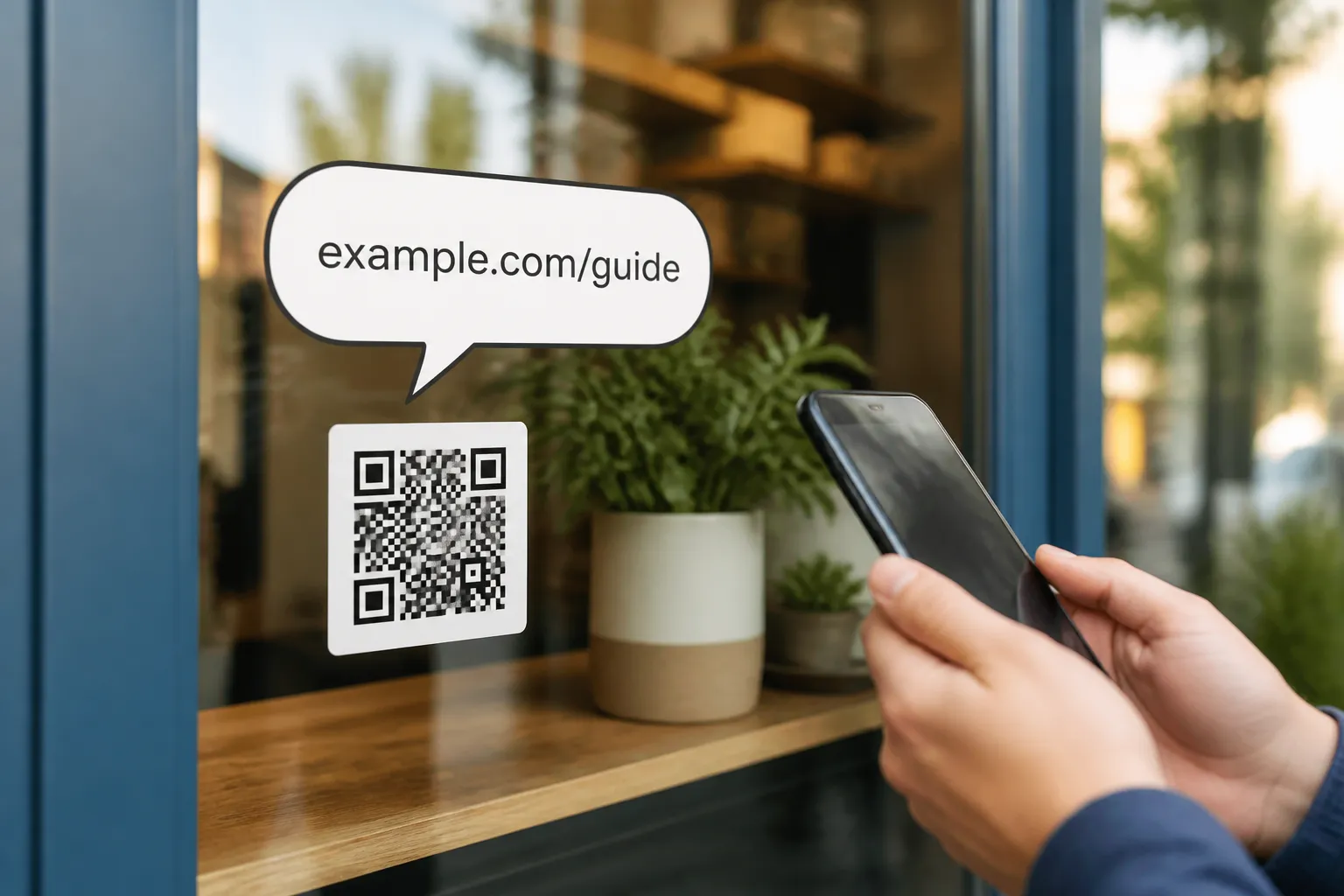
Anyone with a free reader can recover whatever a code contains: a URL, Wi-Fi credentials, a vCard with a phone number and address, a plain-text message, a ticket token. There is no lock on it. So a code that will live somewhere public - a badge, a shop window, a poster, a photo that ends up online - should contain only what you would be comfortable printing in words next to it.
The subtler leak hides in URLs. It is common to tack identifiers onto the end of an address as query parameters, and those URLs do not stay in one place. They land in browser history, in the referrer header sent to the next site, in server access logs, in analytics events, in screenshots, and in the support tools your staff use to help people. A name or an order number in a query string has a long and gossipy afterlife. Keep personal data out of the address entirely and pass it, when you truly need it, through something that is not stamped into every log along the way.
Where the code is made matters
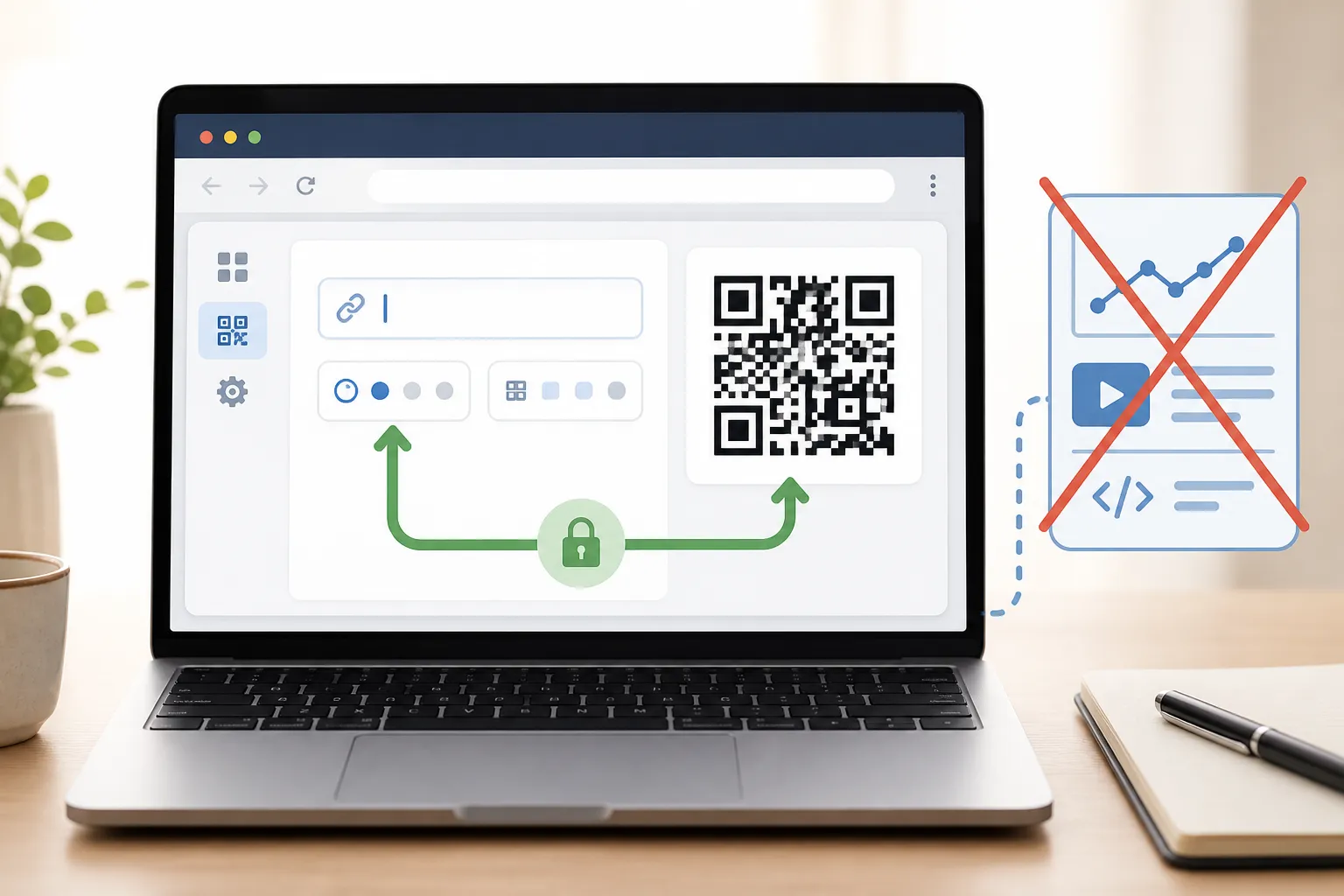
A generator that runs entirely in your browser can build the image without ever sending your fields to a server. That is a real privacy advantage - but only if it is actually true. Analytics scripts, error reporting, advertising tags, and session-replay tools can all quietly capture what you type into a form, including the very values you thought stayed local. A “local” generator with a session-replay recorder watching the input box is not local in any way that matters.
This is why HighEndDIY keeps those services switched off by default on generation pages and requires an integration review before any of them can be turned on. The same discipline applies to a logo you upload into a code: it should be processed on your device, not shipped off to some remote image-optimisation service without a clear reason and a clear disclosure. If a tool cannot tell you plainly where your input goes, assume it goes somewhere.
The middle of the journey has its own eyes
Dynamic codes are handy because you can change where they point without reprinting, but that convenience adds a party to the transaction. A redirect provider handles the request before the final website ever sees it, which means it sits in a position to observe device details, rough location from the network, timing, and how often a given code gets scanned. That is a processor in your data flow whether you think of it that way or not.
Then the destination has its own machinery: server logs, cookies, local storage, form fields, embedded fonts and scripts, whatever advertising or support vendors the page loads. The honest exercise is to draw the whole chain from the camera to the final byte and name every party that touches it. Only then can you write notices and offer choices that actually match what happens, for the regions and purposes that actually apply.
And a warning worth stating bluntly: a homemade banner that says “we value your privacy” does not create compliance. If your flow needs consent, use a real consent mechanism and get qualified review. A reassuring sentence is not a legal basis.
A poster, before and after
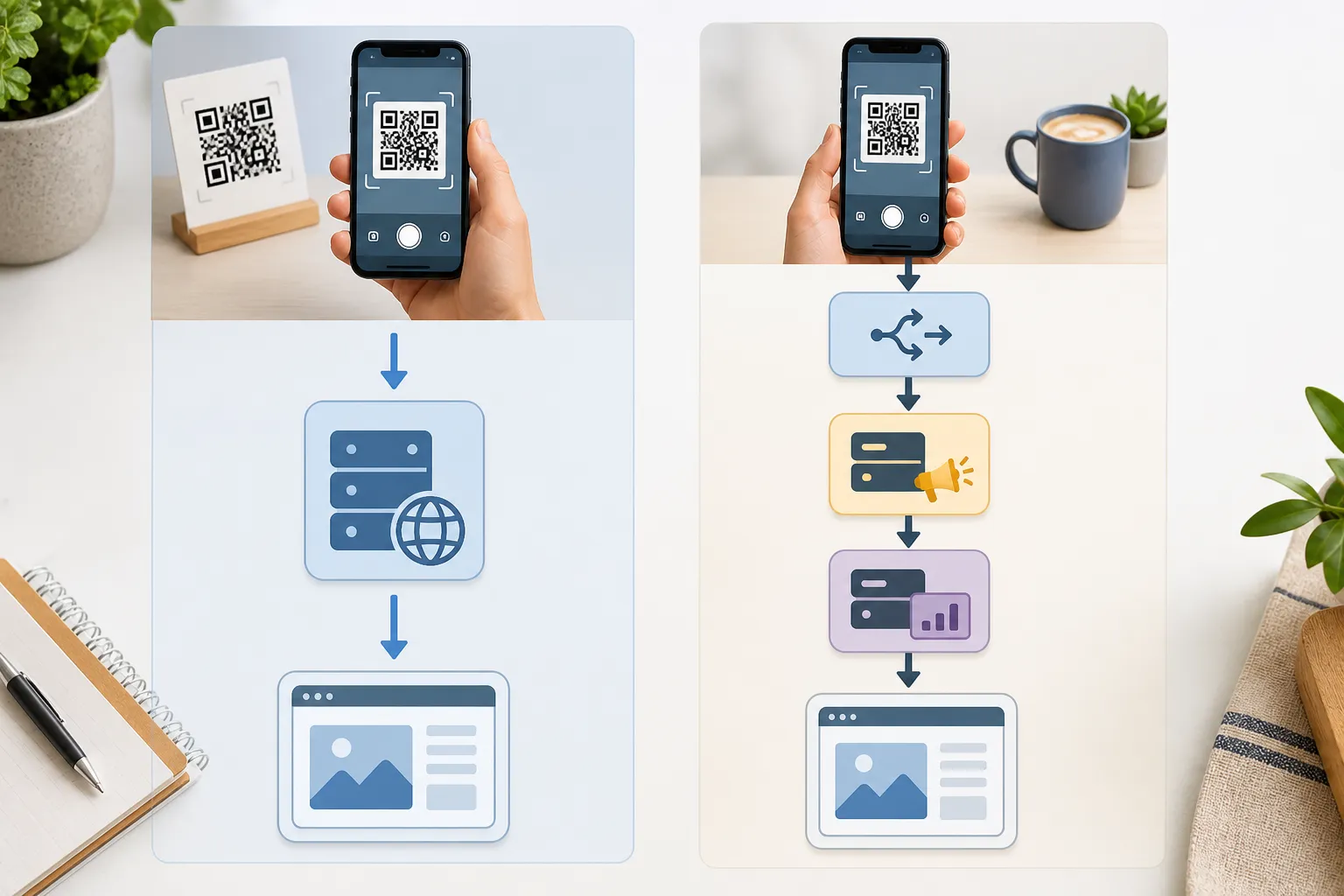
Picture a poster that encodes a direct link to a page you own. The page runs no analytics and collects nothing. The entire data flow is two hops: the person’s scanner, and your web host. Short, legible, easy to explain to anyone who asks.
Now add a third-party redirect for tracking and a couple of advertising tags on the landing page. The visible code barely changes - maybe a slightly different pattern - but the data flow has grown to include the redirect processor, the ad networks, and the identifiers they set and read. Same square on the wall, a substantially larger privacy footprint. The lesson is that you cannot judge the privacy of a code by looking at it. You judge it by tracing where a scan actually goes, and by adding processors only when each one earns its place.
Keep an inventory and keep it honest
This matters even more in settings that handle sensitive information, like QR codes in healthcare, where a data-flow map stops being optional. The practical habit that prevents most of this trouble is unglamorous: maintain a current inventory of your generation tool, your hosting, your logs, your forms, your vendors, and how long each of them keeps data. Verify the regional legal requirements with someone qualified rather than guessing. Test, with a network inspector open, that values typed into a generator never leave the device. Redact sensitive query parameters at the server, and forbid session replay on any page where people enter data. None of this is exotic. It is just the discipline of knowing, at all times, exactly what your unreadable little square is telling the world.
Create the code you need
Use HighEndDIY’s private browser tool, then test the result in the setting where people will scan it.
Create a QR CodeFound something that should be corrected? Email help@HighEndDIY.com.