Stick a small square on a poster in a hospital corridor and something quietly powerful happens: people trust it. A code in a clinic reads as official, endorsed, safe - which is exactly why it is more dangerous here than almost anywhere else. In a cafe, a bad link costs you a coffee. In a waiting room, the same square can expose a diagnosis, send an anxious patient to a convincing fake, or bury an emergency instruction behind a network that happens to be down.
So the honest framing is not “how do we add QR codes to the clinic.” It is “which small, low-stakes tasks can safely borrow the trust a clinic gives a printed square, and which absolutely cannot.” A code is one component inside a reviewed clinical, privacy, security, and communication system. It is never a shortcut around that system, and treating it as one is how the trouble starts.
Keep sensitive data out of anything public
The first rule is the bluntest. Nothing identifiable about a patient’s health belongs in a code that lives on a wall, a leaflet, or a letter that could be photographed: no diagnoses, no record numbers, no appointment details, no medication information. A QR code is not a secret. It is a printed link anyone can capture with a glance, and a photograph of one lasts forever on a stranger’s phone, which is why the general privacy considerations for QR codes apply here with even less room for error.
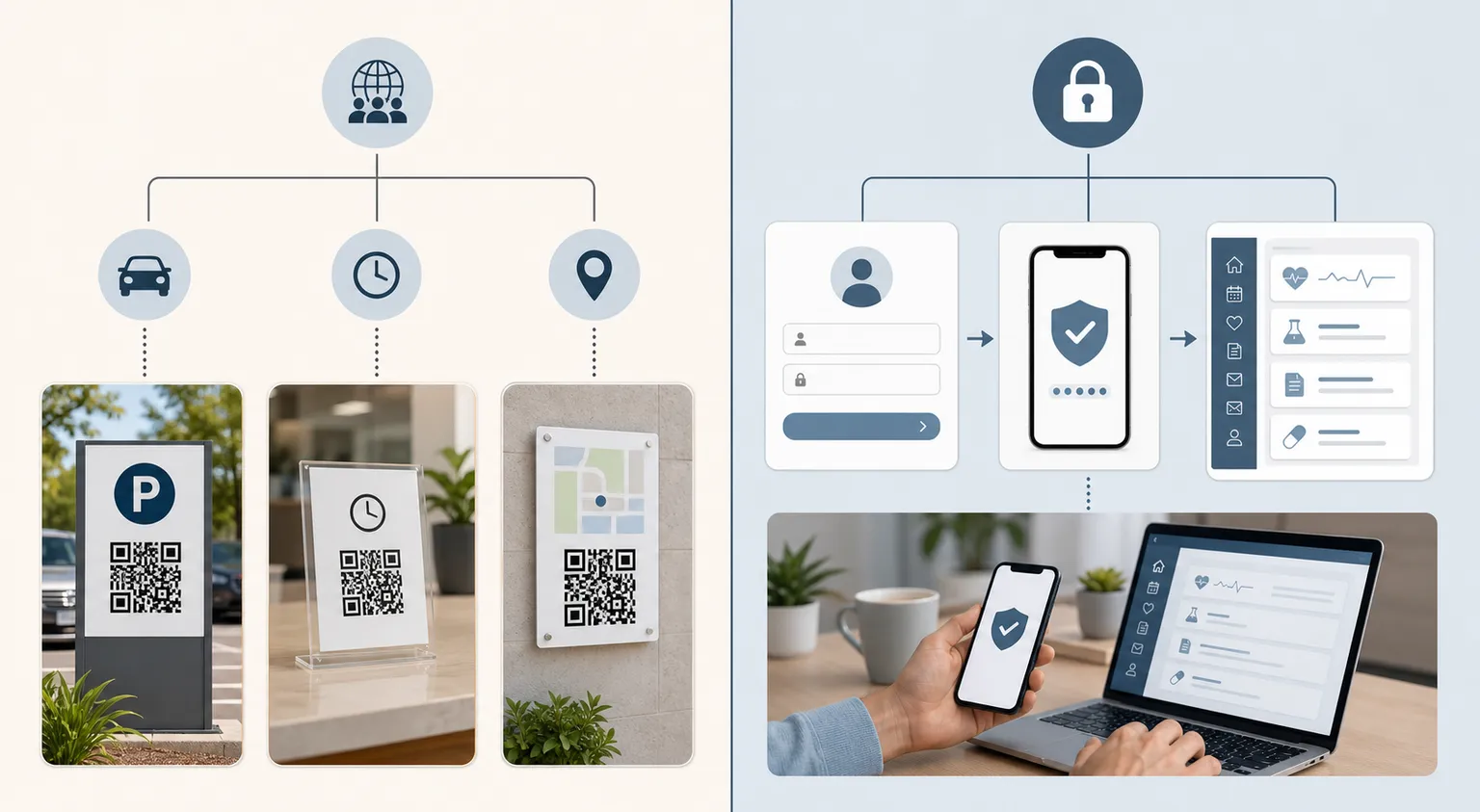
Any action tied to a real patient - viewing results, confirming an appointment, messaging a clinician - has to run through an approved, authenticated system using short-lived, appropriately scoped tokens, with audit trails your security team owns. A static site generator does not provide authentication, token management, audit controls, or a healthcare compliance programme, and pretending otherwise is precisely the gap that leaks data. If a task touches a specific patient, it belongs behind a proper login, not behind a sticker.
Separate general information from medical direction
There is a safe lane here, and it is genuinely useful. A public code can link to reviewed general material - visiting hours, parking, how to book an interpreter, what to bring to a common procedure - the kind of thing a clinic answers on the phone a hundred times a day. That is a good use, and it lightens the load on reception.
Even then, the page has to carry its credentials. Name the responsible organisation, show a review date that reflects a real human review rather than an automated timestamp, and state who the information is for. And draw a hard line around anything urgent: emergency pathways and time-critical instructions must never depend on a scan, a working network, or a personal phone with charge in it. The patient having the worst day of their life is the one least able to scan a code, and the design has to assume that.
A waiting-room example that stays inside the lines
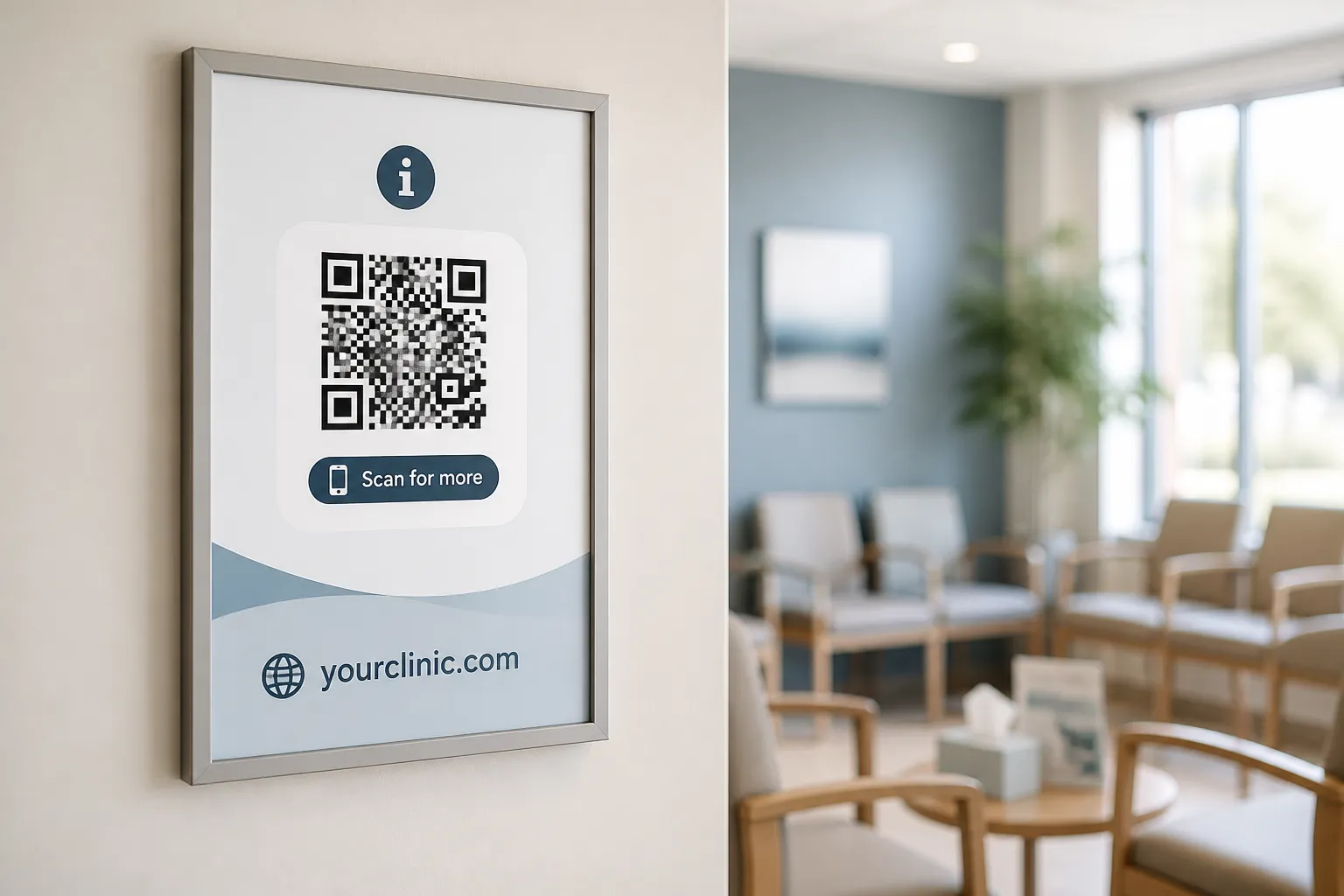
Picture a clinic poster that links to an accessible page explaining parking, interpreter access, and a few preparation questions for a routine service. It exposes no appointment information and it never claims to replace staff help - the page says, in plain terms, to ask a member of staff if anything is unclear. The clinic’s own expected domain is printed below the code, so a wary patient can check that the address that loads matches the address on the wall, the same habit worth building for any QR code, not just a clinic’s. And staff glance at the poster during their rounds to make sure nobody has stuck a new code over the real one.
That is the whole safe pattern in miniature: general information, clearly owned, verifiable by eye, with a human always in reach and nothing private in sight.
Threats that are not hypothetical
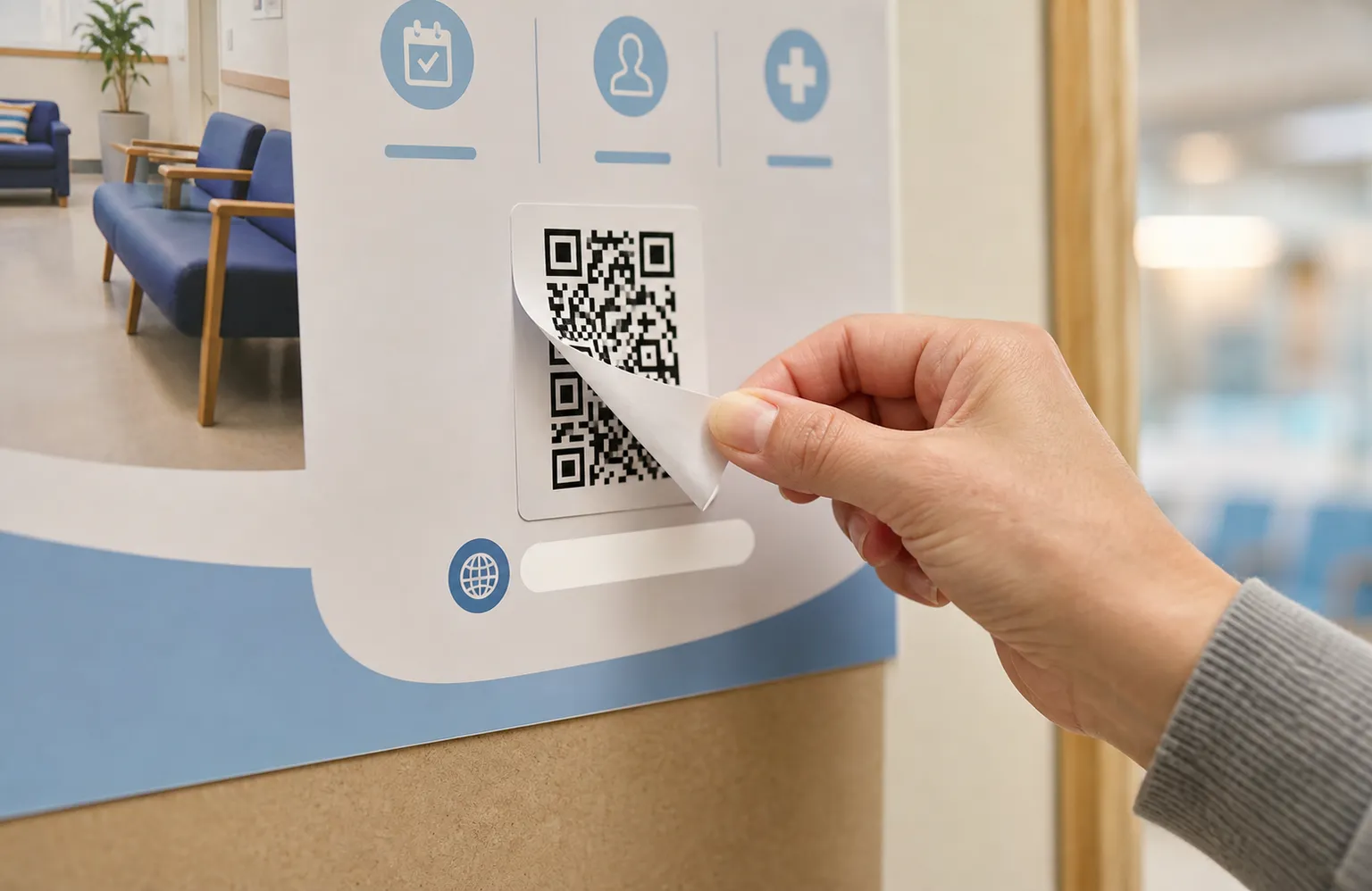
The attacks here are cheap and effective, which is why they deserve naming. Sticker substitution is the obvious one: it takes seconds to paste a fresh code over yours, and a patient conditioned to trust clinic signage will scan it and land on a phishing page dressed as your service, handing over details on request. Shortened or unfamiliar domains make this worse, because they strip away the one thing a patient could have used to verify - a recognisable address.
The failures are just as real as the attacks. Poor connectivity in a concrete building, low digital literacy, disability, language needs, and the privacy problem of scanning on a borrowed phone in a crowded room all block access for the people who may need the information most. Every one of these is a reason the same content must be reachable another way: printed, spoken by trained staff, offered in the languages your patients actually speak. A visible human alternative is not a courtesy in healthcare. It is a safety control.
Get the sign-off before the code goes up
None of this is a decision for a communications team alone. The real use - not a sanitised example - needs clinical, privacy, security, accessibility, legal, and operational sign-off, gathered through a pre-launch checklist rather than a single person’s memory, because each of those disciplines sees a risk the others miss. Threat-model the specific ways this deployment could fail: a token leaking in a screenshot, a shared phone remembering the last patient’s session, an overlay attack in a quiet corridor at night, content going stale after a protocol changes. Confirm the regional law and your institution’s policy at the moment of implementation, not from memory of how things worked last year.
And keep test data clean. Never let real patient information appear in an example, a test run, a server log, or an analytics dashboard, because each of those is another place it can escape. Do the unglamorous work - the reviews, the inspections, the alternatives - and a code in a clinic can be a small, genuine convenience. Skip it, and that same trusted little square becomes the easiest way to harm the people it was meant to help.
Create the code you need
Use HighEndDIY’s private browser tool, then test the result in the setting where people will scan it.
Create a QR CodeFound something that should be corrected? Email help@HighEndDIY.com.