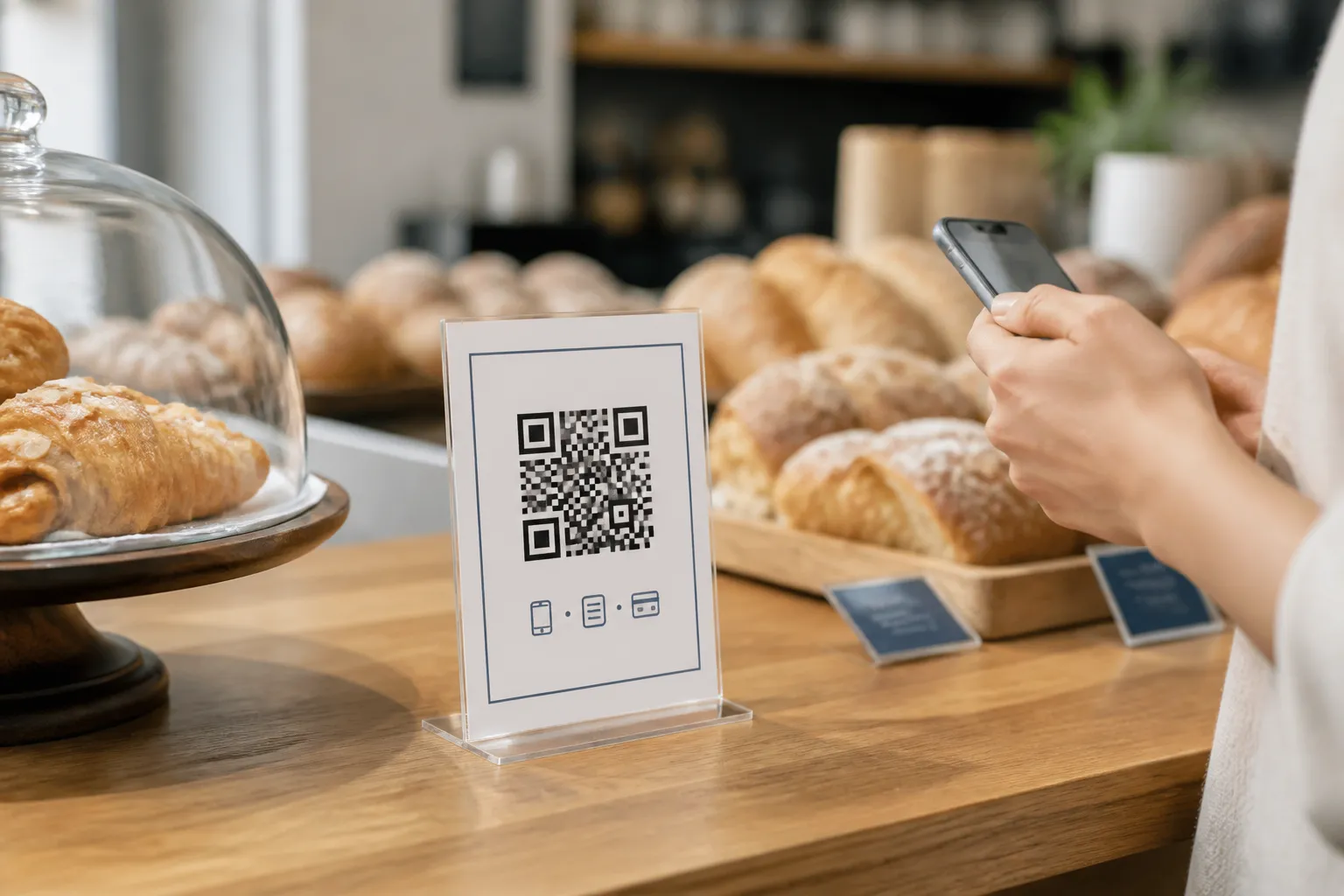
I have been the person at the table whose phone died between the metro and the restaurant, staring at a small black square on a table tent while everyone else browsed the menu on their screens. The waiter, apologetic, admitted there was no printed menu “since we went digital.” So I ordered by pointing at what the couple beside me had. The food was excellent. The experience of getting to it was quietly humiliating, and completely avoidable.
A QR menu genuinely earns its place. It makes updating prices painless, lets you offer several languages, and gives room for the long, honest dish descriptions a laminated card never fits. But every one of those benefits assumes a charged phone, a compatible device, spare mobile data, decent eyesight, steady hands, and a willingness to use your own device at dinner. Plenty of guests are missing at least one of those on any given night. The code should be one door into your menu, never the only door.
Keep a real alternative, and do not make people beg for it
The simplest fix is also the one restaurants resist most: keep clean printed menus, or an equally good staff-supported option, and offer them without making a guest explain themselves. Nobody should have to announce that their phone is dead, that they cannot read small screens, or that they would simply rather not scan at dinner. “Would you like the printed menu or the digital one?” asked to every table costs nothing and removes the whole problem.
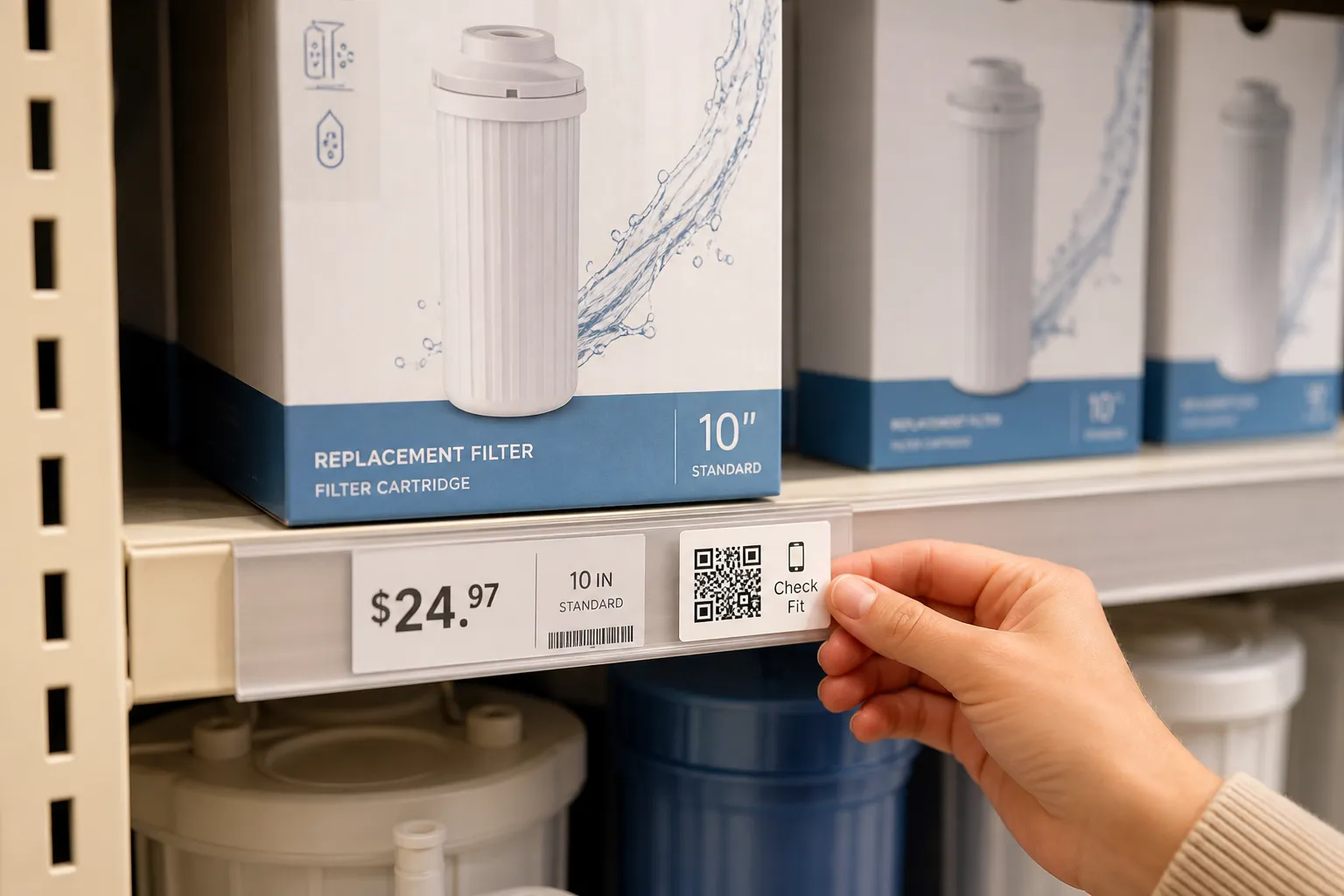
Some information should not hide behind a scan at all. Core prices and any legally required notices belong where a guest can see them at the moment of deciding, not two taps deep on a page that has not finished loading. If a guest has to scan just to learn what a main course costs, the design has failed them before the food arrives, the same rule that applies in retail: price behind a scan reads as hiding the price.
The table card is doing a job, so let it
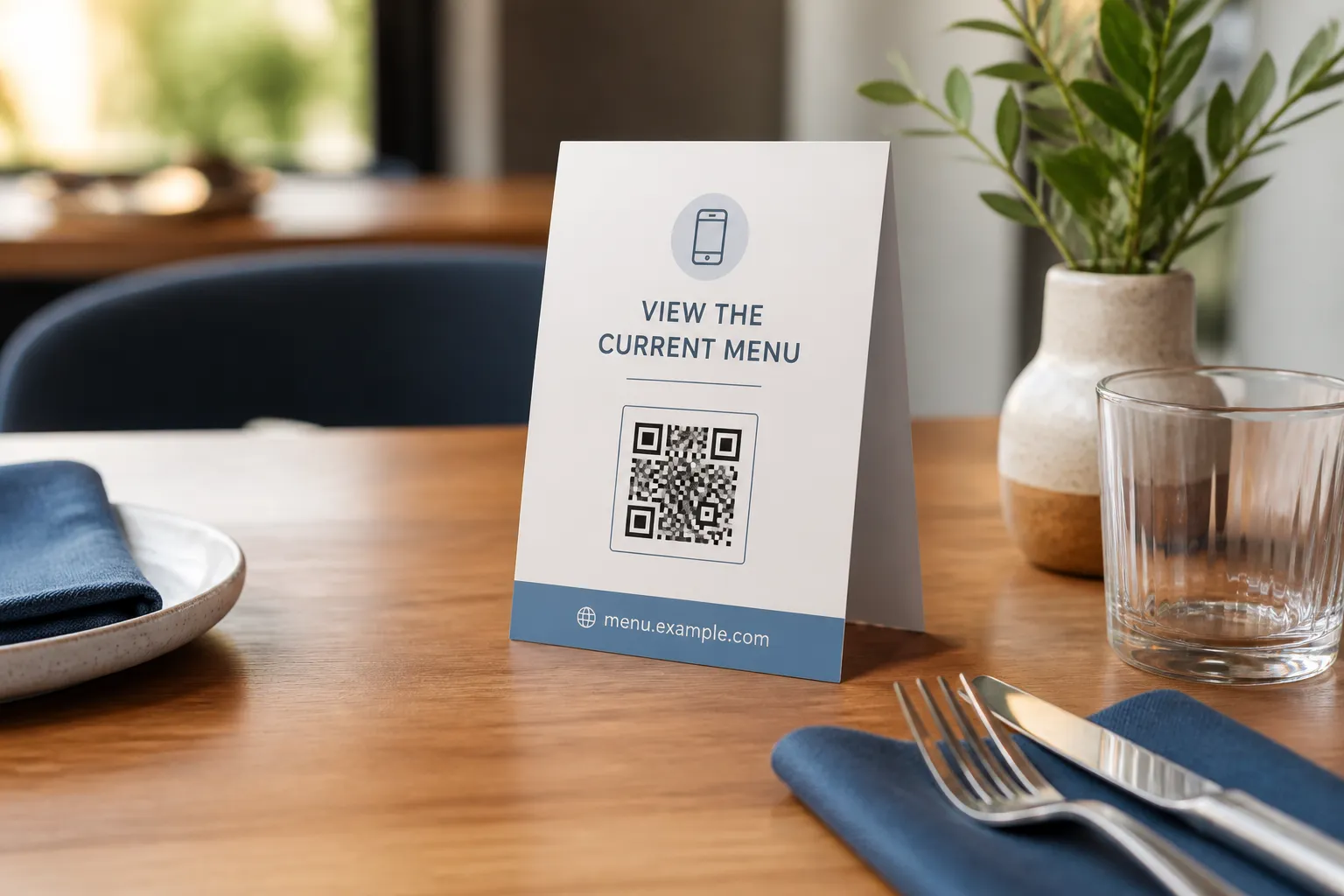
The card on the table is not decoration; it is an instruction, and vague instructions get ignored or distrusted. Name the action plainly - “View the current menu” beats “Scan me” every time - and print the restaurant’s own web address right on the card. That printed domain does two things at once: it gives a guest a way to reach the menu by typing if scanning fails, and it quietly reassures the wary that the code leads somewhere legitimate rather than to a stranger’s sticker slapped over yours.
Build a menu page, not a PDF you have to pinch and drag
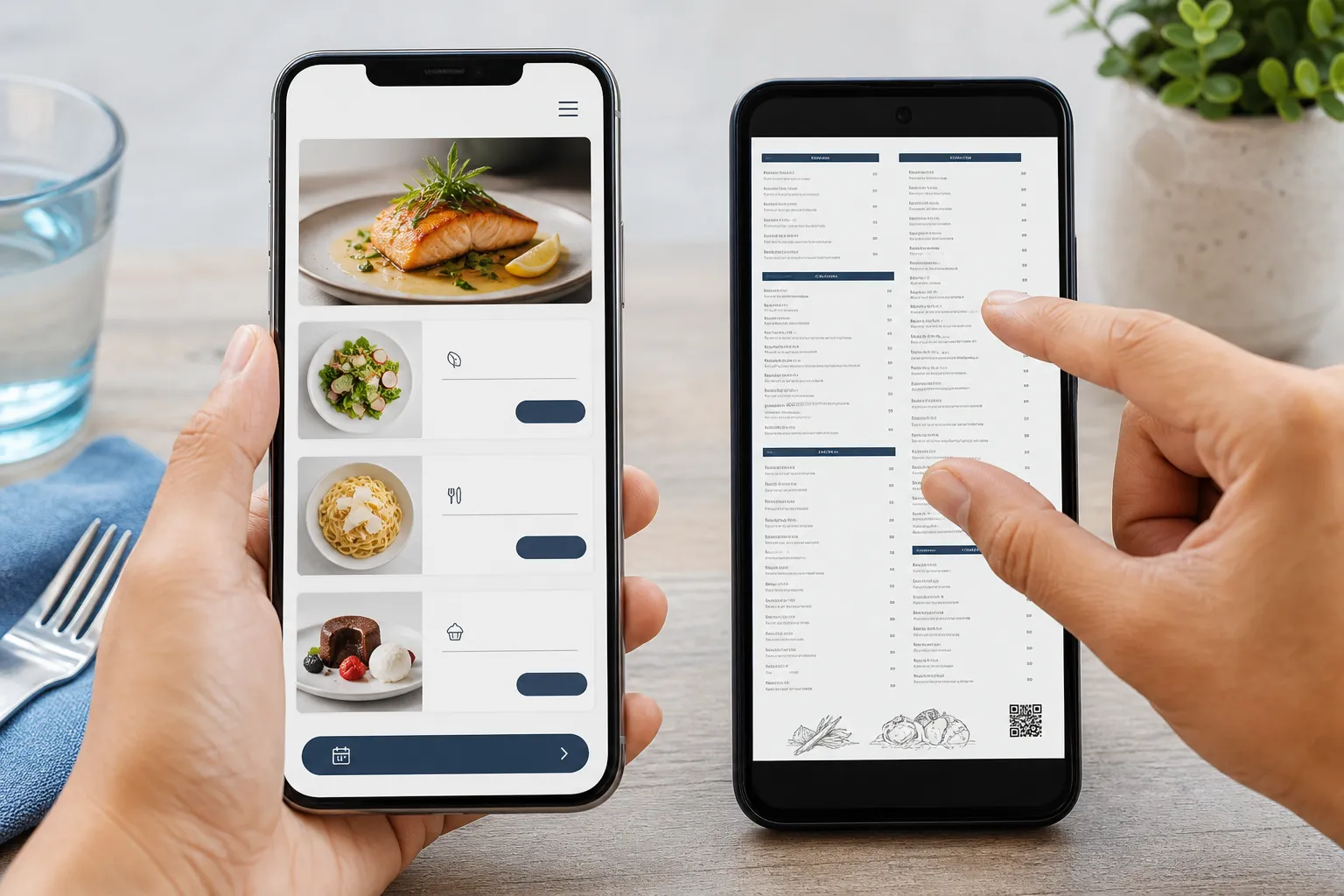
The single biggest usability mistake I see is linking the code to a print PDF. On a phone it becomes a tiny, un-zoomable wall that a guest has to pinch, drag, and squint at, hunting for the starters. Responsive HTML adapts to the screen instead of fighting it. Give it semantic headings so a screen reader can move through the sections, real selectable text rather than an image of a menu, meaningful link labels, contrast that holds up in dim restaurant lighting, layouts that survive zooming, clear focus states, and touch targets big enough for a thumb.
This is the same list QR-code accessibility covers in more depth for any code-linked page, not only menus. Then protect the first screen fiercely. A hungry guest who scanned to see the menu should see the menu - not a newsletter pop-up, a location permission request, an autoplaying animation, or an advertising interstitial standing between them and the appetisers. Every gate you add before the content is a reason to give up and flag down a server instead, which defeats the point of going digital. If you must also offer a PDF, make it an accessible one, label the file type honestly, and always keep the HTML version available.
Handle allergens like the safety matter they are
Allergen and ingredient information is not a feature; for some guests it is a medical necessity, and a QR menu changes how they get it. Keep that information current and visibly dated, because a stale allergen list is worse than none - it invites trust it has not earned. And never let the digital list quietly replace the conversation. A code cannot answer a question about cross-contact in your kitchen, and it cannot know that a particular guest reacts to trace amounts. Train staff on how allergen requests are handled, and make it obvious how to ask a person, not just a page. The same discipline applies to QR codes on product packaging, where the code extends a physical label rather than replacing it.
Test where guests actually sit
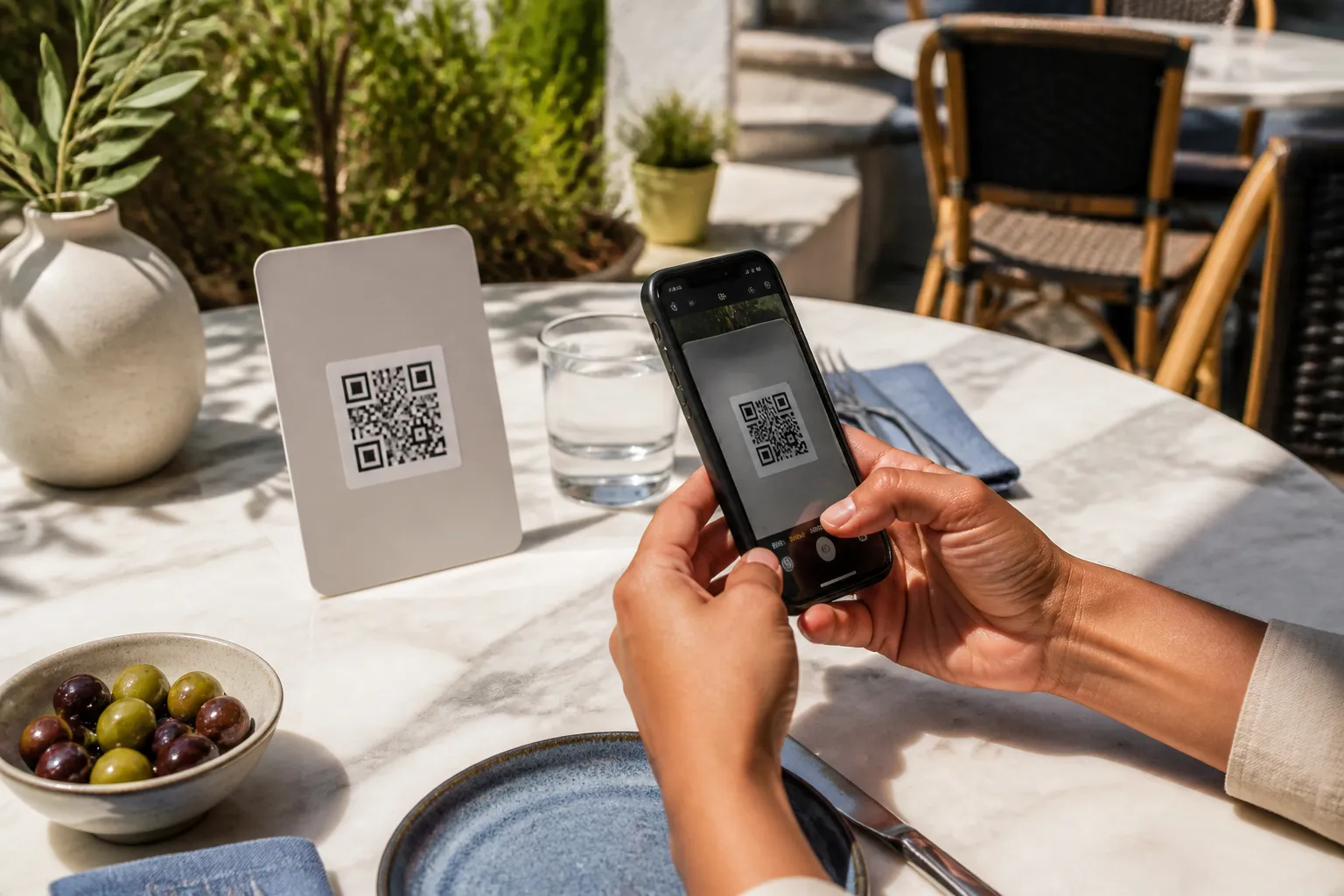
The last mile is physical, and it is where good intentions meet patio sunlight. A restaurant I worked with printed one 35-millimetre code and used it everywhere - matte cards indoors, glossy laminated menus outside. Indoors it scanned instantly. Out on the terrace at midday, the glossy finish threw a sheet of glare straight across a finder pattern and nothing would read. Glare of that kind is one of the most common reasons QR codes fail to scan, and the fix was a larger code, matte stock, and a position outside the fold of the menu so it stayed flat. Crucially, they tested it from a seated position in real sunlight before service, not from a manager standing over the pass.
That habit generalises. Test the way a guest experiences it: seated, at the actual tables, on both a new phone and an older one, indoors and out.
Keep it alive after opening night
A QR menu is a promise that the page behind it is current, and that promise decays the moment nobody owns it. Point the code at a stable URL on a domain you control, so you can change what the menu shows without ever reprinting a single table card. Then give a real person the job of keeping it honest: updating prices, marking sold-out dishes, maintaining the language versions, checking accessibility, and watching that the redirect still lands where it should.
Test it under the conditions that actually strain it - a full dining room on the guest Wi-Fi, and ordinary cellular service with the network congested. A menu that only loads quickly on the manager’s flagship phone, on the empty-restaurant Wi-Fi at 10am, is not ready for a Friday night. Get all of that right and the code stops being a barrier dressed up as convenience, and becomes what it promised: the fastest, most flexible way to put dinner in front of a guest. If you’re an independent weighing a QR menu against other ideas, practical QR-code ideas for small businesses covers the wider decision.
Sources and further reading
Create the code you need
Use HighEndDIY’s private browser tool, then test the result in the setting where people will scan it.
Create a QR CodeFound something that should be corrected? Email help@HighEndDIY.com.