The worst twenty minutes I have watched at an event door came down to one design mistake: someone treated a ticket code like a poster. The organiser had generated admission codes with the same casual tool they used for the schedule graphic, the tokens were short and sequential, and a handful of people had screenshotted a friend’s ticket “just in case.” At the gate, two codes scanned as the same valid ticket, the staff had no rule for what to do about it, and the queue backed up onto a cold pavement while everyone argued about who was really admitted. Nobody had done anything clever. The system had simply invited the confusion.
That night is the whole lesson. An event uses QR codes for two jobs that look identical and are nothing alike. One is information you want everyone to have. The other is a credential you want exactly one person to hold. Design them the same way and you either lock down a public schedule for no reason or, far worse, leave your front door swinging.
Separate information from admission
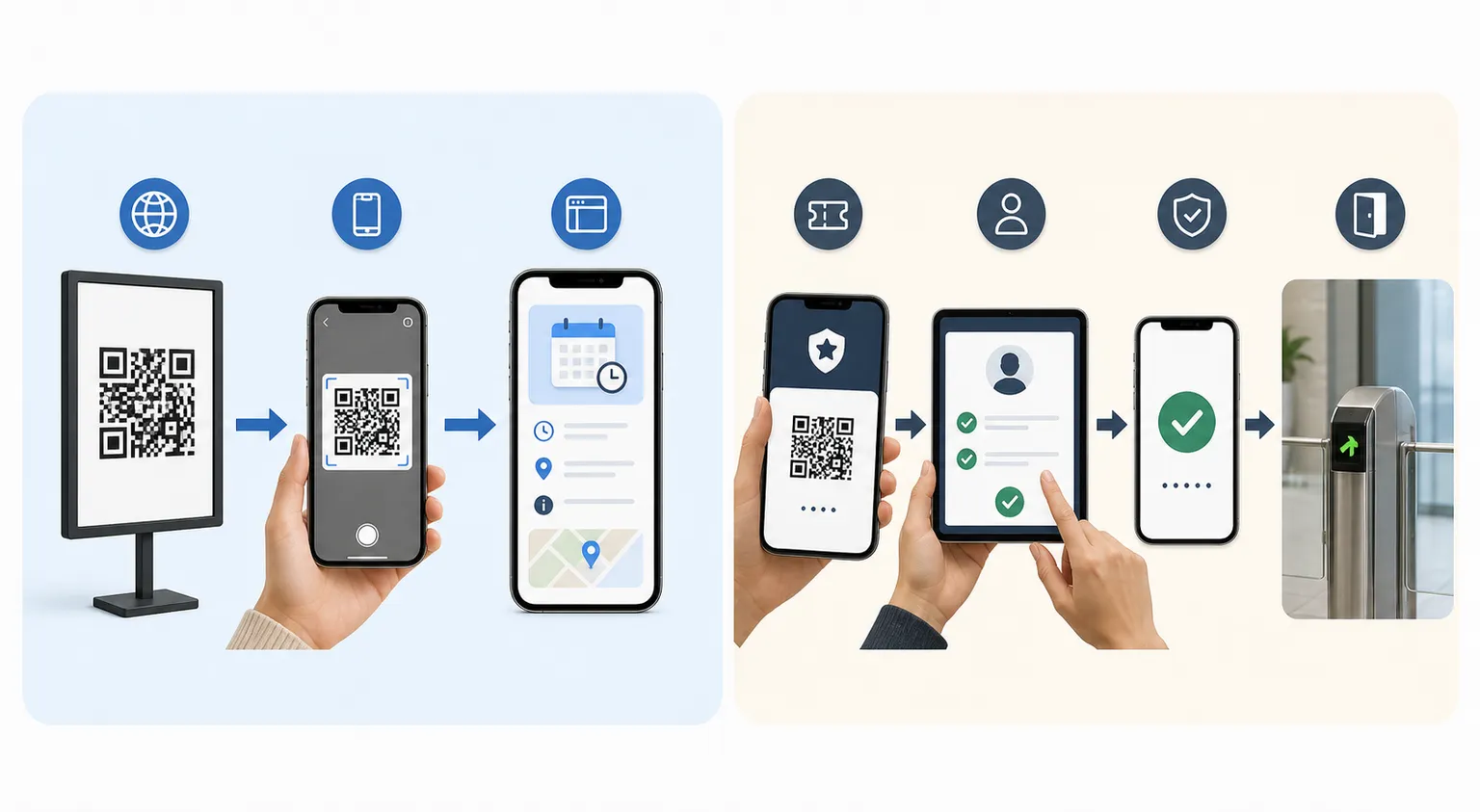
A schedule, a venue map, an accessibility guide, an event contact page - these are meant to be public and reused. A single static code on every poster, printed once, is perfect for them. If a stranger scans it, nothing is lost; that is the point. HighEndDIY’s static generator is exactly right for this kind of public event information.
Admission is a different animal. A ticket or check-in code is a credential, and a credential that can be copied and reused is a fraud waiting to happen. Those codes belong to a deliberately chosen admission system, not a graphics tool: one that issues unique, unpredictable tokens, checks authorisation at the gate, can revoke a token that was refunded or transferred, handles the case where a token is presented twice, and comes with a documented privacy model for the attendee data it holds. The static generator is not a ticketing backend and does not validate admission, and pretending otherwise is how you end up on a cold pavement.
Design the queue before you design the code
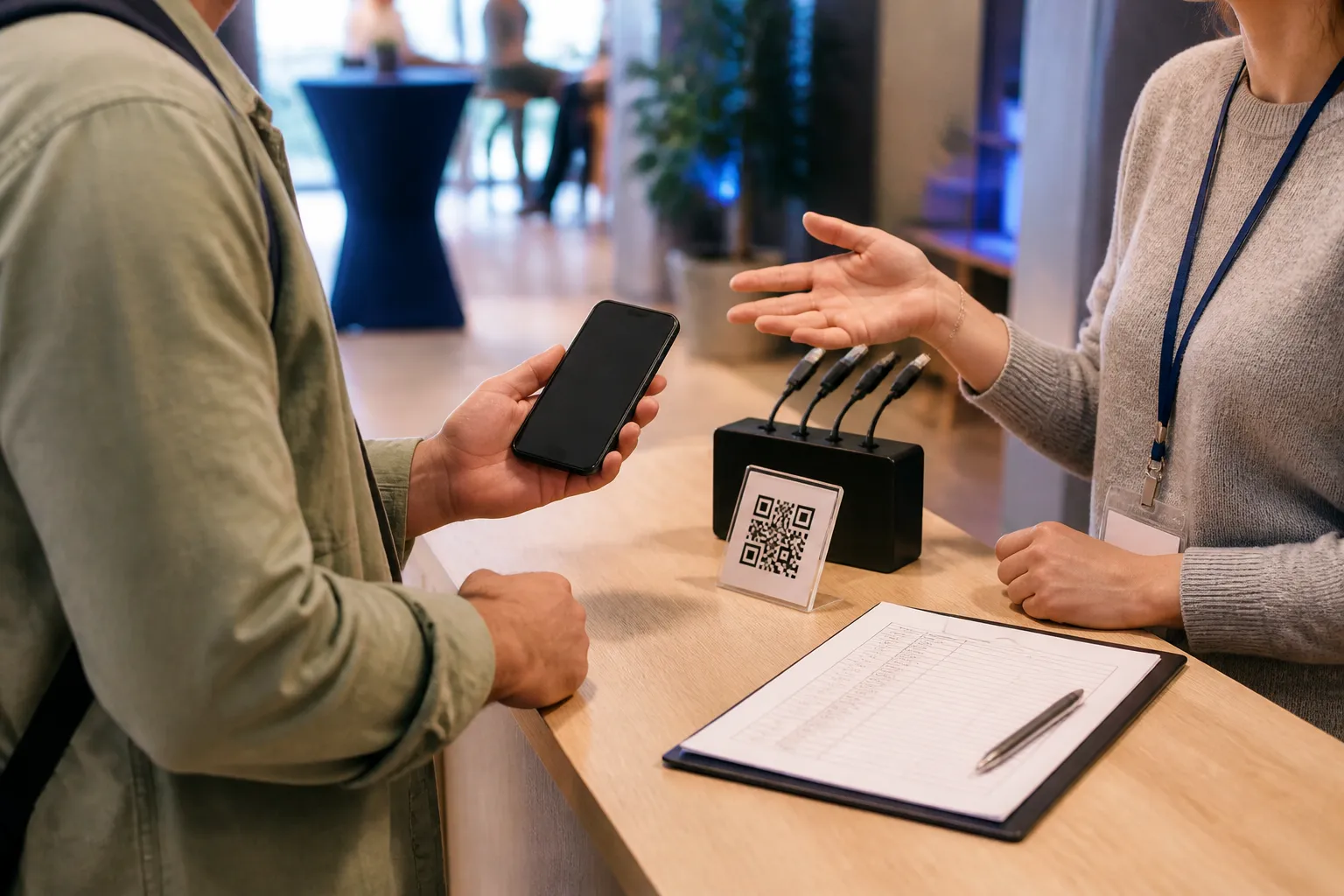
Most of this belongs in a pre-launch checklist for the whole campaign, but the gate deserves its own walkthrough. Here is the reality of a real gate. People arrive with cracked screens you can barely read, brightness turned all the way down, phones at two percent, no signal in a concrete venue, a printed ticket instead of a phone, a name that changed since they registered, and a range of access needs. If your entire check-in plan is “they scan and walk in,” every one of those people becomes a jam.
So build the exceptions first. Trained staff who know the rules. A manual lookup by name, with a sensible identity check attached to it. A charging point or a help desk for the dead-battery crowd. A clearly marked exception lane so the one complicated case does not freeze the ninety simple ones behind it. And test the scanners in the venue’s actual lighting and at the throughput you actually expect, because a code that reads in a comfortable second at a quiet desk can become a dangerous crush when four hundred people hit the gate in ten minutes.
Protect the ticket, and the ticket-holder
Because an admission code is a credential, it should be handled like one on both sides of the transaction. Tell attendees plainly not to post active ticket codes to social media, because a readable ticket in a celebratory photo is a readable ticket for anyone who saves the image. Never include a valid code in your own promotional screenshots either; I have seen an organiser leak a working ticket in a “look how easy check-in is” post.
On the staff side, the scanning device should minimise or hide the attendee’s personal details on screen, and it should run on a secured account rather than a shared, always-logged-in tablet that anyone could pick up. Decide in advance, and write down, what happens when a token scans twice: quietly flag it, route it to a supervisor, verify identity, and resolve it without loudly accusing a paying guest of fraud in front of a queue. Duplication usually means an honest mistake or a scam the attendee also fell for. The process should assume that until proven otherwise.
A community conference that got it right
The counter-example to my cold-pavement night was a small community conference that clearly separated the two jobs. One public static code went on every poster, opening the schedule and accessibility information, freely shareable. Registered attendees received entirely separate ticket codes from a proper check-in platform, with unique tokens. Some conferences also hand attendees a digital business-card QR code for their badge, a separate, lower-stakes code from the admission ticket itself.
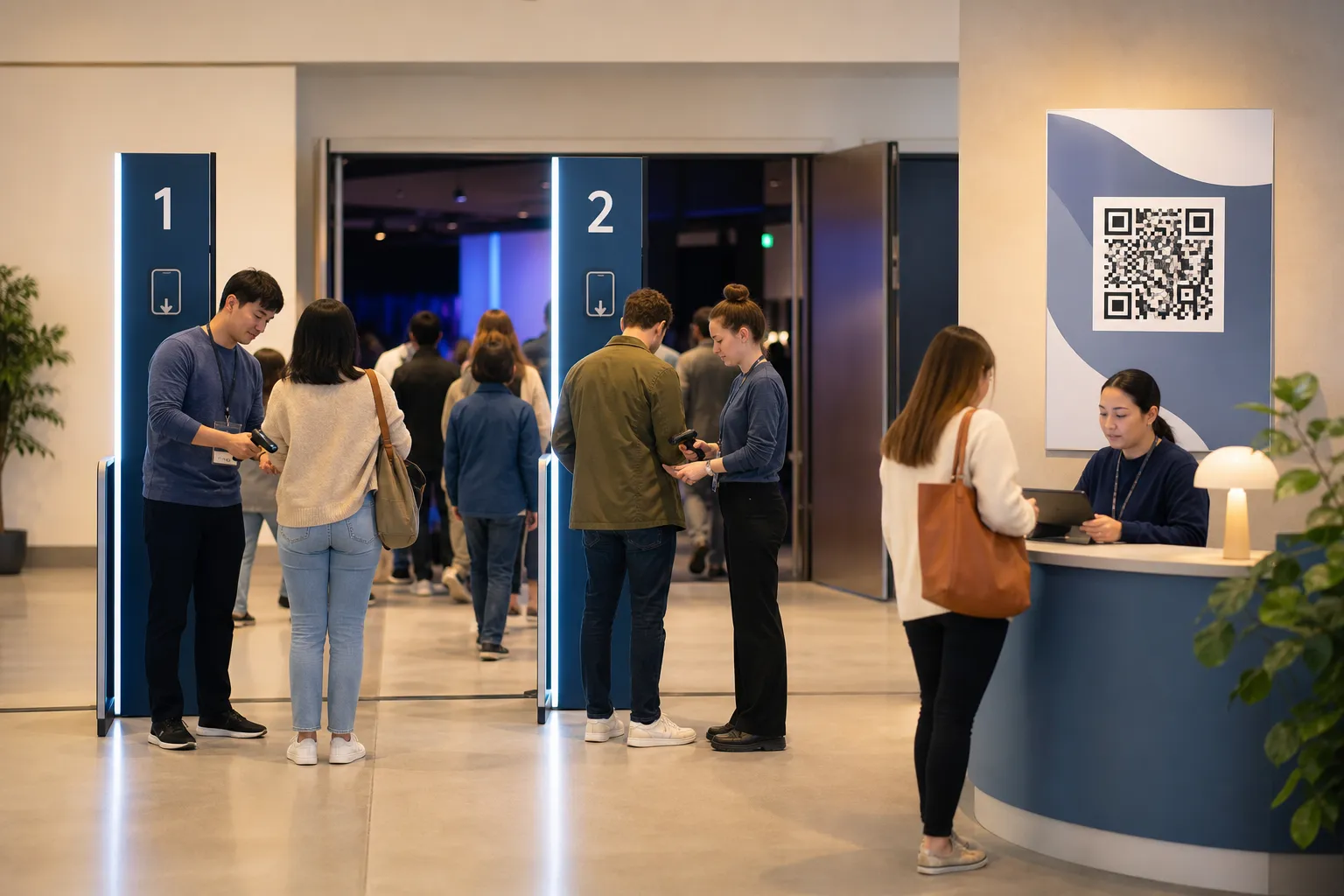
At the entrance, two scanning lanes handled the smooth cases, and a staffed name-lookup desk absorbed the changed names, the dead phones, and the people who never received the email. That desk kept a printed offline list as a fallback, but it was treated as sensitive: secured behind the desk, limited to the names needed for the session, and destroyed afterwards under the event’s retention procedure rather than left in a folder for a year. The whole thing moved quickly precisely because the awkward cases had somewhere to go that was not the front of the main queue.
Wind it down cleanly
When the event is over, the codes should not keep working like nothing changed. Retire or redirect the public pages on purpose - a stale schedule from last spring sending visitors the wrong way helps no one. Delete or keep the check-in records according to what you disclosed and what policy requires, not according to whatever the platform defaults to. And go take the temporary signage down, so an old poster in a stairwell does not keep pointing people at instructions that expired weeks ago. The code was a promise for one event. When the event ends, close the promise properly.
Create the code you need
Use HighEndDIY’s private browser tool, then test the result in the setting where people will scan it.
Create a QR CodeFound something that should be corrected? Email help@HighEndDIY.com.