A print shop once sent me a proof where the QR code looked like it had been photographed through frosted glass. The client had generated a small PNG, dropped it into a poster layout, and dragged the corner to make it big. Each of those drags told the software to invent pixels it never had, and by the time it was blown up to A2 the crisp black squares had turned to grey mush. The fix took thirty seconds: re-export as SVG. But it is a perfect illustration of why format is not a trivia question. Choose wrong and you either blur a code, tangle a workflow, or invite an editing habit that is quietly unsafe.
So here is the honest distinction, without the jargon. A PNG stores a fixed grid of coloured pixels, decided the moment you export it. An SVG describes that same underlying pattern as shapes written in text, with no fixed size at all. Both can represent a QR code perfectly. The right choice depends entirely on how the file will be placed, scaled, shared, and reviewed.
Reach for PNG when the workflow is raster anyway
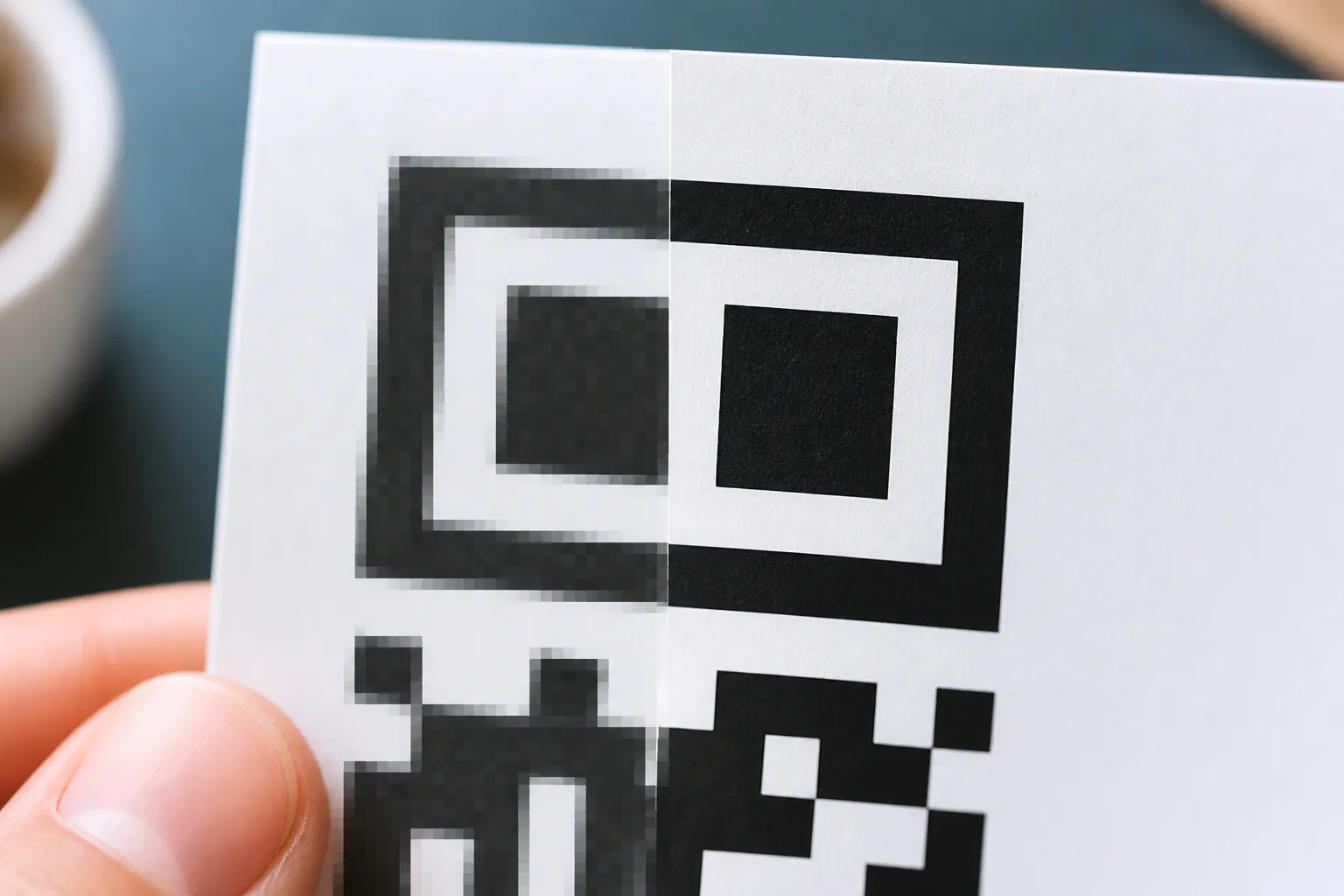
PNG earns its place in a lot of everyday work. Slide decks, email signatures, ordinary web pages, and any software that handles vector files poorly all get along fine with a well-made PNG. It keeps hard black-and-white edges without the smeary compression artefacts you would get if you foolishly saved a QR code as a JPEG, which you should never do.
The catch is that fixed resolution. A PNG knows exactly how many pixels it has, and enlarging it past that forces the layout app to guess at the pixels in between, which is what blurred that poster. The rule that saves you: generate the PNG at or above the final size it will occupy, then place it at that size without resampling. Do not screenshot a code off your screen either, because a screenshot can crop the quiet zone and bakes in scaling at some unknown resolution you did not choose.
Reach for SVG when it has to scale or go to print
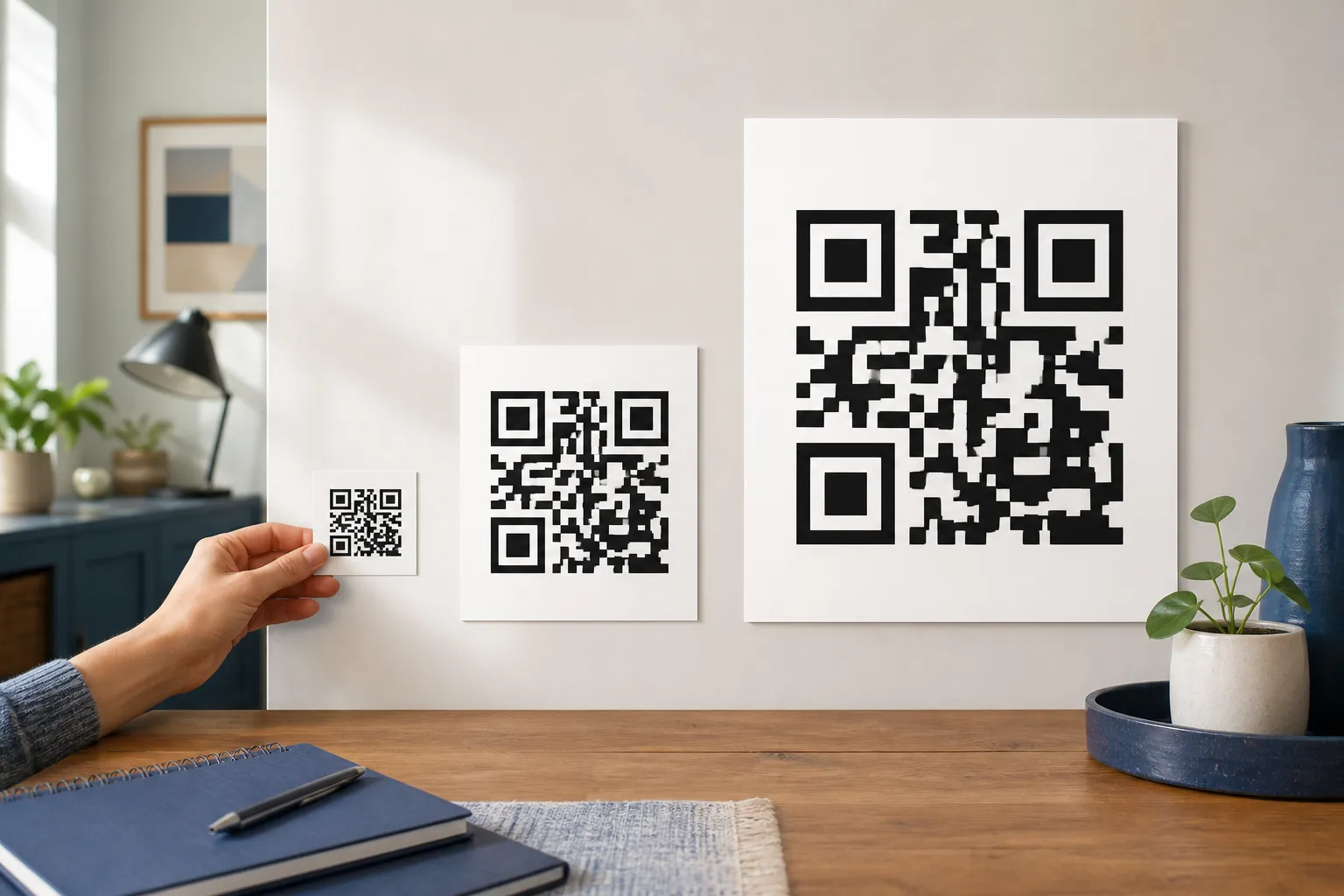
SVG is the format that does not care how big you make it. Because it is a description of shapes rather than a bucket of pixels, it renders sharp from a business-card label to a shop-window poster with no loss at all. For a professional print layout, it is usually the stronger master file, as long as the design software imports it correctly and your printer is happy to accept it.
But do not mistake vector for indestructible. A layout tool can apply a drop shadow, clip the quiet zone, convert colours into a profile that muddies the contrast the code depends on, or rasterise the whole thing at export anyway. Vector geometry that is perfect in the source can still arrive broken in the final PDF. So the discipline is the same as always: inspect the production proof and scan that, not the file on your screen.
SVG is a document, so treat it like one
This is the part people rarely think about, and it matters more than file size ever will. An SVG is not simply a picture. It is an active document format that can contain scripts, links, and references to external resources. That flexibility is wonderful for the web and slightly dangerous for a QR workflow. A generator should produce a narrow, predictable SVG made of plain path shapes, not echo back whatever untrusted SVG markup someone uploaded. HighEndDIY deliberately refuses SVG logo uploads and draws from its own QR library’s output for exactly this reason.
If someone hands you an SVG from outside, do not assume it is harmless just because it displays as an image in a preview. Process it according to your application’s security model. Sanitise it with a well-maintained policy if you have one, or rasterise it inside an isolated, trusted workflow before you let it near anything sensitive. An image that can run code is not merely an image.
One café, three outputs, one master
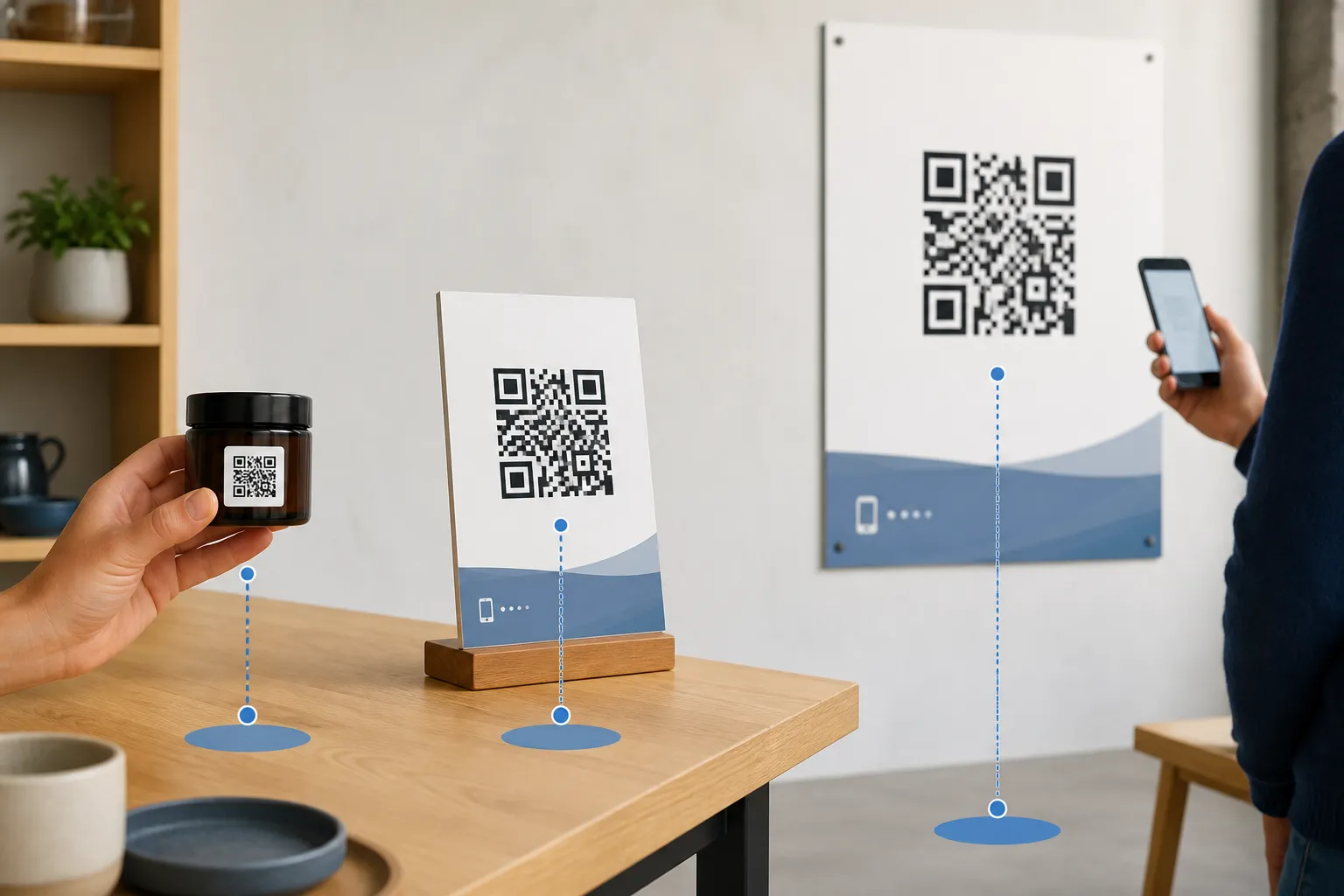
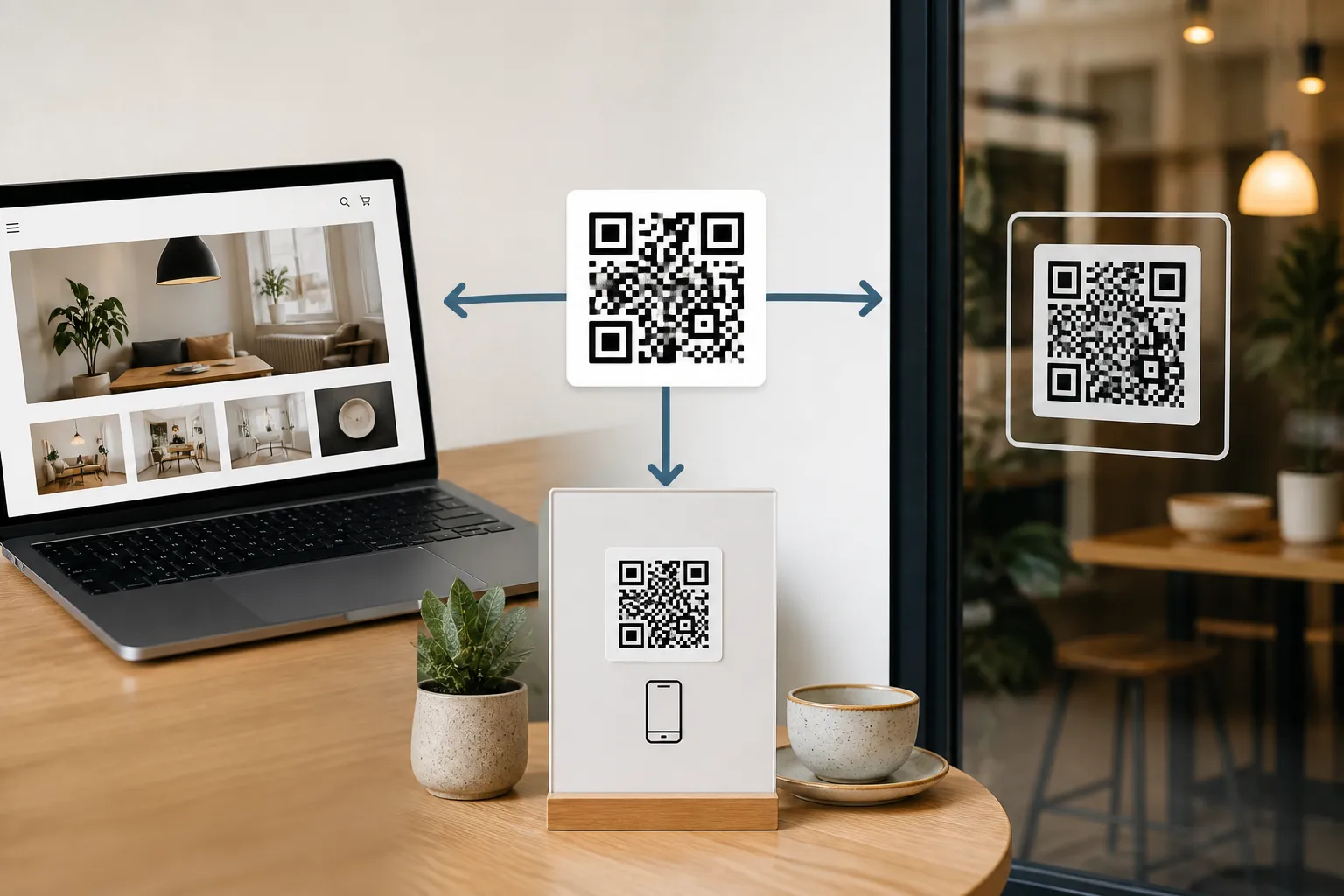
Here is how the pieces fit in practice. A café needs the same code in three very different places: an article on its website, a table sign the manager makes in office software, and professionally printed window vinyl (the same considerations apply to a code printed straight onto product packaging). The clean approach is to export a single verified SVG master and hand that to the designer for the vinyl, because print wants the scalable source. For the website and the office document, the café also exports PNG files at the exact pixel sizes those two contexts need, since both are raster environments where a fixed-size PNG behaves predictably.
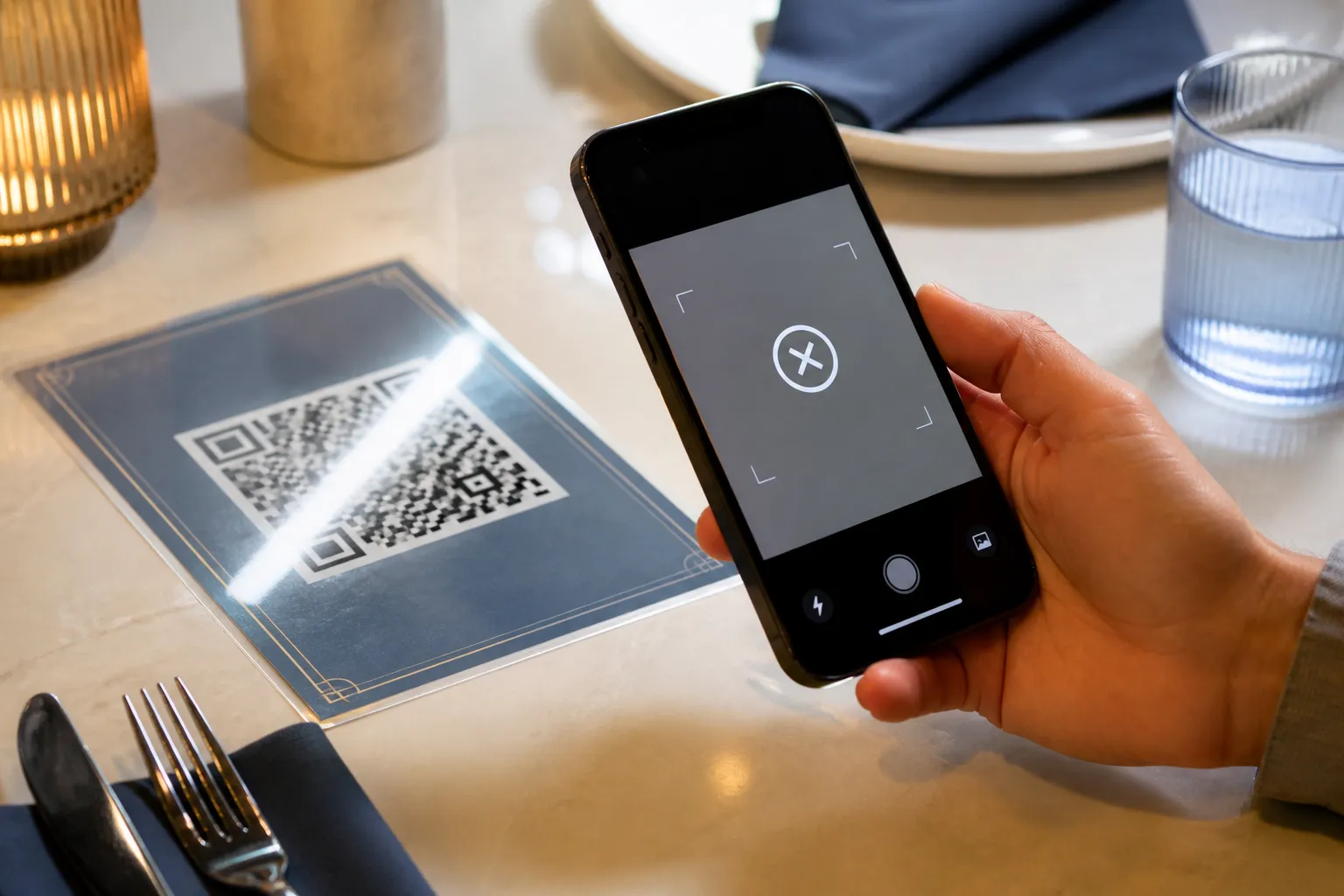
Then the non-negotiable step: every one of those three placements gets scanned after it is placed. Correct source geometry does not guarantee correct rendering. The website theme might lazy-load and resize the PNG, the office app might recompress it, the vinyl might pick up glare. One master, sensible derivatives, and a scan at every destination.
File size is the last thing to worry about
People love to optimise bytes, but for QR codes it is the wrong first question. A simple QR SVG can be tiny, though clever path strategies or an embedded logo can bloat it. PNG size rides on dimensions and colour palette, and a two-colour QR PNG is already efficient. By all means compress your delivery files sensibly. Just never trade away sharp, correctly sized modules to win a file-size contest nobody scanning your code will ever notice or thank you for. A code that scans on the first try at 40kb beats a blurry one at 8kb every single time.
Sources and further reading
Create the code you need
Use HighEndDIY’s private browser tool, then test the result in the setting where people will scan it.
Create a QR CodeFound something that should be corrected? Email help@HighEndDIY.com.